Delegate to Fig, delight in the result

Hand off a task, get a polished deliverable. Spend less time finding, formatting, and fixing with Fig AI

Hand off a task, get a polished deliverable. Spend less time finding, formatting, and fixing with Fig AI

Hand off a task, get a polished deliverable. Spend less time finding, formatting, and fixing with Fig AI

Power through tedious tasks

Power through tedious tasks

Power through tedious tasks

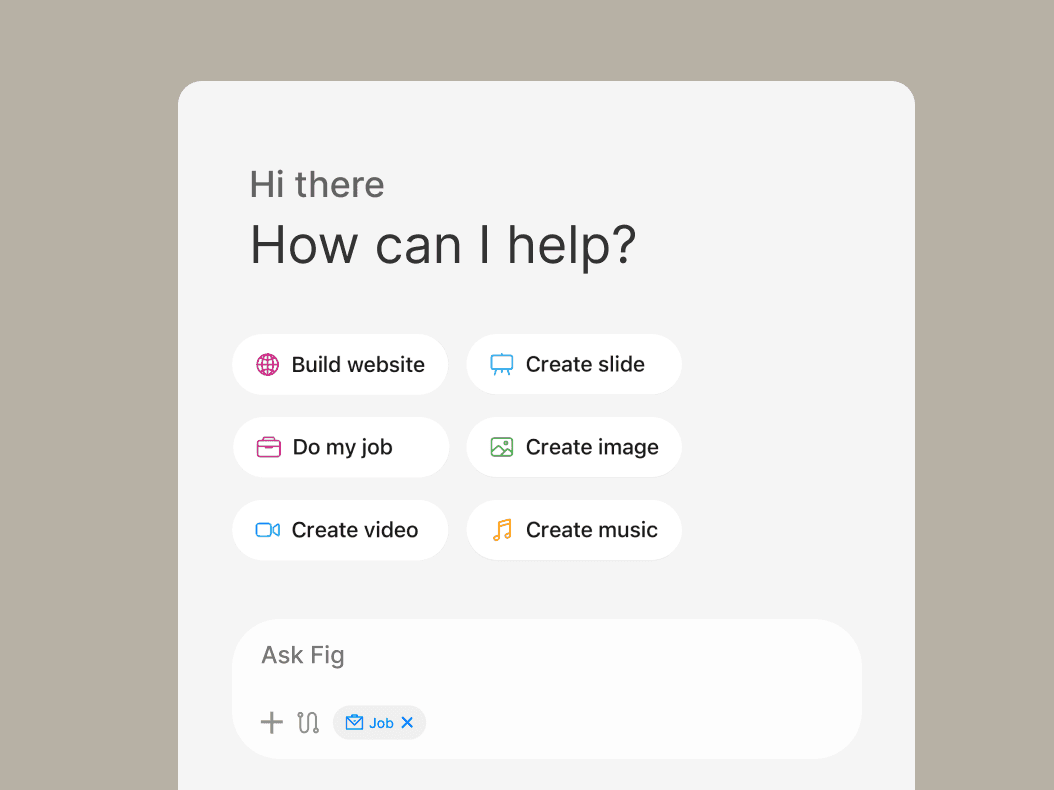
Unlike other AI that only answers questions, Fig AI completes work on its own. Describe the outcome and cadence, and it takes action and keeps you informed.

Slide Decks

Website & Apps

Scheduled Task

Build Spreadsheet

Deep Research

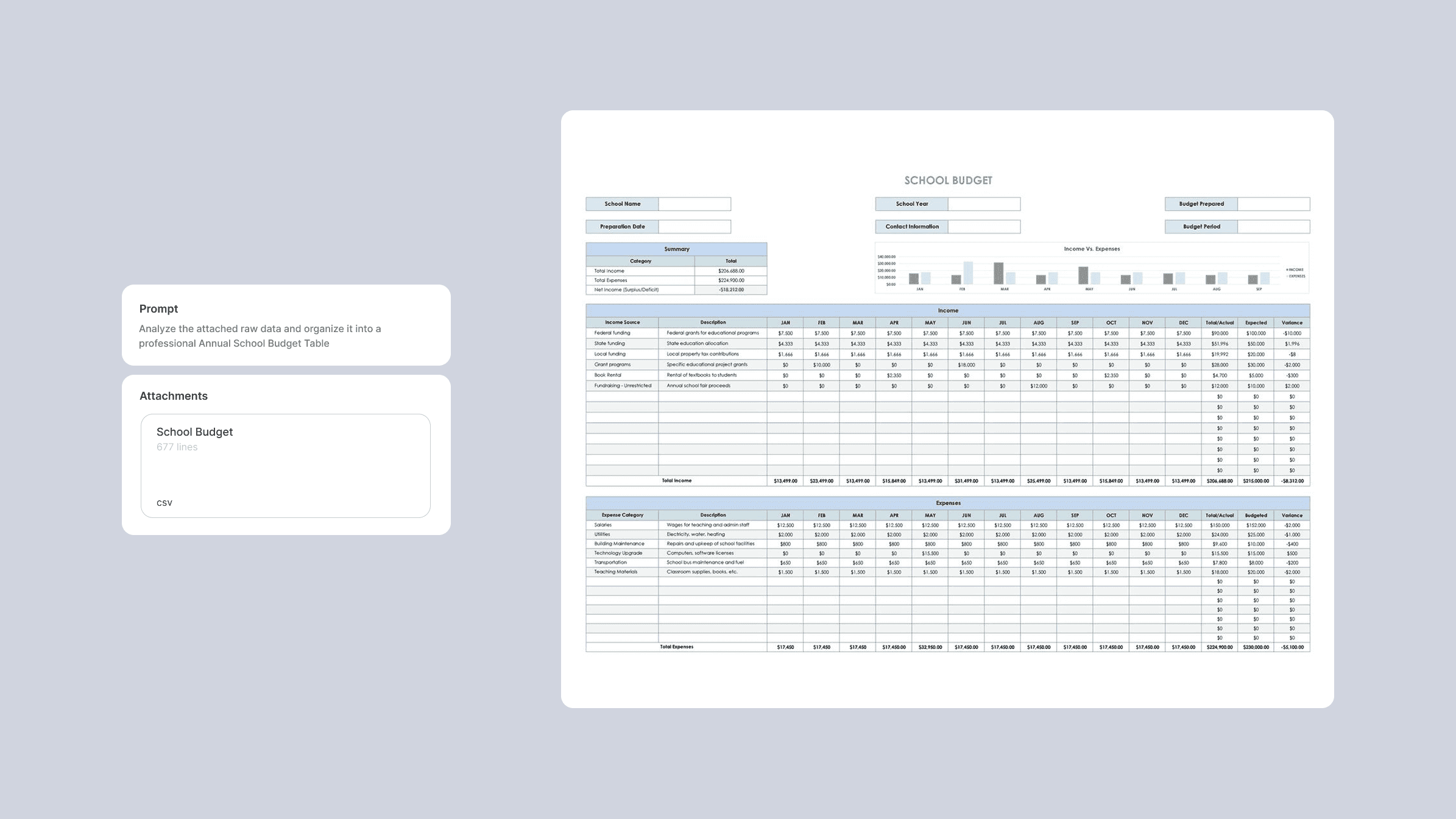
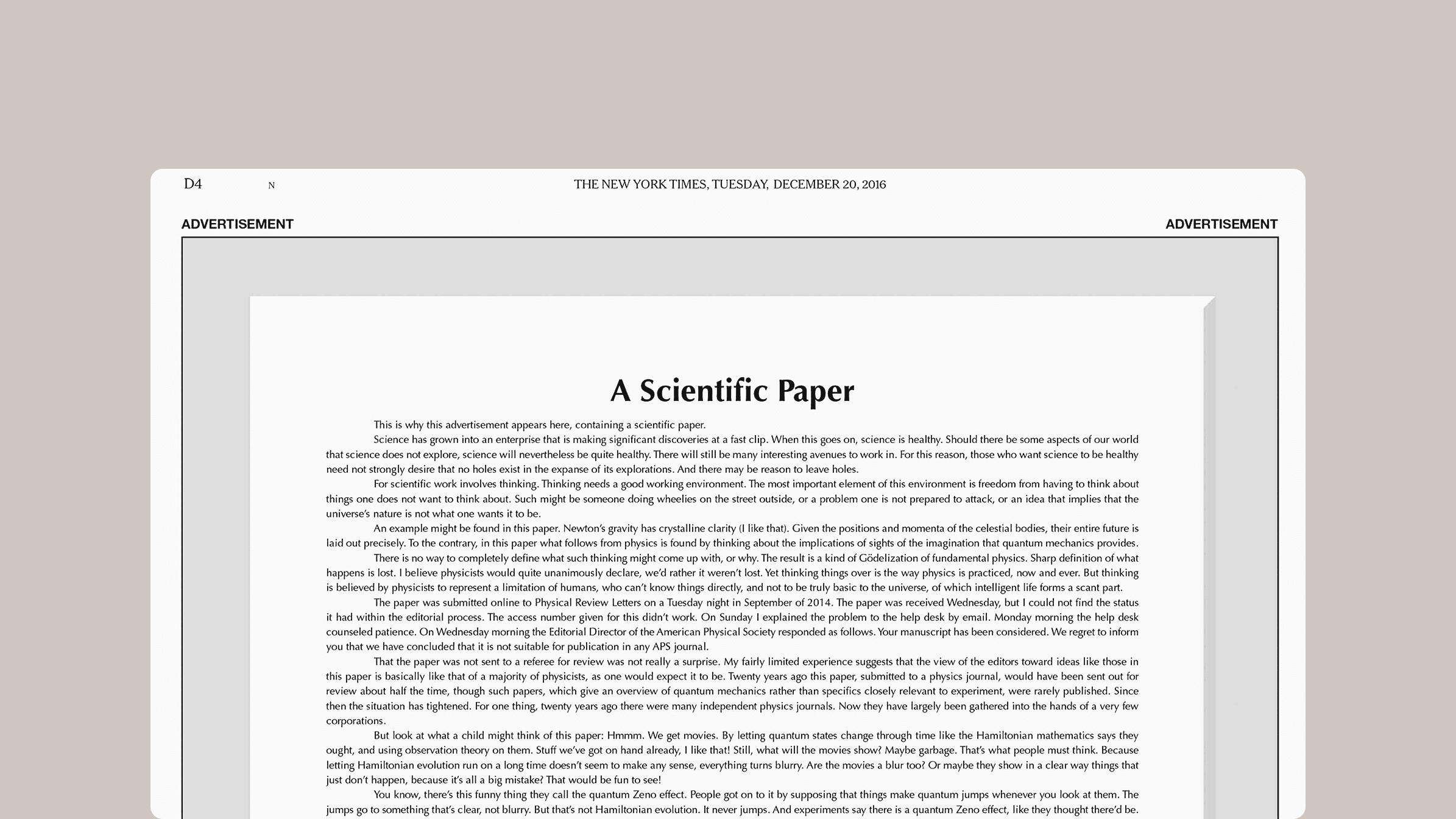
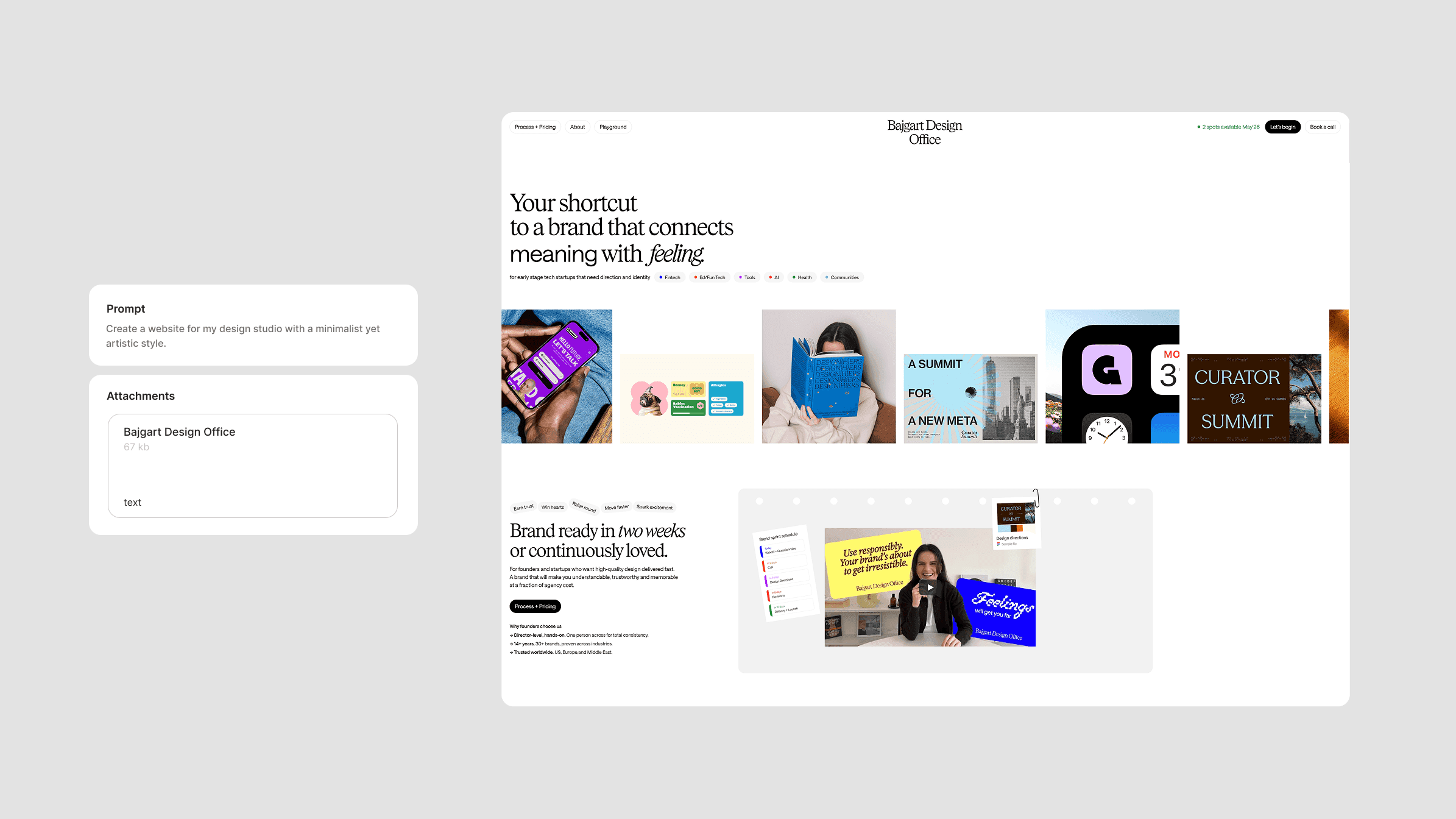
Prepare branded reports, documents, and decks

Combine your company templates with source materials. Fig follows your formatting conventions and produces polished docs, decks, or reports. Schedule a task to update daily, weekly, or monthly to keep it fresh and accurate.

Slide Decks

Website & Apps

Scheduled Task

Build Spreadsheet

Deep Research

Prepare branded reports, documents, and decks

Combine your company templates with source materials. Fig follows your formatting conventions and produces polished docs, decks, or reports. Schedule a task to update daily, weekly, or monthly to keep it fresh and accurate.

The leading model general AI agent. Get work done from anywhere

The leading model general AI agent. Get work done from anywhere

The leading model general AI agent. Get work done from anywhere

Message from your phone

Send a task to Fig from your phone. The full agentic power in your pocket

Fig works on virtual machine

Anything one can do on a computer, Fig can do. Browse the web, fill spreadsheets, navigate tools. No setups, no passwords handed off

You get the result

Fig delivers finished work instead of step-by-step updates: a formatted spreadsheet, a memo, a briefing doc. You review, refine, and decide what's next.

1 2

How it works

How it works

How it works

Find Fig in your phone’s Apple Appstore or Google Playstore. Download, start a task and see the magic

Describe what you need

Tell Fig what you want from your phone. Claude picks the fastest path: a connector for Slack, Chrome for web research, or kick off one of the many tools it has in its disposal.

Describe what you need

Tell Fig what you want from your phone. Claude picks the fastest path: a connector for Slack, Chrome for web research, or kick off one of the many tools it has in its disposal.

Fig does the work

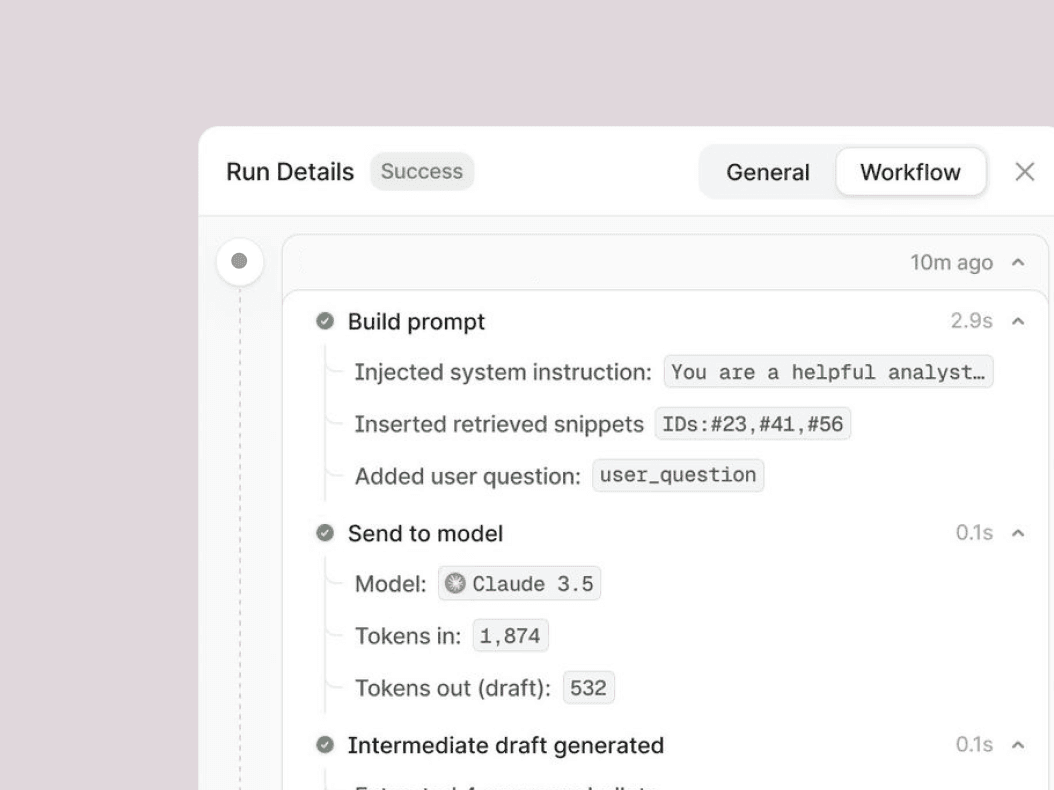
Fig works through each step, looping you in before anything significant. Watch in real time or walk away. For recurring tasks, tell Fig once and it handles the rest.

Fig does the work

Fig works through each step, looping you in before anything significant. Watch in real time or walk away. For recurring tasks, tell Fig once and it handles the rest.

Youre in control

You choose which folders and connectors Fig can access. Before Fig acts, it shows you the plan and waits for your approval. Redirect, refine, or take a different approach at any step.

Youre in control

You choose which folders and connectors Fig can access. Before Fig acts, it shows you the plan and waits for your approval. Redirect, refine, or take a different approach at any step.

Supports every industry

Supports every industry

Supports every industry

Unlike other AI that only answers questions, Fig AI completes work on its own. Describe the outcome and cadence, and it takes action and keeps you informed.
Administrative

Create a daily briefing

Generate a daily briefing that pulls from Slack, Notion, and GitHub to surface priorities and connections you'd miss scanning each platform separately.

Research and Analysis

Size a market

Generate a daily briefing that pulls from Slack, Notion, and GitHub to surface priorities and connections you'd miss scanning each platform separately.

Sales and GTM

Aggregate customer feedback

Generate a daily briefing that pulls from Slack, Notion, and GitHub to surface priorities and connections you'd miss scanning each platform separately.

Legal and Compliance

Manage legal documents

Turn a folder of lawsuit documents into a chronologically organized exhibit set with descriptive titles and strategic importance assessment.

"Fig has completely transformed how we work. We created automated workflows, fast design mock-ups, and even customer-facing interactive dashboards that historically would have required an entire dev team to build. Honestly, it’s more intuitive and adaptive than any other AI tools we have tried in the past."

Jodi O’Malley, Founder, True Design

"I integrated Fig into our workflow, databases, Slack, and Jira. It delivered a dynamic dashboard, granular performance audits, and a strategic roadmap for the prod and eng team. The ability to drill down into any data point was a game-changer. Once our team saw the results, they immediately started deploying their own workflows."

Nicol Bai, CEO, Nuro

"Fig empowers our company to operate at a speed that was previously impossible to sustain. Every employee now has a super assistant in their pocket, which makes deployed work like ours so much more efficient."

Chris Stevens, Founder, Urban Gardening Co.

Get started with Fig

Get started with Fig

Get started with Fig

Choose a plan, then download Fig app to start your agentic work

Choose a plan, then download Fig app to start your agentic work

Choose a plan, then download Fig app to start your agentic work

Super

Unlock the full potential of your workflow. Get the best-performing models, advanced integrations with your favorite tools, and priority support to keep you moving at top speed.

$20

Per month

Team

Scale your collective output with shared workspaces. Easily manage user permissions, collaborate on projects in real-time, and centralize your team's billing and resource management in one place.

FAQ

What is Fig?

What kind of files can Fig read, create, edit, and analyze?

Is my team's data secure with Fig?

What makes Fig different from other AI tools?

How does the flexible billing work?

How do pooled credits benefit my team?

What if my team uses up all credits?

How do I upgrade from individual to team?

Be the next big thing

 Dream big, build fast, and grow far with Fig