Keep spend predictable
Set monthly limits and decide what happens when usage reaches them, creating clear cost boundaries at every stage.

AI usage controls
Shape the budget around how AI is actually used. See what drives usage and adjust access, alerts, and monthly limits as priorities shift.
Govern adoption
Set monthly limits and decide what happens when usage reaches them, creating clear cost boundaries at every stage.
See the departments, people, models, and agents driving demand so investment follows useful work.
Match model access and capacity to each team’s work and budget, then adjust as needs become clearer.
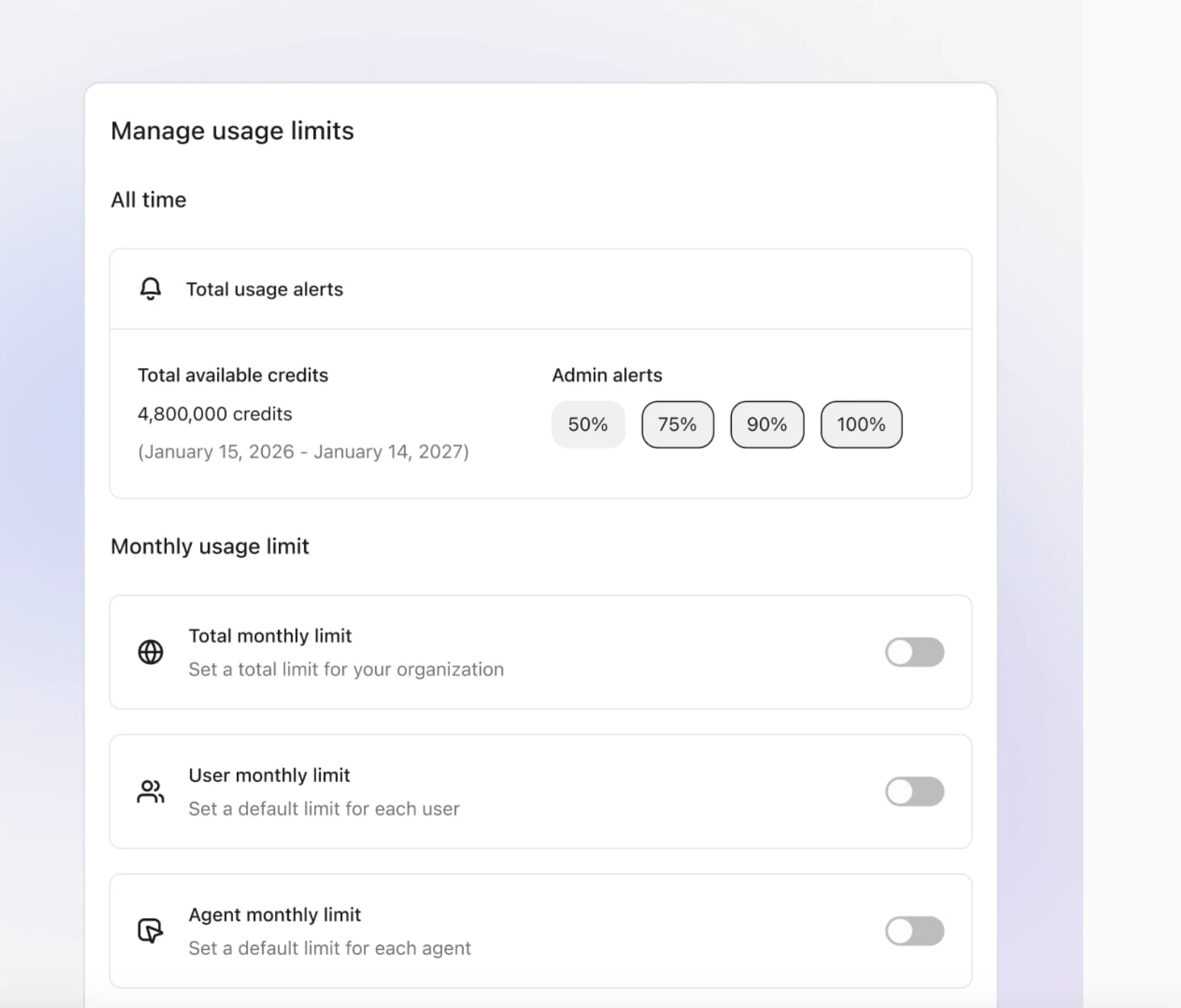
Usage limits
Start with an organization-wide allowance, then tailor it by department, person, or agent. Set alert thresholds and decide what happens when a limit is reached.
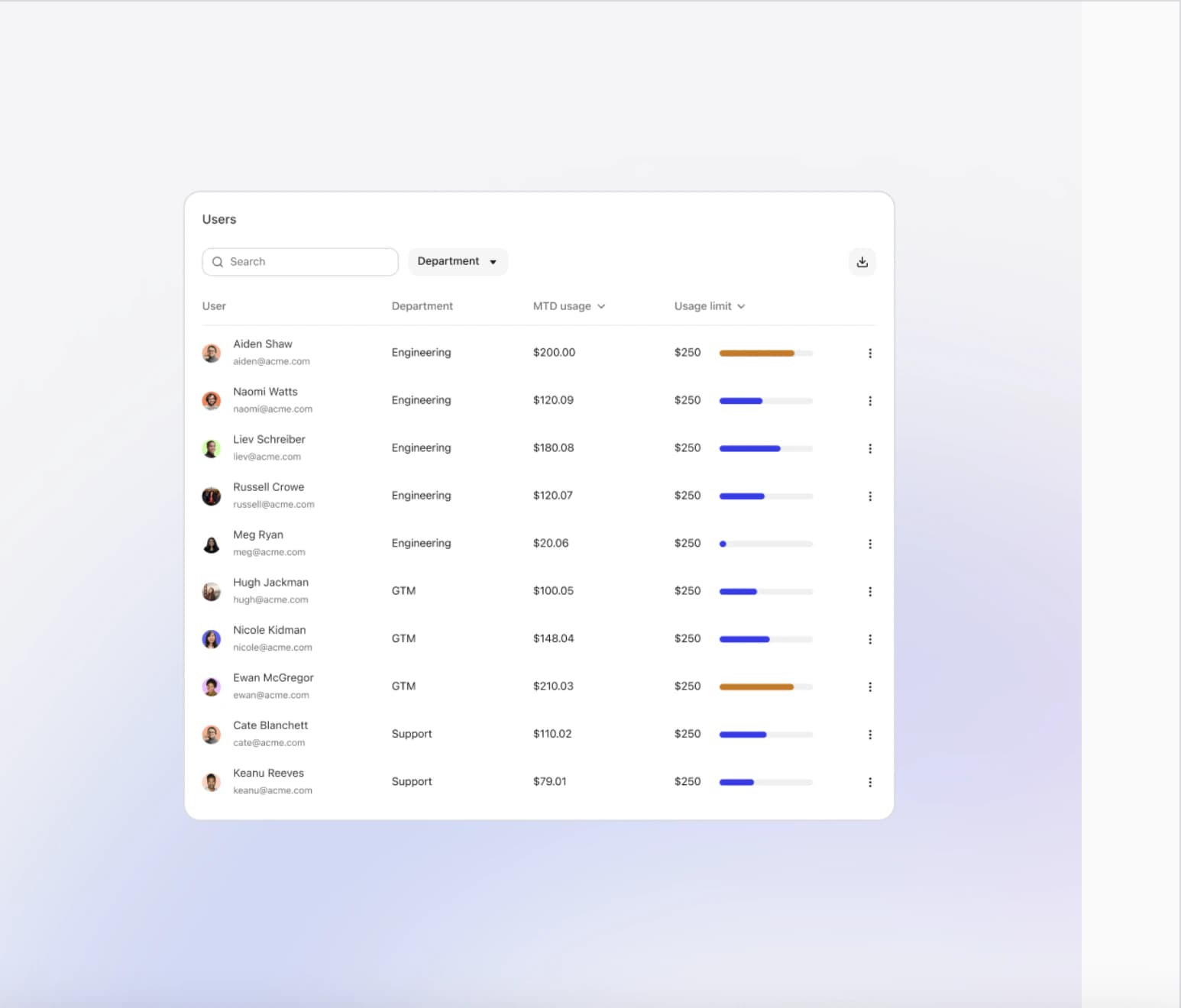
Usage visibility
Track usage by person and department as the month progresses. Allocate more capacity where demand is valuable, or adjust access before a threshold is reached.
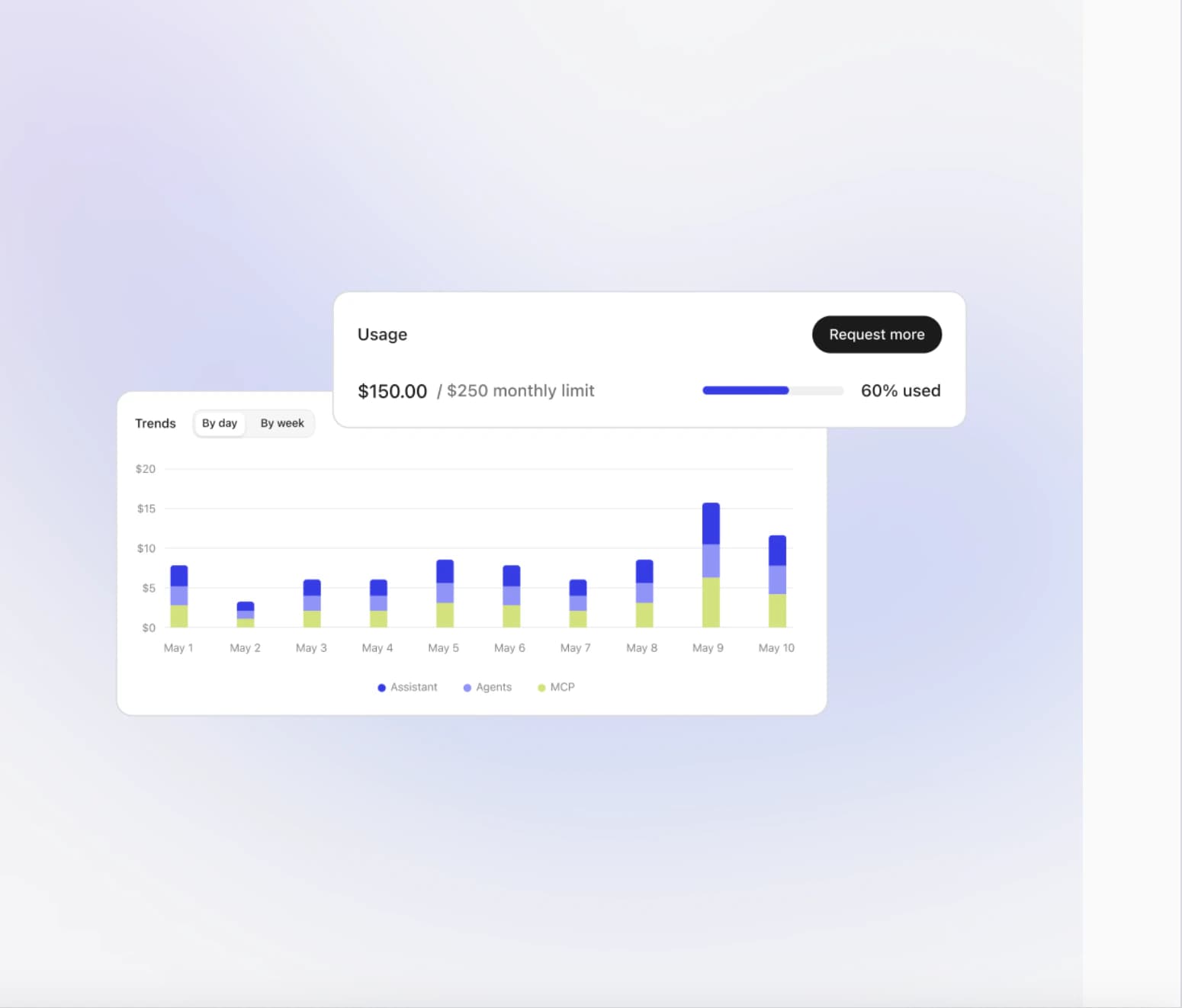
Usage requests
Show people how their usage is tracking with contextual warnings as they approach a limit, then let them request additional capacity without leaving Fig.
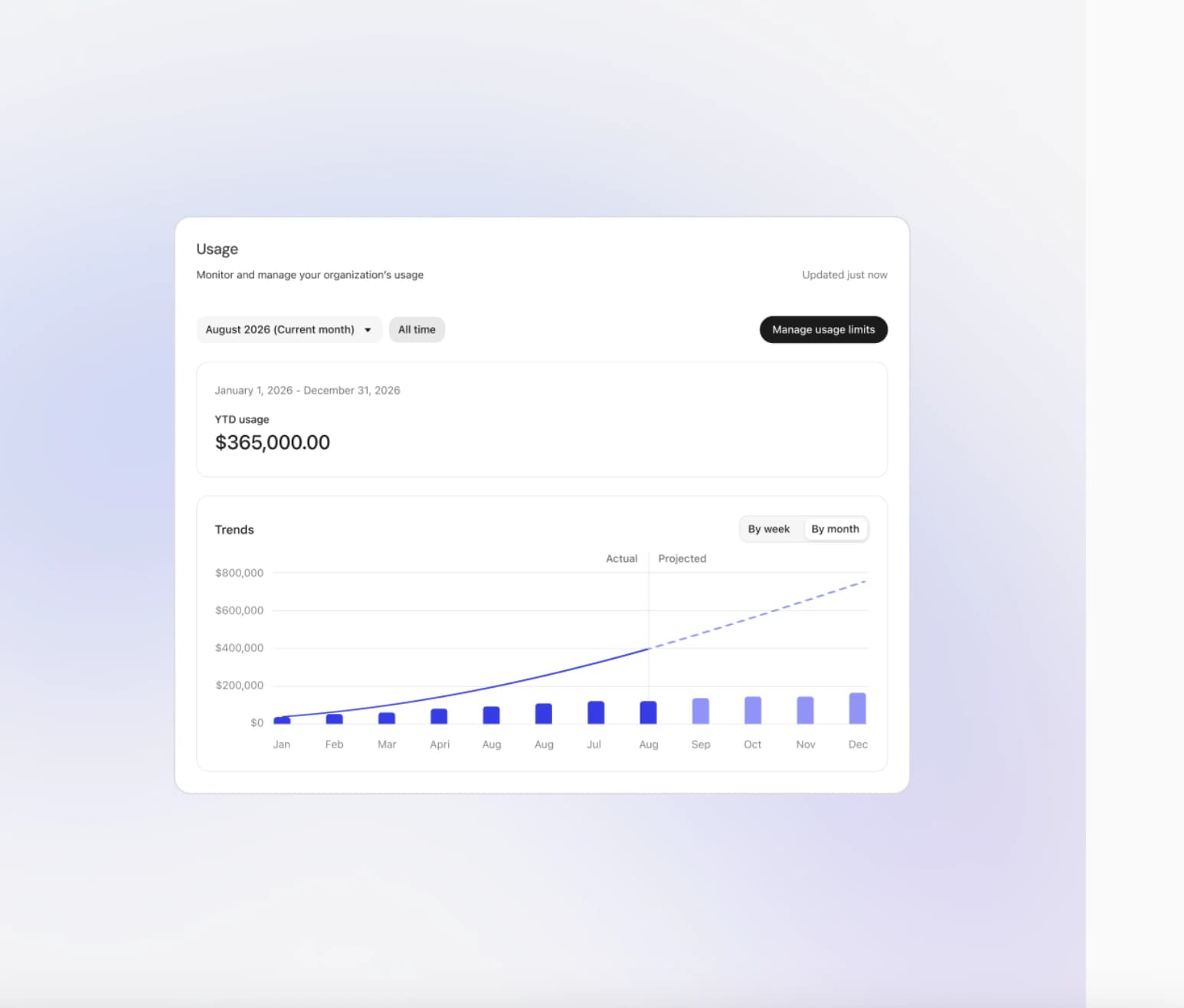
Spend forecasting
Understand the models and activity behind usage, compare actuals with projections, and adjust limits while there is still time to shape the budget.
One control plane
Dream big, build fast, and grow far with Fig
Fig Desktop Coming Soon!