Finished work, not suggestions
Every request ends in something usable: an artifact, an updated record, a delivered result.

Real Work
Hand Fig an outcome and get finished work back: polished artifacts, updated systems, and workflows run through your connectors. On demand, or on a schedule.
Every request ends in something usable: an artifact, an updated record, a delivered result.
Native actions, MCP connections, and governed computer use carry work through 1,000+ tools.
Run it once, put it on a schedule, or let a connected-system event start the work itself.
Artifacts
Reports, spreadsheets, decks, documents, and websites built inside the conversation, editable in place, and formatted to your standards. You review work, not raw output.

Actions and MCP
Draft emails, create tickets, update records, and automate work with native actions and MCP-based connections, right from Fig Core.

End-to-end workflows
One request carries a whole process: Fig collects the inputs, creates the output, updates the system of record, and notifies the people waiting on it.
Scheduled tasks & automations
Daily briefings, weekly reports, monthly rollups, and event-driven follow-ups run unattended and arrive finished, in your inbox, Slack, or system of record.
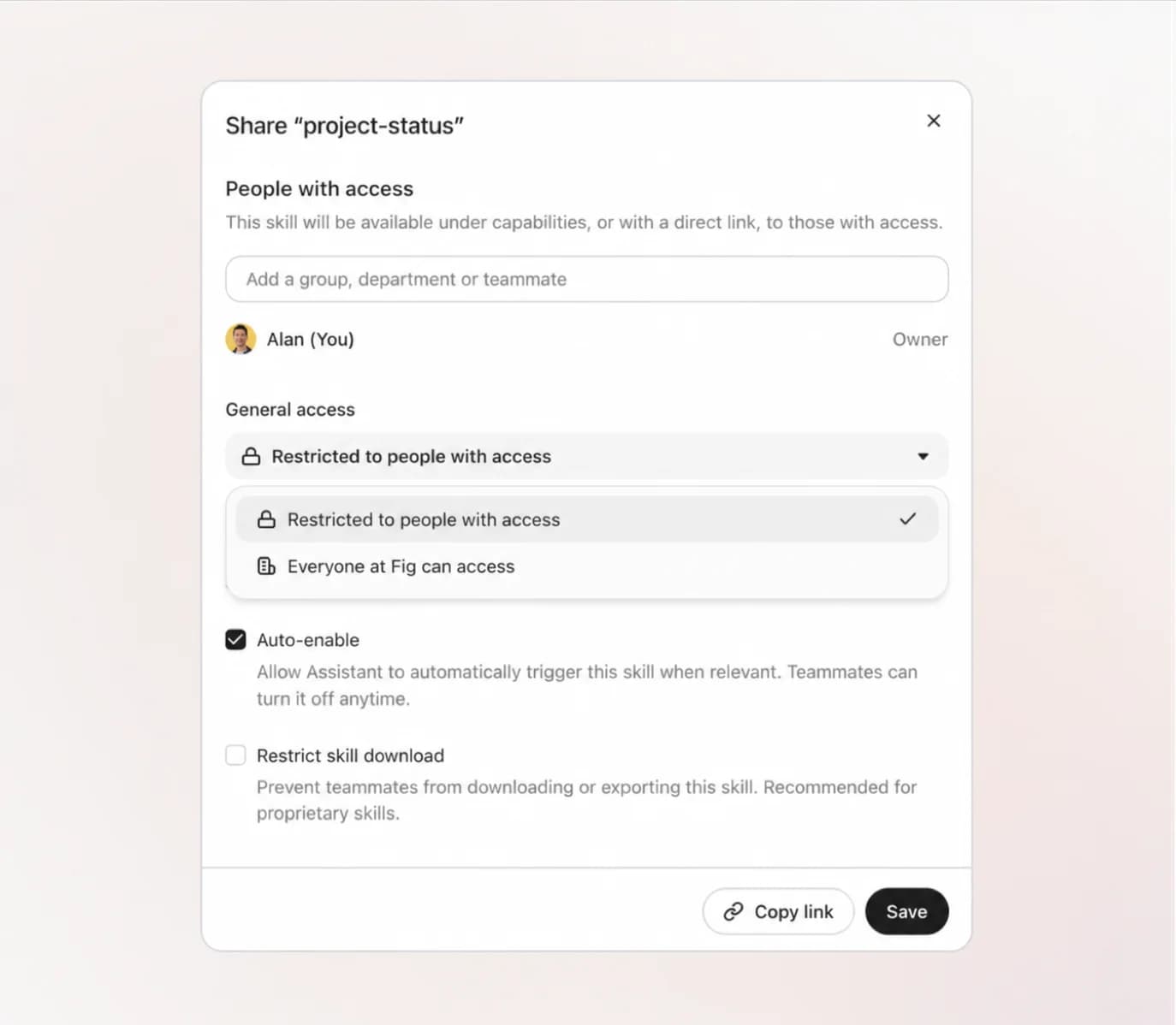
Skills
Turn best practices into repeatable workflows. Build, import, share, and version Skills so teams can reuse expertise with enterprise governance built in.
Browser & computer use
Fig browses the web like a person: navigating sites, filling forms, pulling live information. And it operates a full computer when the job needs one, with terminal, files, and applications, every step visible and governed.

Engineering work
Use Fig to explain code, investigate errors, generate test cases, summarize incidents, and keep work moving across GitHub, Jira, Slack, and internal systems.
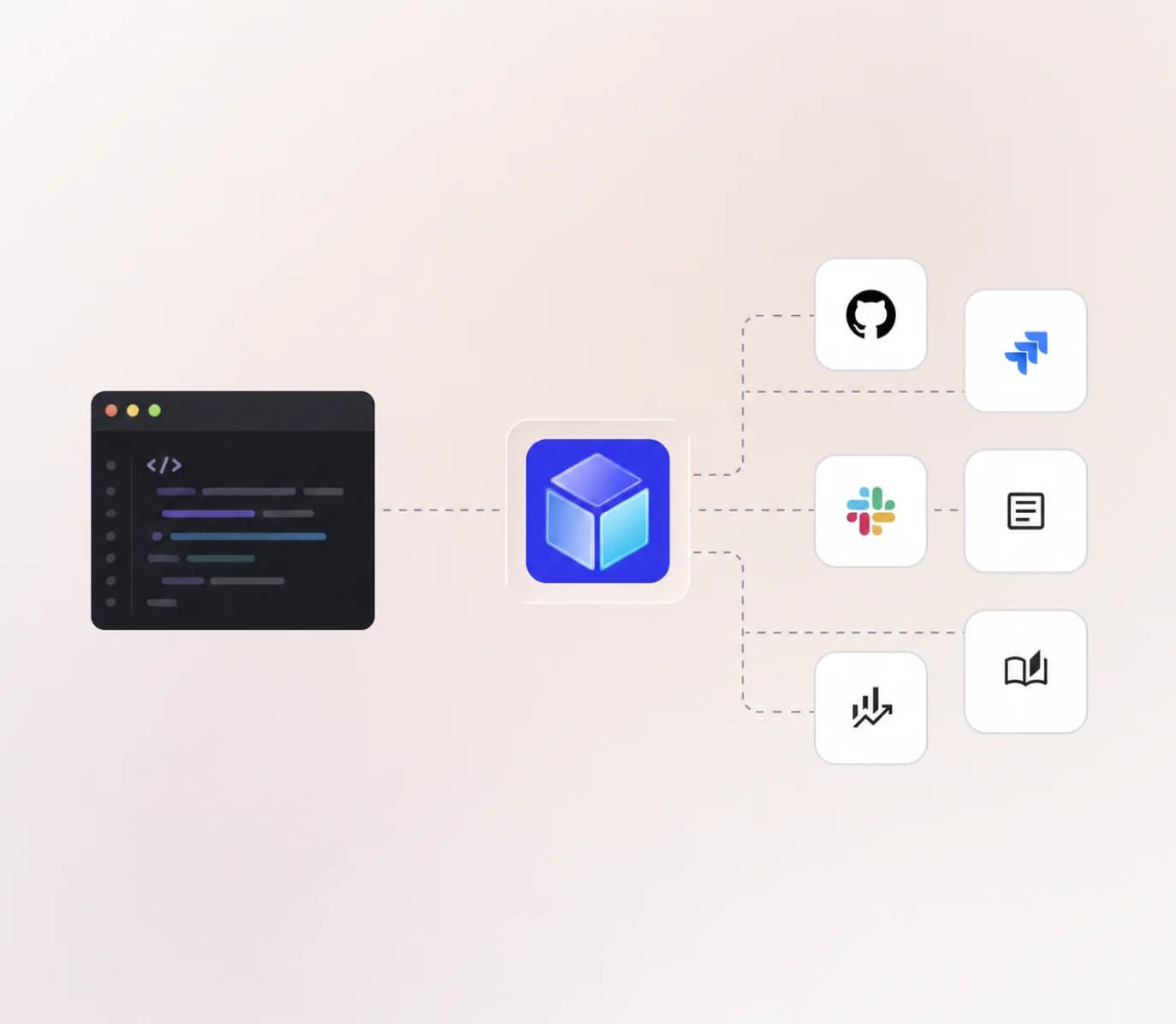
Connected enterprise context
Connect the tools your company already relies on. Fig keeps source permissions intact while giving Assistant the context behind the work.
 Google Drive
 Slack
Slack Gmail
Gmail Notion
 Jira
Jira GitHub
 Snowflake
 HubSpot
Dream big, build fast, and grow far with Fig
Fig Desktop Coming Soon!