Keep context through handoffs
Hand off a shared chat without starting over. Teammates can review prior work and continue from the same context.

Multiplayer
Invite teammates into shared chats to create, investigate, and review together with multiplayer AI collaboration.
Hand off a shared chat without starting over. Teammates can review prior work and continue from the same context.
Invite reviewers, decision-makers, and subject-matter experts precisely when their input is needed.
Ask Fig to turn a reviewer’s comment into an inline edit with fewer handoffs and less ambiguity.
Team chat
Invite teammates into a team chat. Everyone can review the history, ask follow-up questions with their existing permissions, and continue without rebuilding the context.
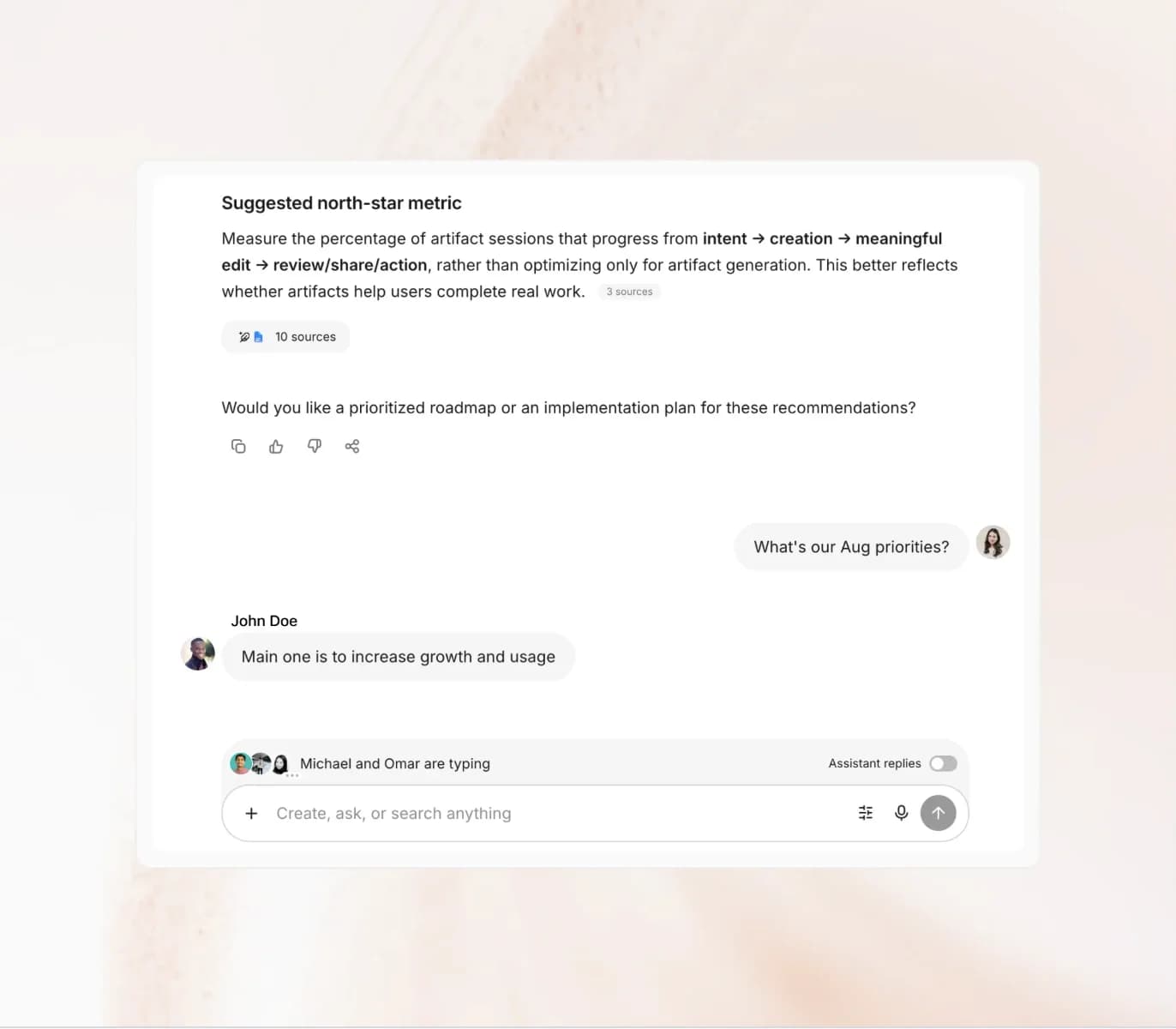
Co-creation
Create in one shared thread where each teammate brings their expertise and shapes the same artifact without passing drafts back and forth.
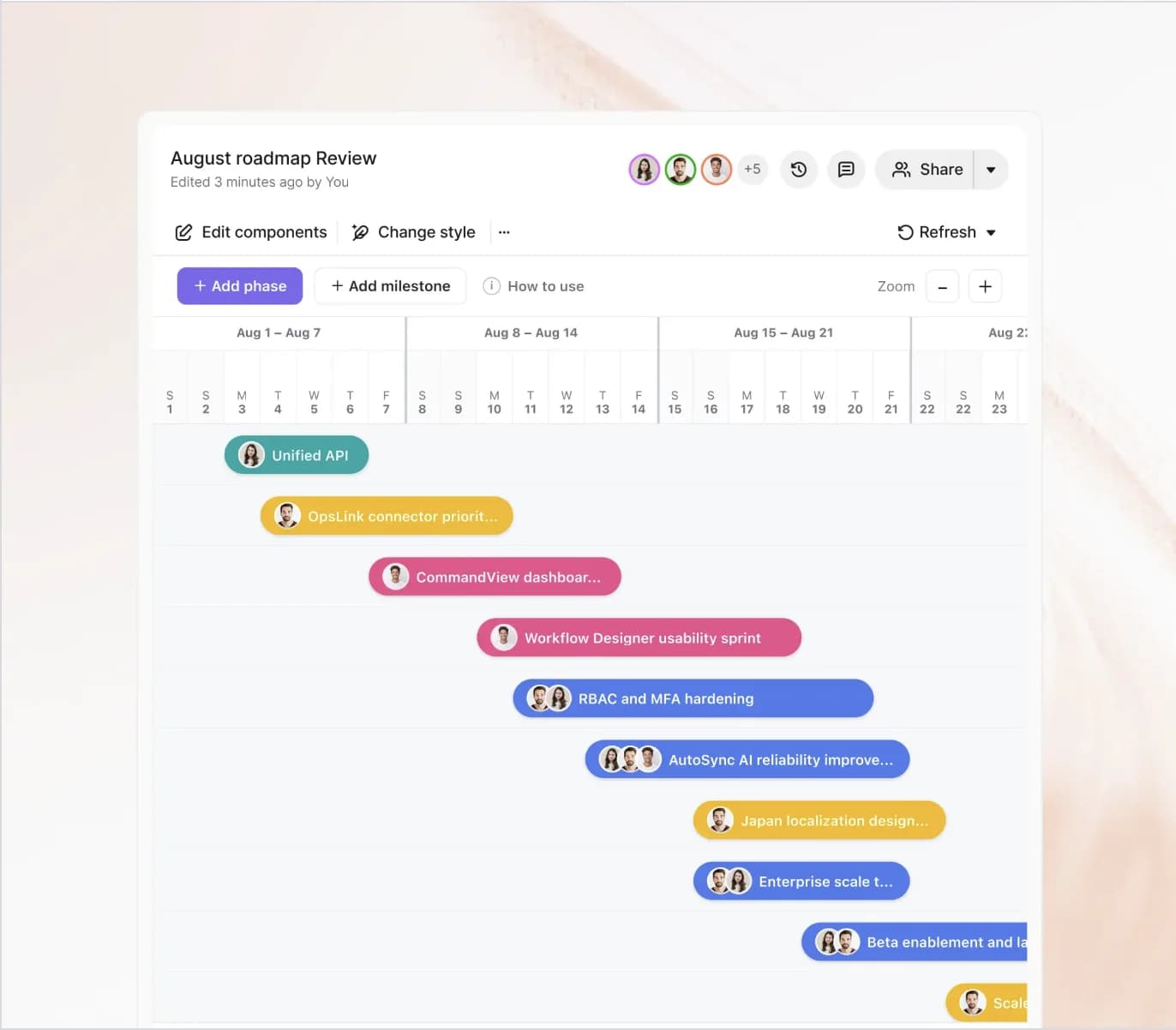
Artifact review
Reviewers can comment directly on a Fig artifact and mention teammates. The owner can then ask Fig to apply the requested change from the comment itself.
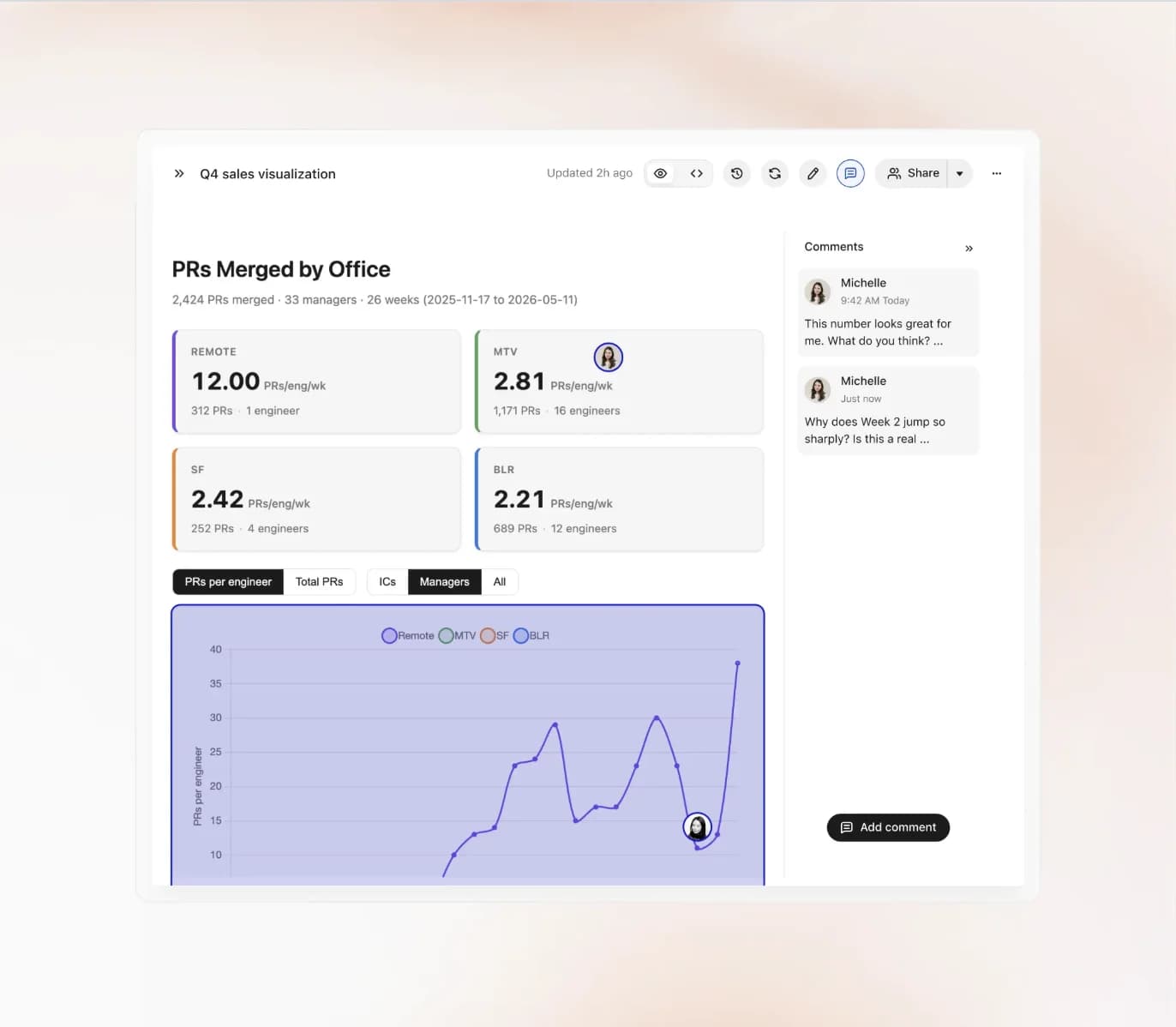
Shared work, one continuing context
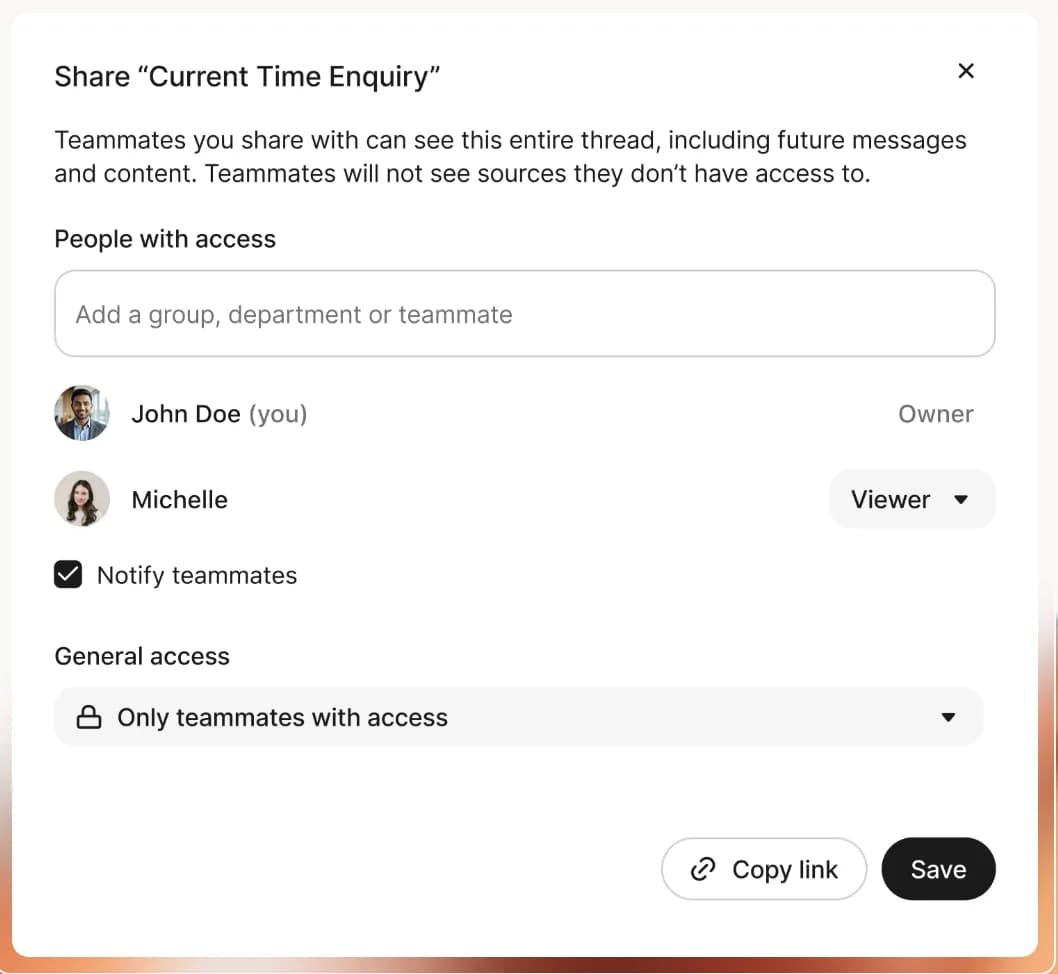
Invite teammates to an existing chat and choose who can participate in the work.
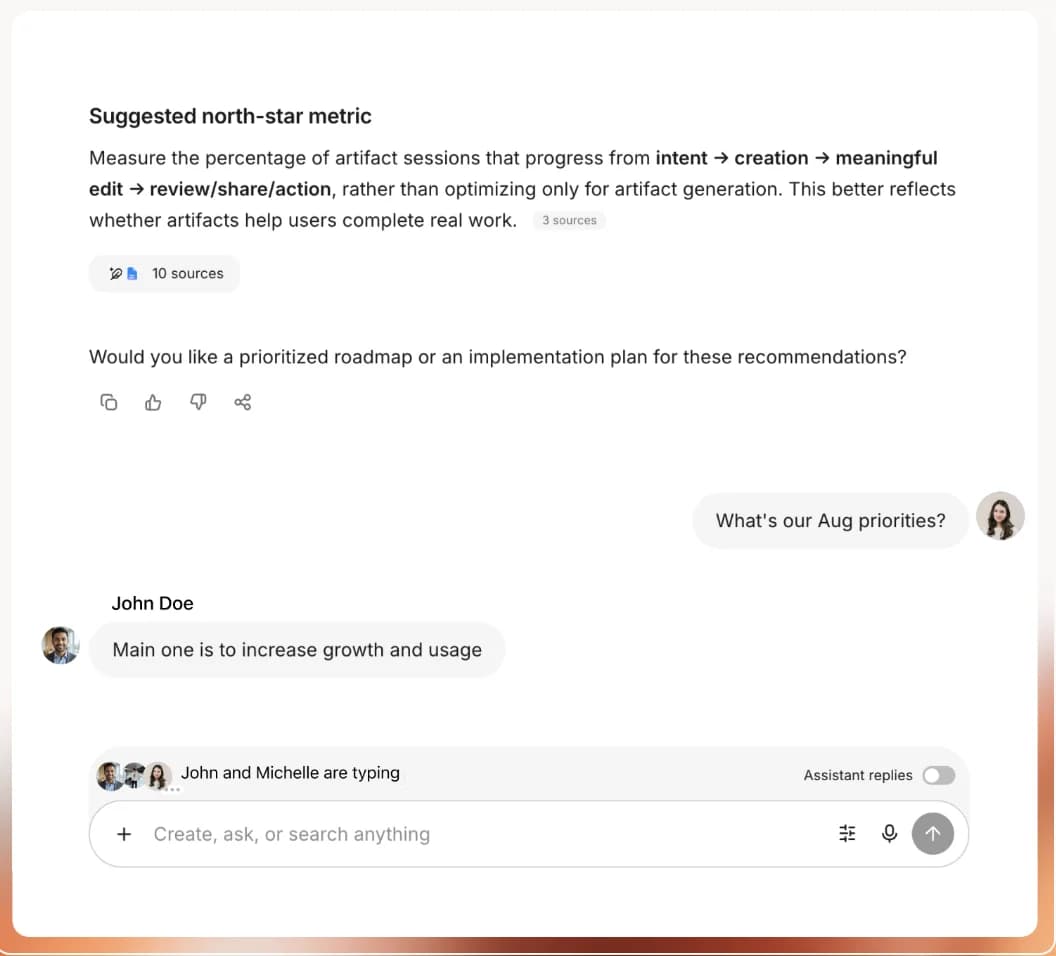
Each person can prompt Fig, add their expertise, and build on what the group has already surfaced.
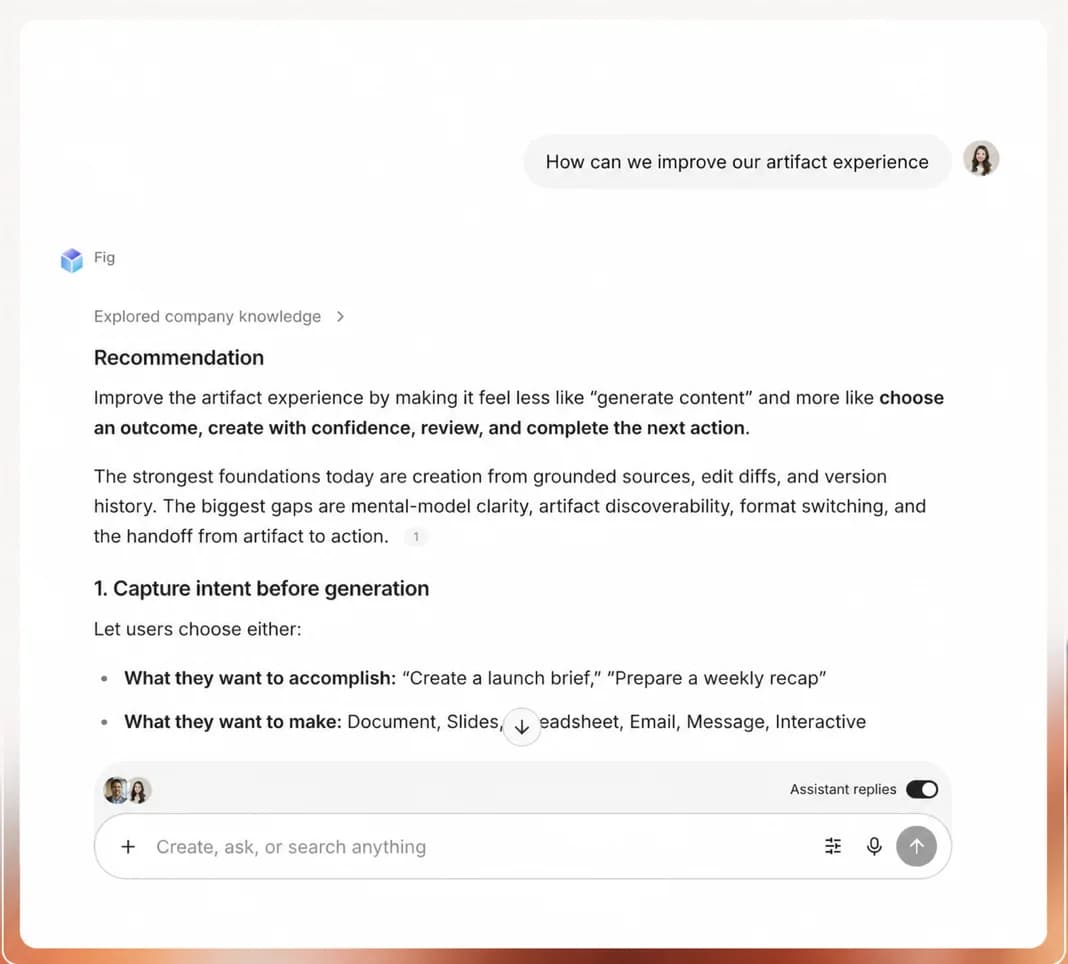
Each participant gets responses grounded in the company context they are permitted to access.
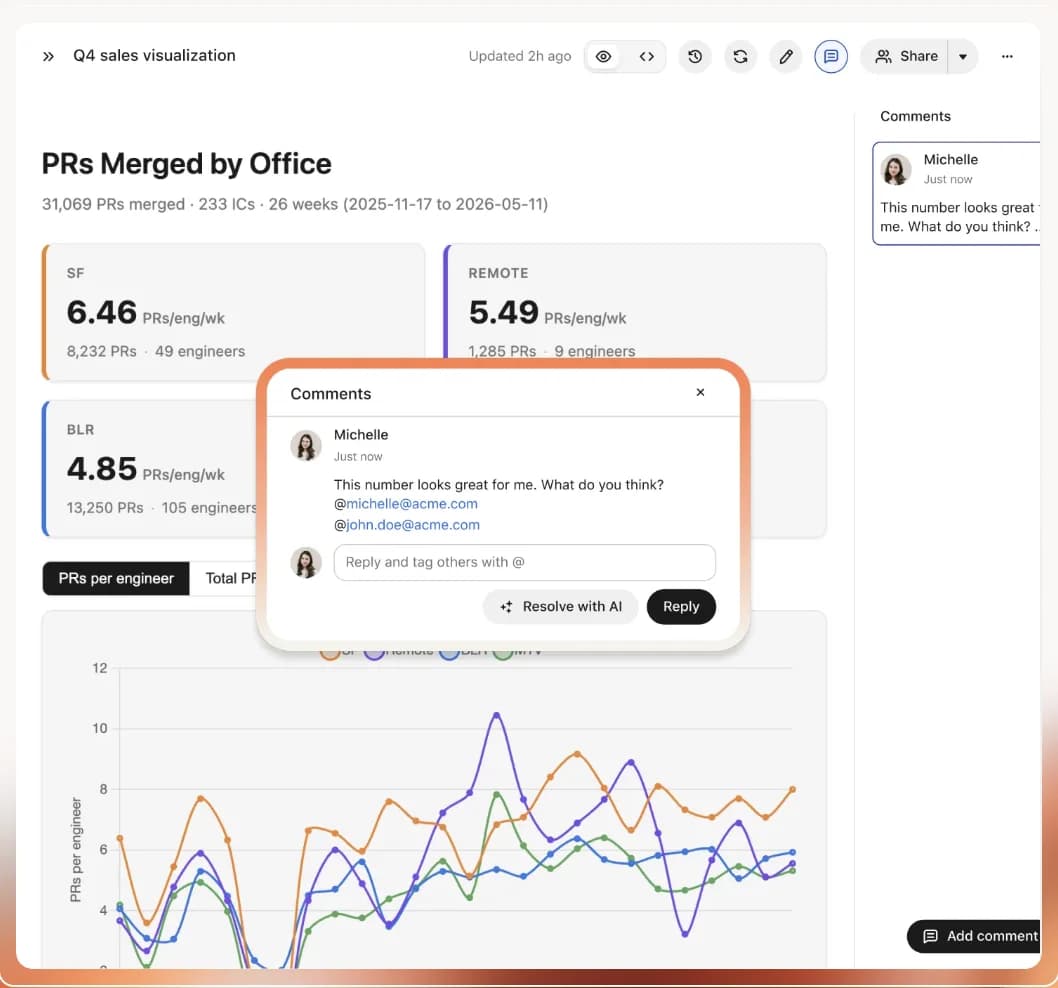
Leave comments on shared artifacts, mention the right people, and ask Fig to turn feedback into edits.
Invite teammates to an existing chat and choose who can participate in the work.
Connected enterprise context
Connect the tools your company already relies on. Fig keeps source permissions intact while giving Assistant the context behind the work.
 Google Drive
 Slack
Slack Gmail
Gmail Notion
 Jira
Jira GitHub
 Snowflake
 HubSpot
Dream big, build fast, and grow far with Fig
Fig Desktop Coming Soon!