More time for what matters
Let agents act on your behalf so teams can stay focused on high-value work.

Agent orchestration
Fig’s orchestration layer connects every agent and workflow, triggering agents and routing tasks across your enterprise ecosystem.
Let agents act on your behalf so teams can stay focused on high-value work.
Define how agents work and when they act, with visibility into every step of the workflow.
Let specialist agents gather data and take action together across connected systems.
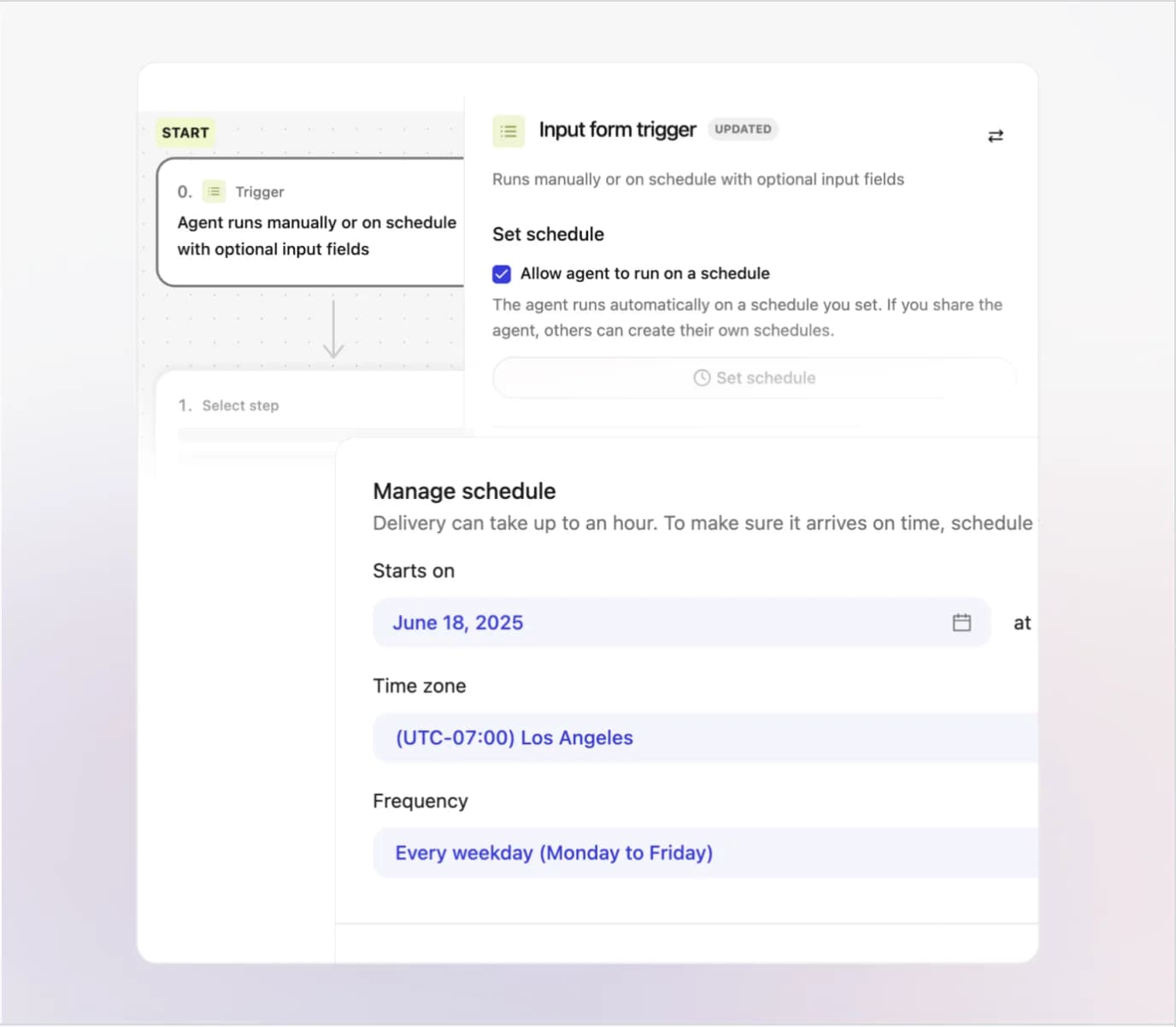
AI agent orchestration · Scheduled workflows
With time-based triggers, agents run automatically and handle repeatable tasks in the background while people stay focused on higher-value work.
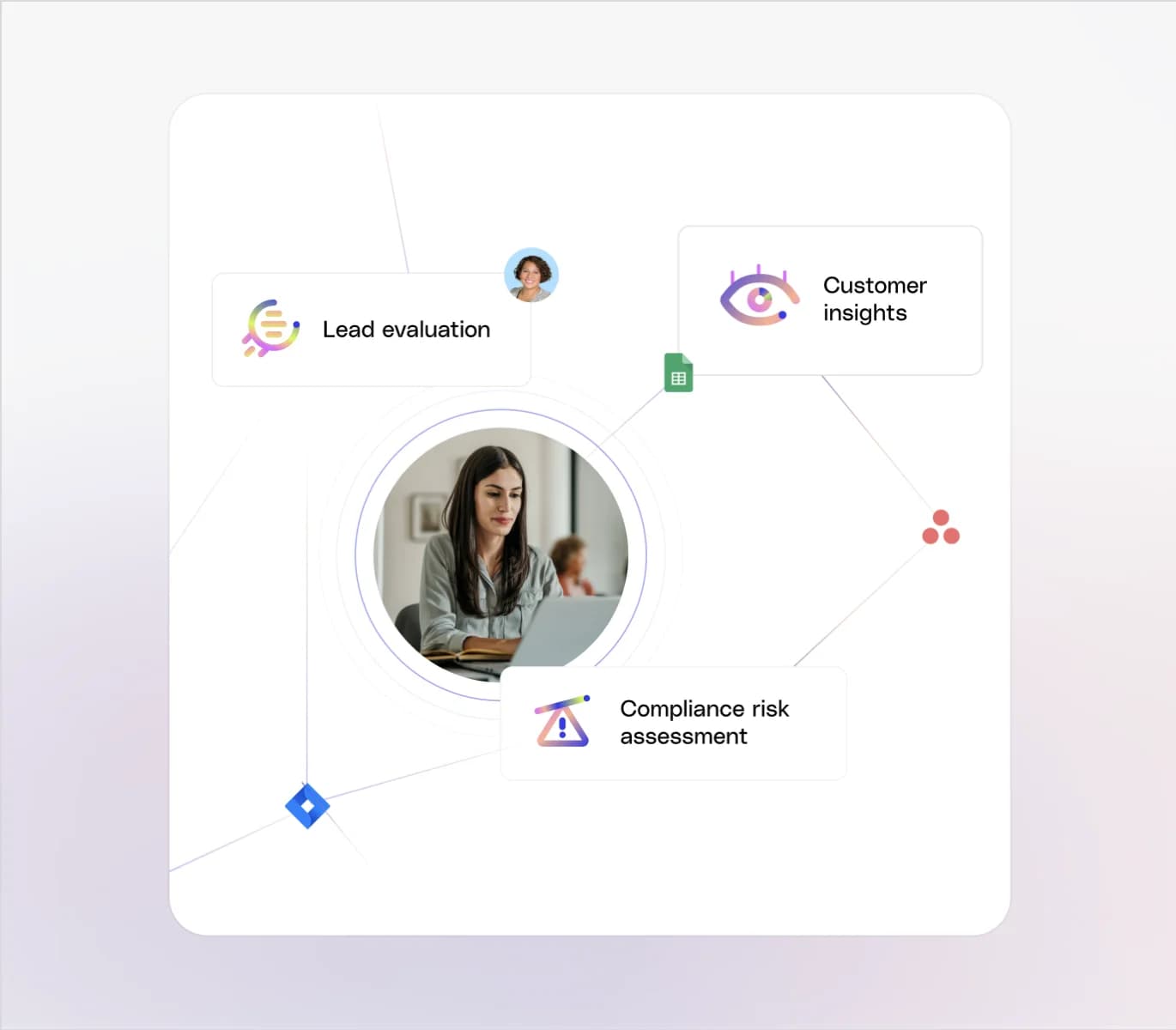
AI agent orchestration · Routing
Fig Core directs each request to the right specialist agent, delivering precise, trusted answers without requiring people to know which agent to ask.
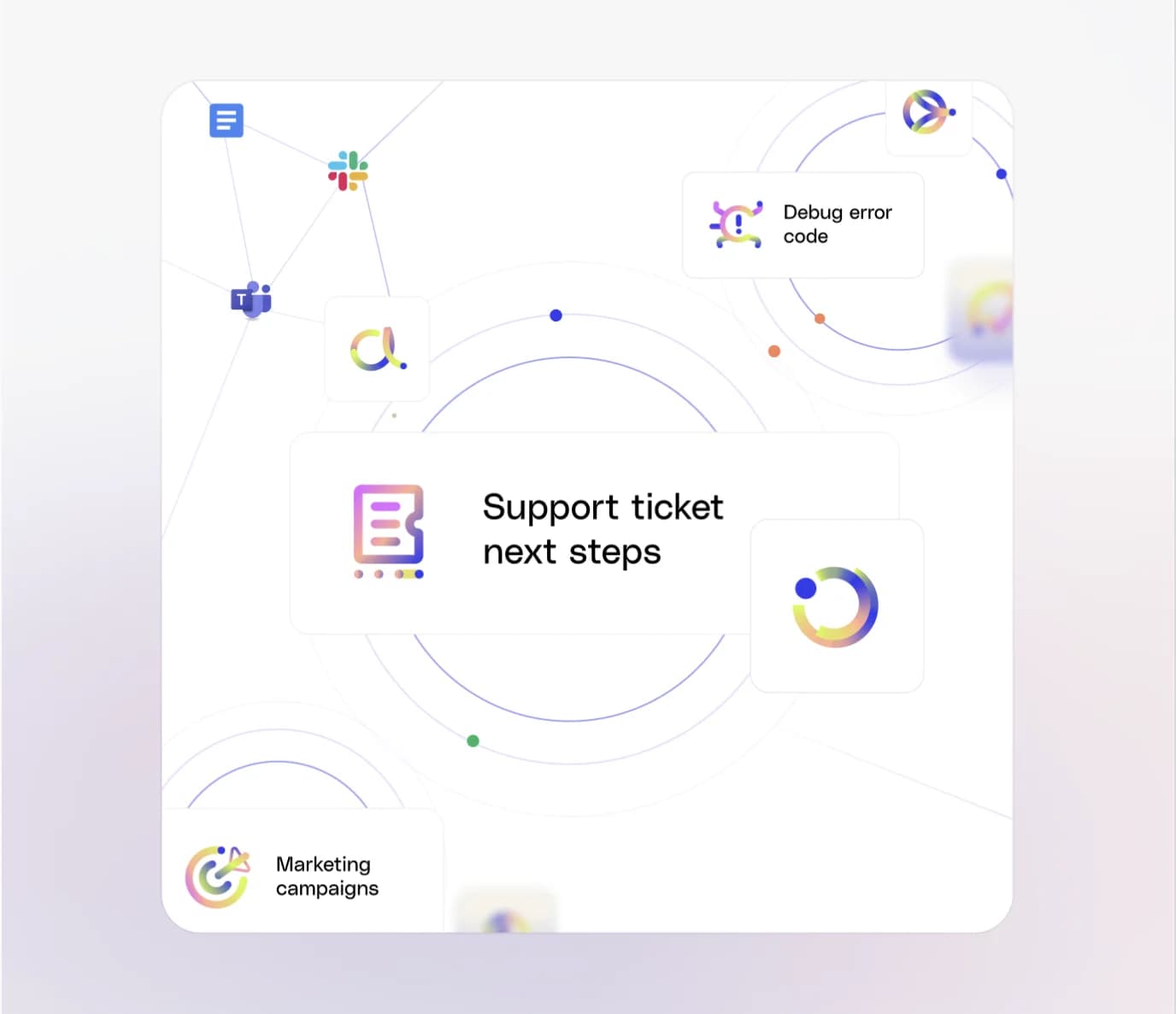
AI agent orchestration · Multi-step workflows
Orchestration activates specialized agents at the right moment and shares context between them so complex tasks move forward without manual handoffs.
One coordinated lifecycle
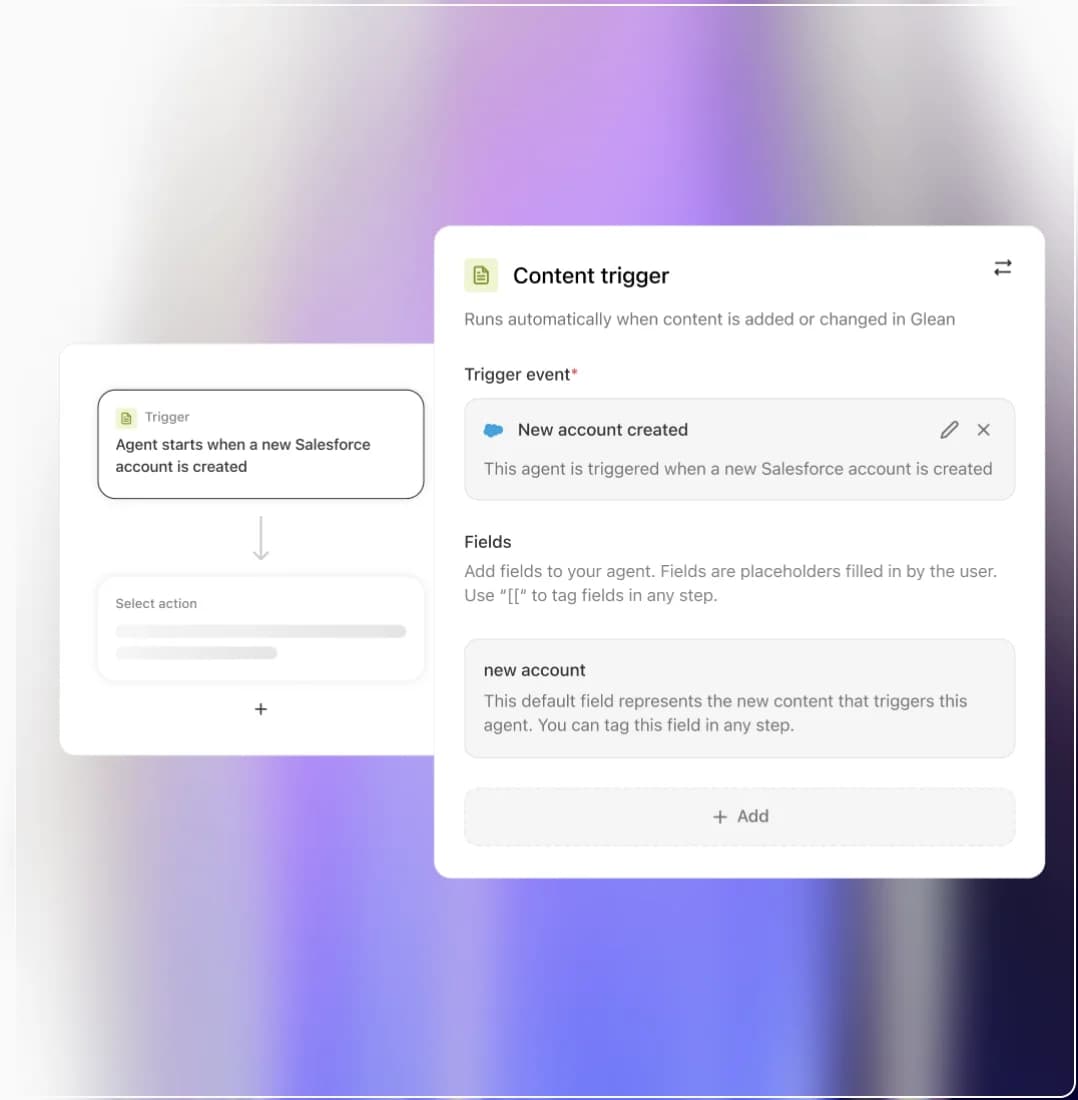
Run agents on a schedule or when a meaningful event happens in a connected system.
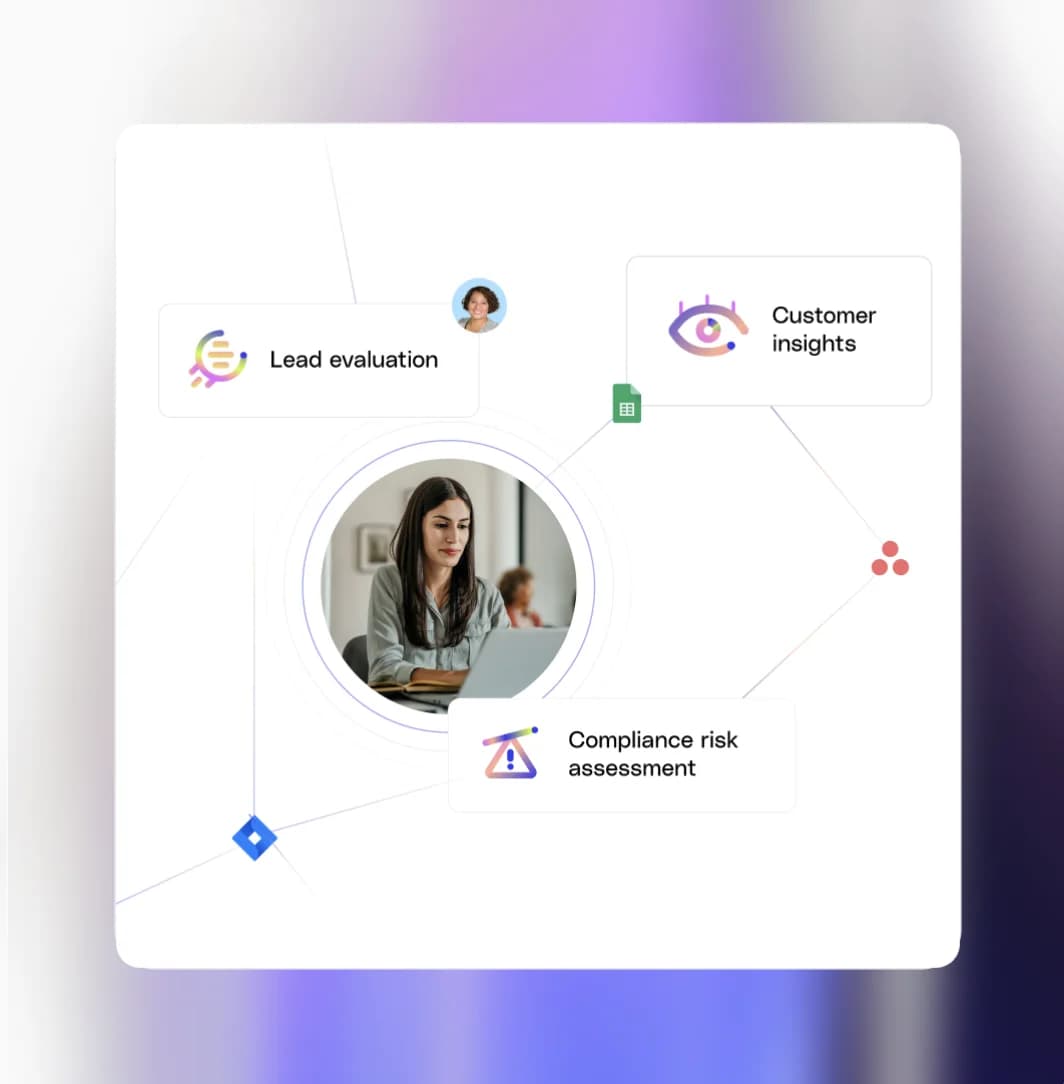
Define routing rules so Fig Core sends every request to the right specialist agent.
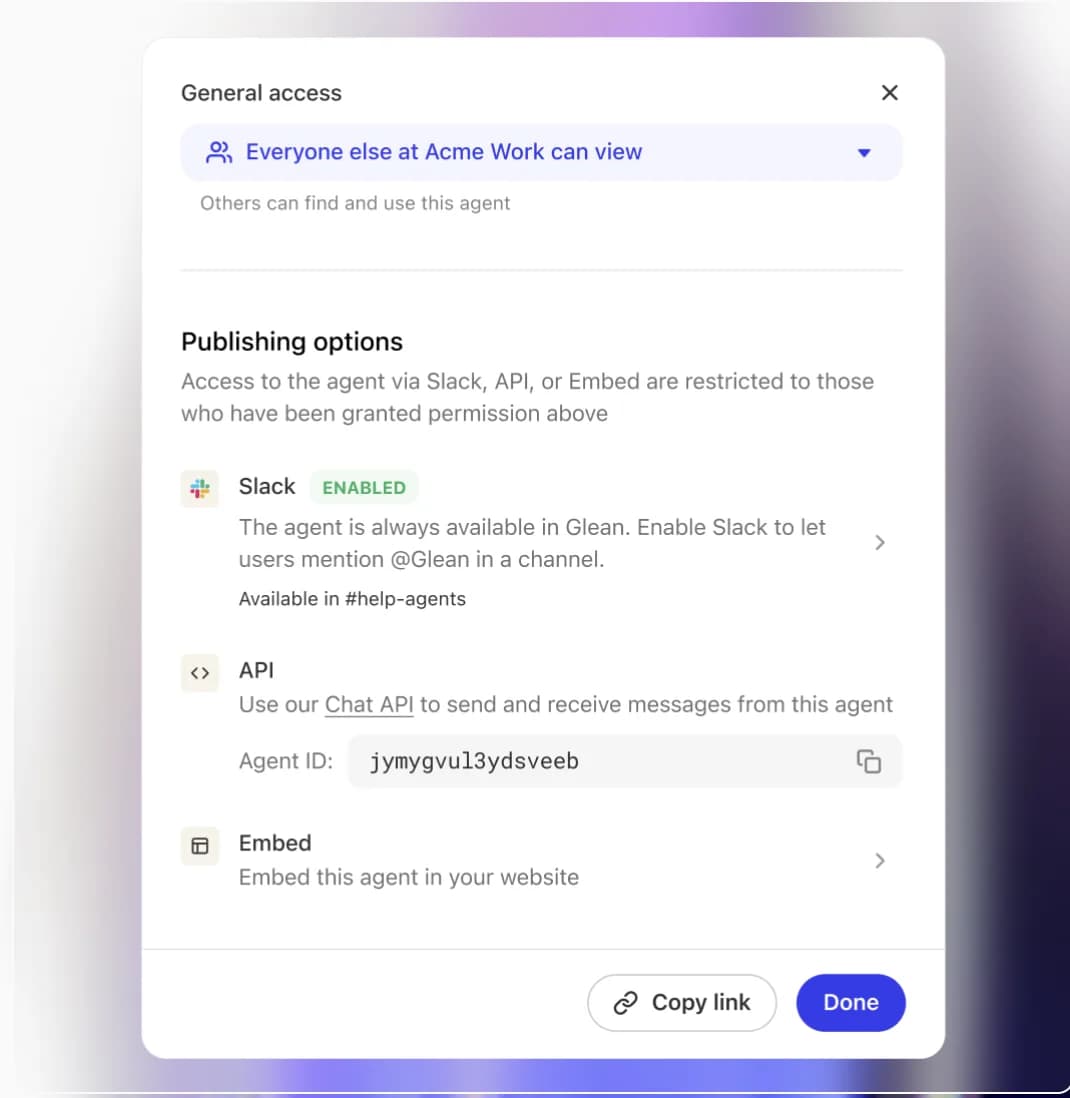
Launch agents inside tools like Slack or ServiceNow so employees get help without switching context.
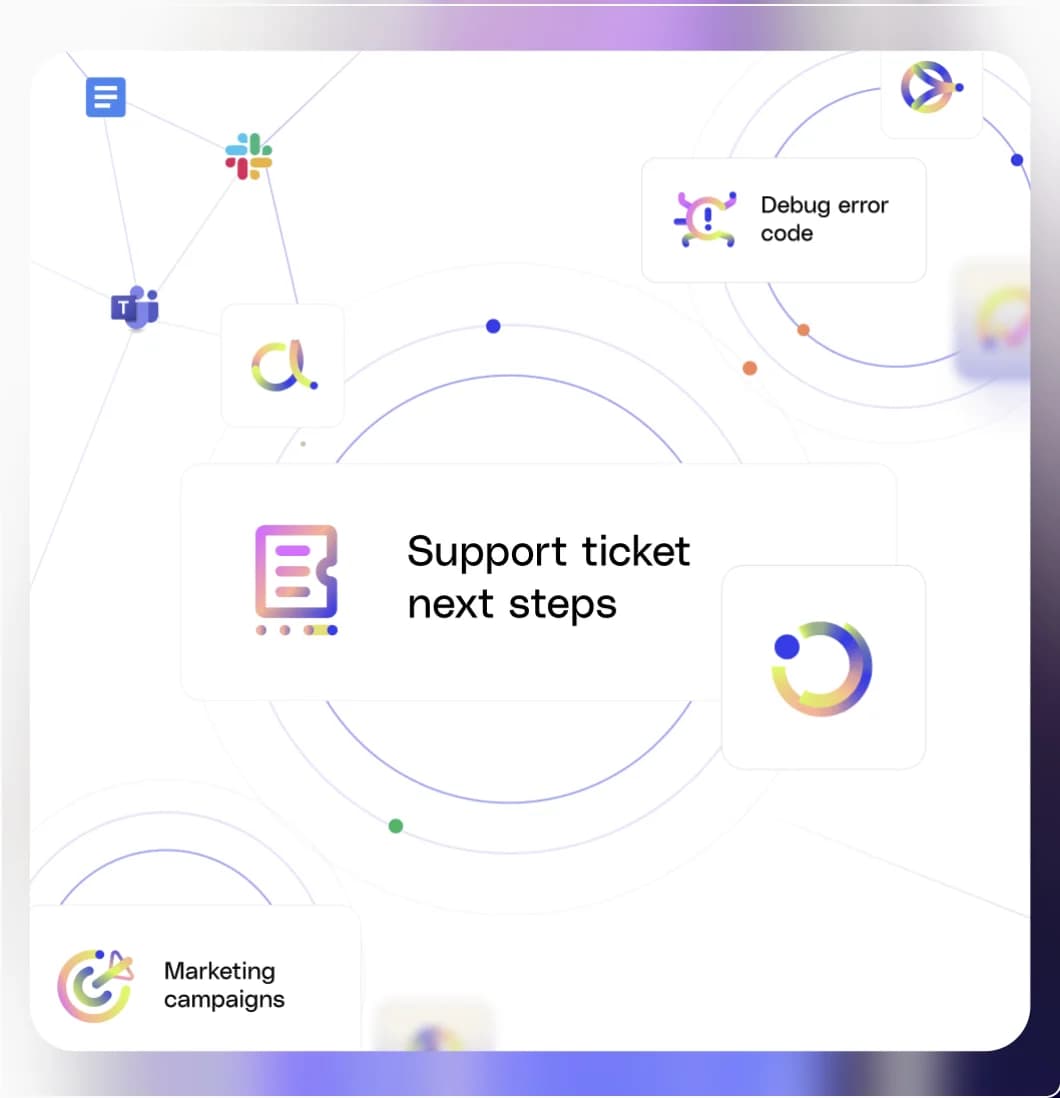
Connect specialist agents across platforms so they can complete complex workflows without manual handoffs.
Improve workflows over time by adjusting routing, triggers, and agent instructions as needs change.
Run agents on a schedule or when a meaningful event happens in a connected system.
Connected enterprise context
Connect the tools your company already relies on. Fig keeps source permissions intact while giving Assistant the context behind the work.
 Google Drive
 Slack
Slack Gmail
Gmail Notion
 Jira
Jira GitHub
 Snowflake
 HubSpot
Dream big, build fast, and grow far with Fig
Fig Desktop Coming Soon!