Lead triage and management
An inbound lead board with four stages: leads extracted from email and enriched with enterprise context, a proposed manager with the reasoning, approval or rejection of the proposal, and every edit, generated email and stage change written back to the CRM.
One working session with the people in the seat: which decisions, which systems, what a good week looks like.
The app you see above, running on your own exports instead of the simulated world. Every screen, every decision, your numbers.
Wired to your systems with your permissions, agents proposing, people approving, the ledger recording who did what.
Overview
Inbound leads arrive as emails. Someone reads the inbox, types the lead into the CRM, guesses which manager should take it and forgets to follow up on the ones that did not reply.
The app extracts each lead from the email, enriches it from the data providers and the CRM with the source of every field, and moves it through inbound, enriched, manager proposed and manager assigned. The proposal names the manager and explains the choice from territory, capacity and affinity; the relationship manager approves or rejects it. Actions on the lead, editing properties, generating an email, moving stages or closing, are written back to the CRM.
Key features
- Lead board: inbound, enriched, manager proposed and manager assigned, with the action each lead needs.
- Lead details: state (time since last email, emails sent, responded) and information with the source of every field, editable.
- Manager proposal: the proposed manager with the reasoning, approve or reject.
- CRM write-back: property edits, generated emails, stage moves and closures synced to the CRM.
Decisions it produces
- Approve or reject the proposed manager
- Generate and send an email to a lead
- Edit or delete a lead property
- Close a lead
Data sources
| inbound lead messages and attachments | |
| Data enrichment | industry, college, qualification status |
| CRM | existing accounts, managers, territories |
| Marketing automation | campaign source and engagement |
Simulated data throughout. Book a call to see it on your own systems.
Related demos
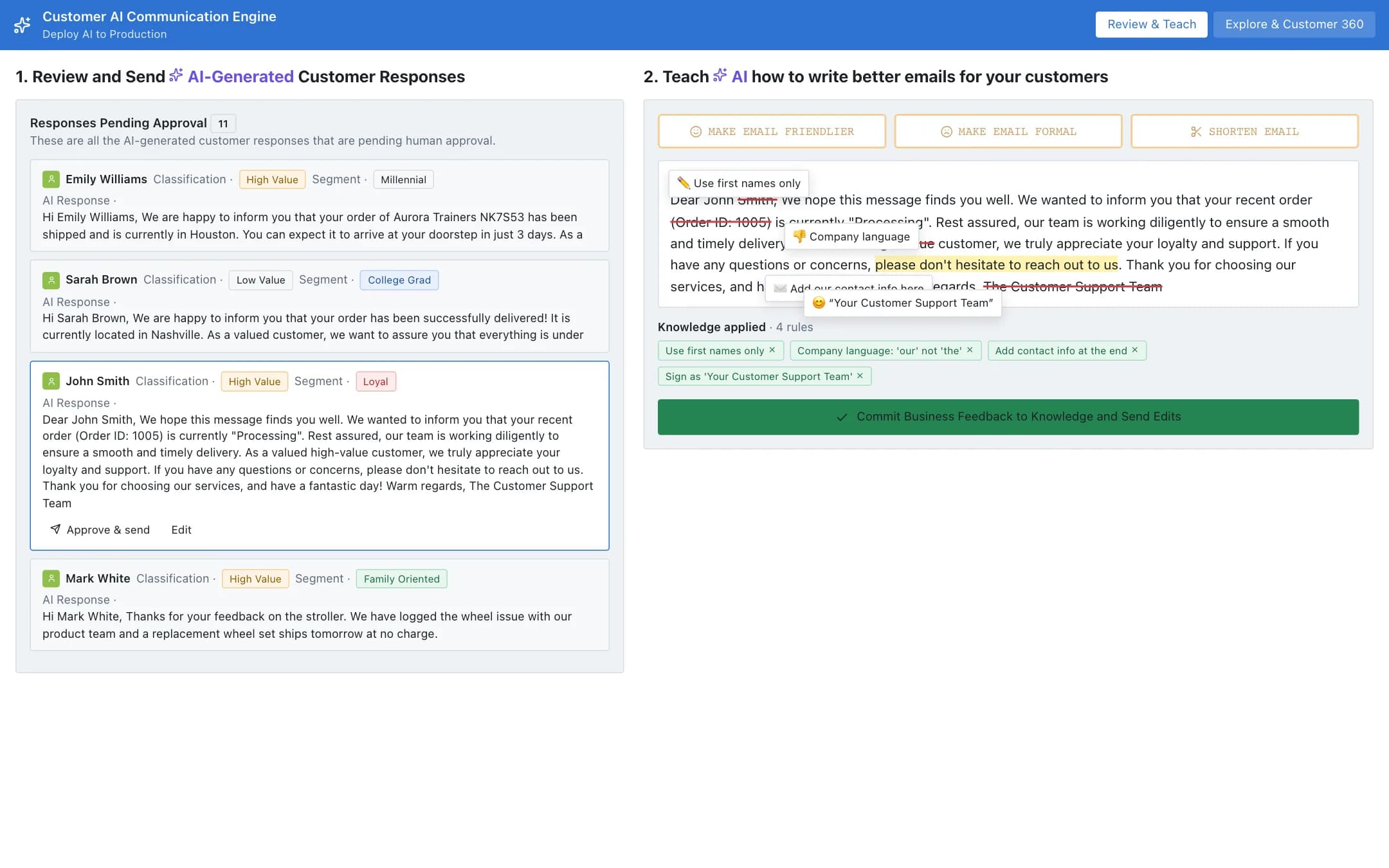
Customer service engine
A customer communication engine that drafts responses from the customer's orders, status and history, queues them for approval, lets the operator mark up a draft and commit the feedback as knowledge that shapes future drafts, and a customer 360 with the order timeline and the graph of everything the customer links to.
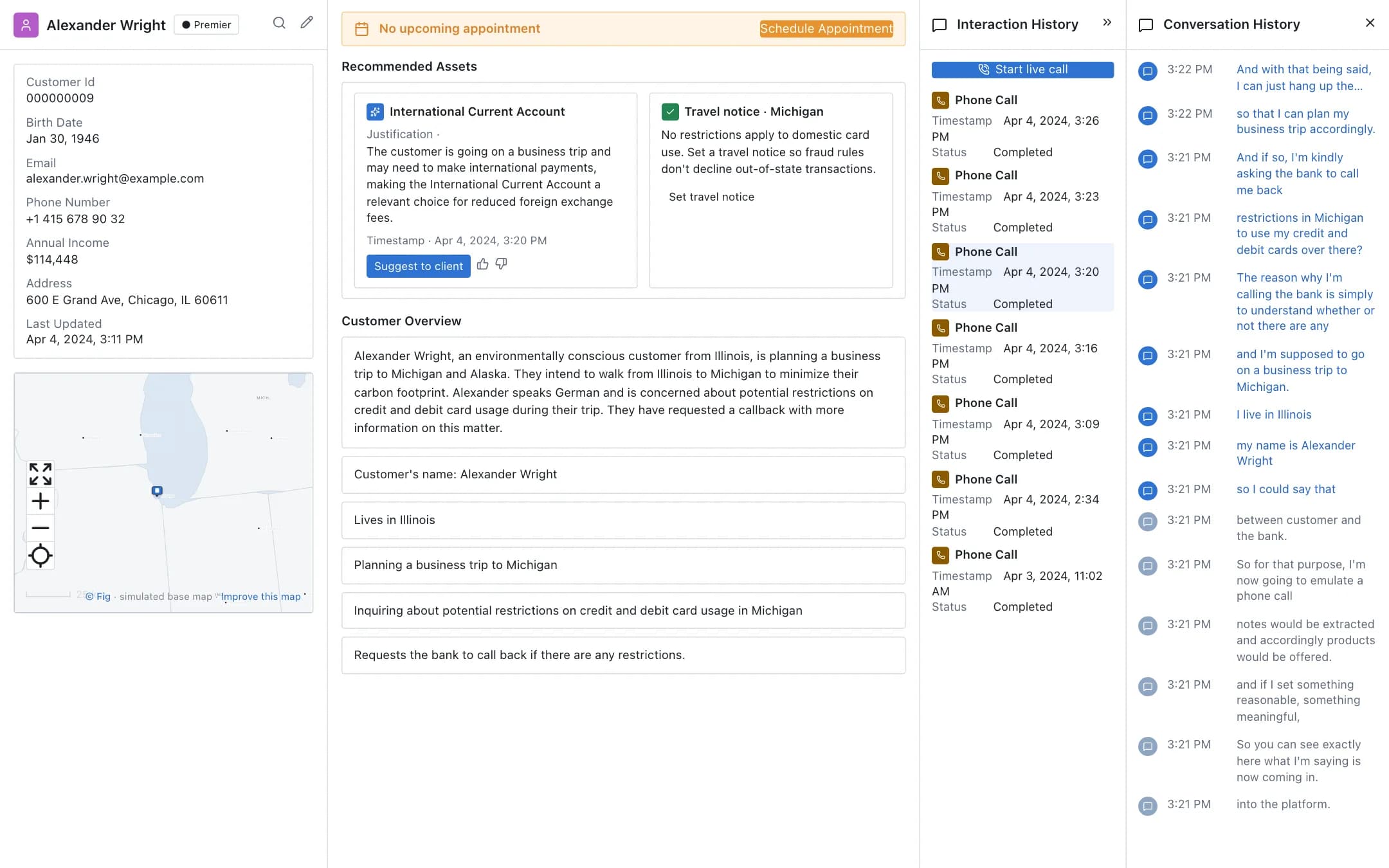
Real-time customer intelligence
The customer's record, the live call transcribed as it happens, facts and intent extracted from it, a recommended product with its justification, the interaction history and a callback booked, all on the relationship manager's screen during the call.
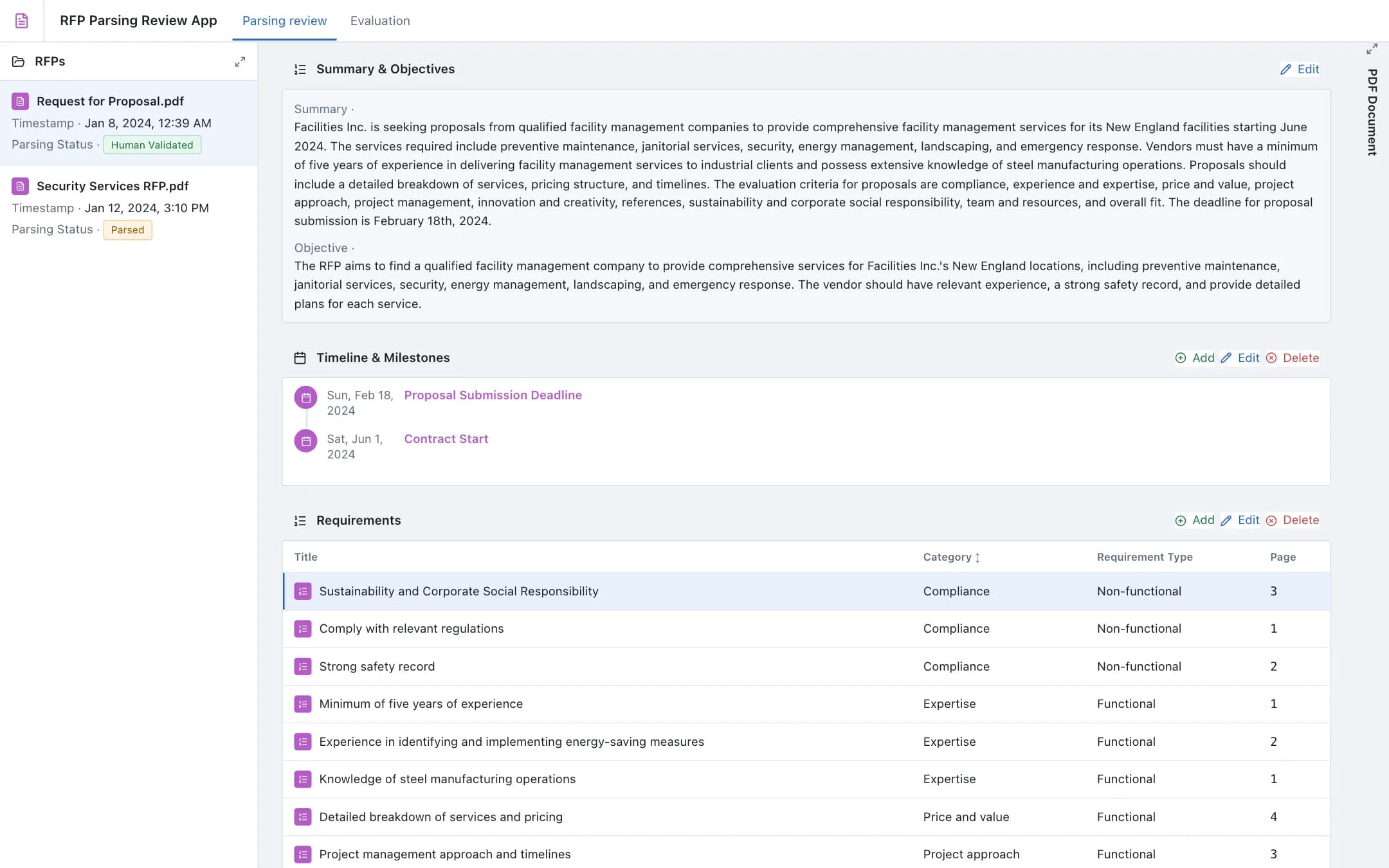
RFP submission evaluation
Two linked apps for a request for proposal: the parsing review extracts the summary, objectives, milestones and requirements from the RFP document for a human to validate, and the evaluation scores every vendor response against those requirements and recommends a vendor with the reasoning and the relationship history behind it.