RFP submission evaluation
Two linked apps for a request for proposal: the parsing review extracts the summary, objectives, milestones and requirements from the RFP document for a human to validate, and the evaluation scores every vendor response against those requirements and recommends a vendor with the reasoning and the relationship history behind it.
One working session with the people in the seat: which decisions, which systems, what a good week looks like.
The app you see above, running on your own exports instead of the simulated world. Every screen, every decision, your numbers.
Wired to your systems with your permissions, agents proposing, people approving, the ledger recording who did what.
Overview
An RFP is a long document and each vendor's response is another. The evaluation committee reads them in full, keeps scores in a spreadsheet and argues from memory about who delivered last time.
The parsing review pulls the summary, objectives, timeline and requirements out of the RFP with the page each came from, so a procurement manager validates the structure once. The evaluation then scores every vendor response requirement by requirement, shows the responses side by side and recommends a vendor with a written rationale that also draws on contract and payment history. Selecting the vendor drafts the award letter.
Key features
- RFP review: summary, objectives, milestones and requirements extracted with page references, editable and human-validated.
- Side-by-side comparison: vendor responses and requirements in one interface.
- Vendor evaluation: each response scored against the requirements on rules the business provides, with an average score.
- Recommendation with reasoning: the agent's steps are visible, including the vendor relationship data it consulted.
Decisions it produces
- Validate or correct the parsed requirements
- Add or remove a requirement or milestone
- Select the recommended vendor
- Re-run the evaluation with different weightings
Data sources
| RFP documents | summary, objectives, milestones, requirements |
|---|---|
| Vendor responses | proposal PDFs, pricing, approach |
| Contract records | existing agreements and terms |
| Payment history | average payment delay per vendor |
Simulated data throughout. Book a call to see it on your own systems.
Related demos
Automated procurement sourcing
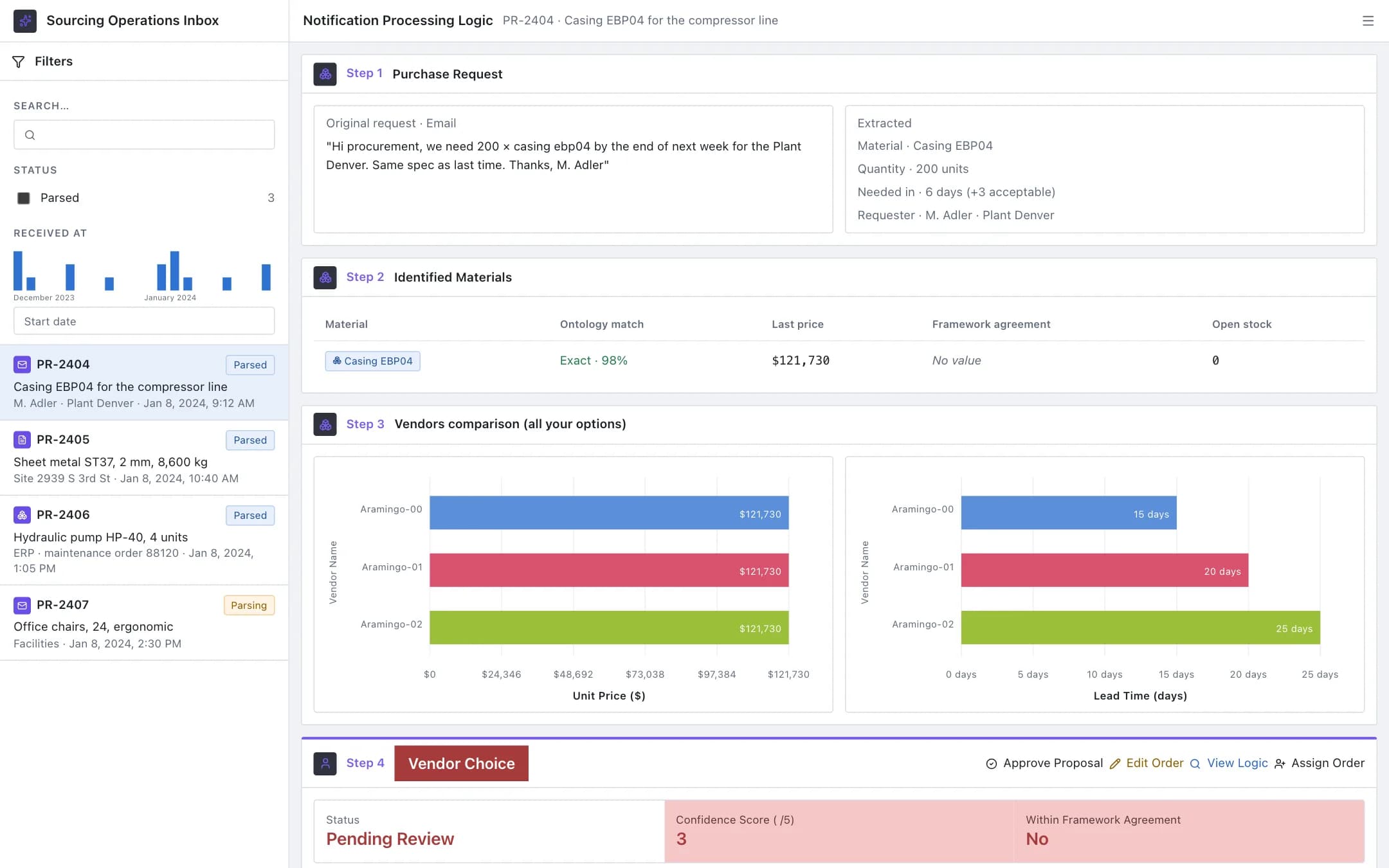
An inbox for purchase requests that arrive as emails, PDFs and ERP entries: each is parsed into material, quantity and need date, matched to the material master, priced across vendors on unit price and lead time, and proposed as a purchase order with a confidence score and a written reason for the buyer to approve, edit or assign.
Procurement negotiations assistant
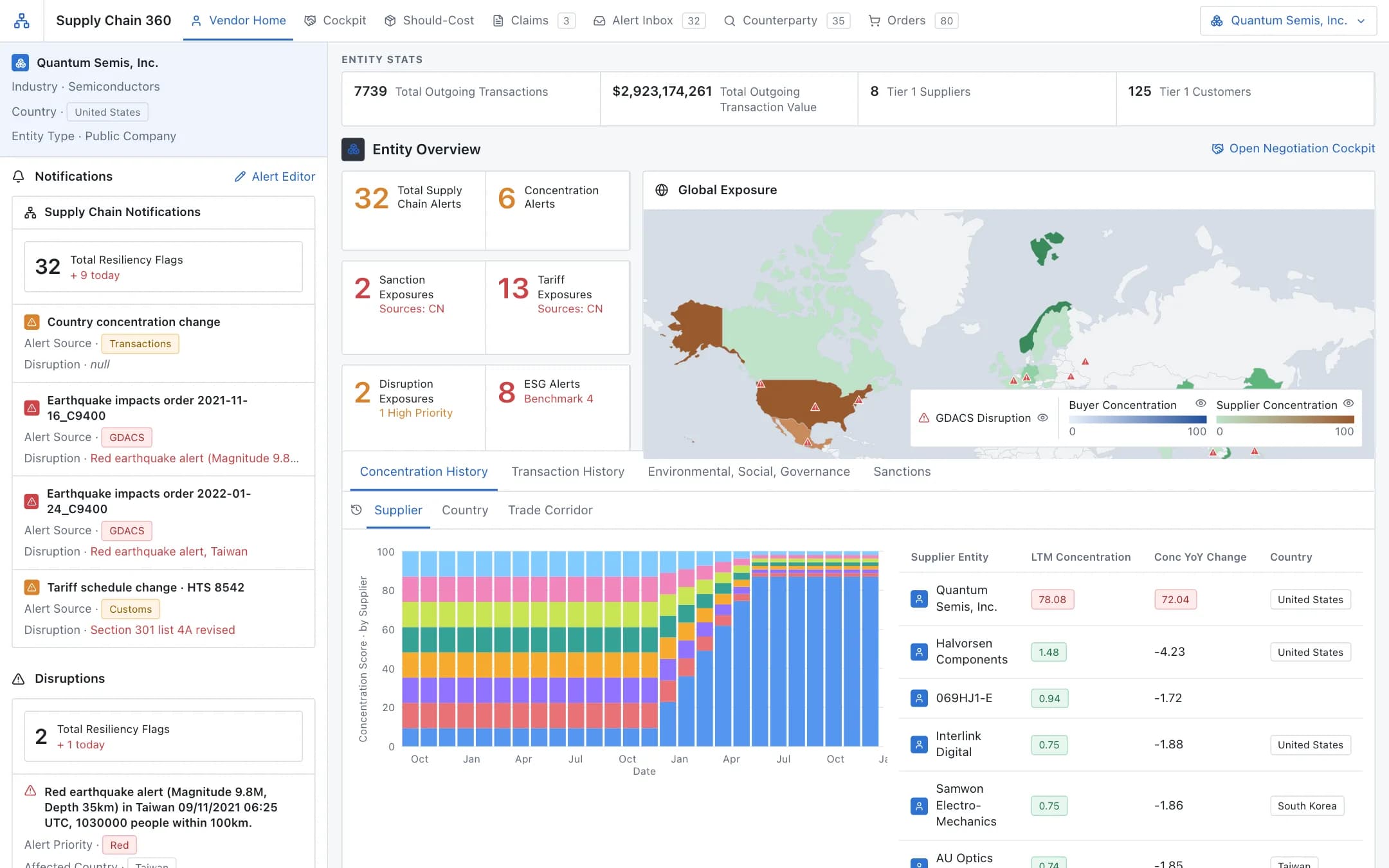
A vendor 360 with exposure on a world map and concentration history, feeding a negotiation cockpit: data-backed arguments, a should-cost bill of materials down to the commodity, and vendor claims extracted as they arrive.
Vendor agreement compliance
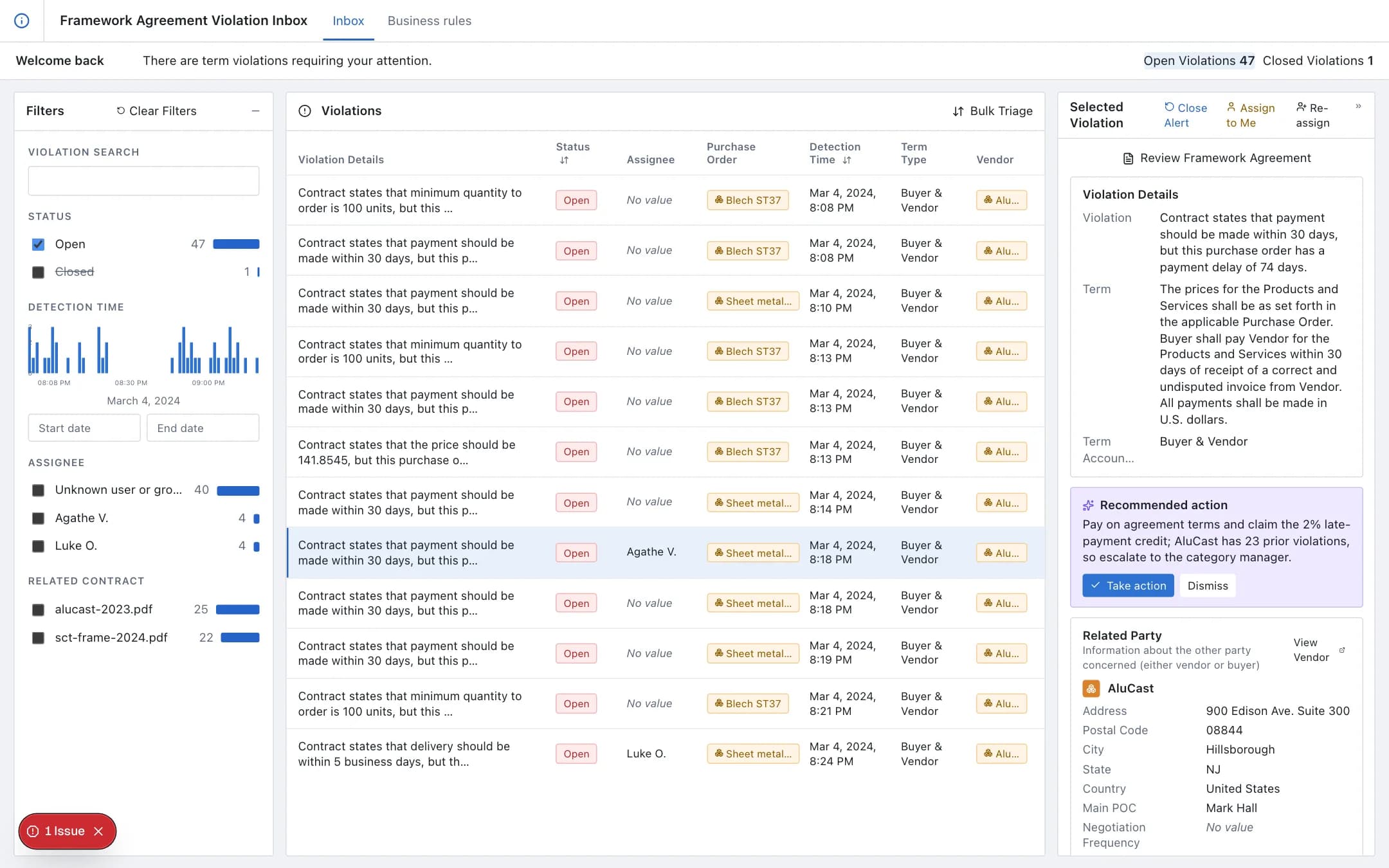
Every purchase order, goods receipt and invoice validated against the vendor agreement's terms as it arrives; violations in an inbox with the term, the purchase order and the related party, a recommended action, and business rules captured from the agreement text without code.