Automated invoice validation
Invoices extracted from PDFs and the ERP with every field confirmable, cross-checked against purchase orders, goods receipts, vendor records and the framework agreement, with duplicates, payment-term drift and price or quantity mismatches raised as findings before payment.
One working session with the people in the seat: which decisions, which systems, what a good week looks like.
The app you see above, running on your own exports instead of the simulated world. Every screen, every decision, your numbers.
Wired to your systems with your permissions, agents proposing, people approving, the ledger recording who did what.
Overview
Accounts payable pays what the invoice says. The purchase order, the delivery and the contract each say something slightly different, and the differences are found at audit, if at all. Duplicates get paid twice.
The app reads each invoice into fields with a confidence per field for a person to confirm, matches it to the purchase order and the goods receipt, and checks the terms against the vendor's agreement. Each finding shows the violating purchase order, the related party and the two documents side by side, with a recommended resolution: approve on agreement terms, dispute, reject the duplicate or hold. Approvals write to the payment run.
Key features
- Accurate data extraction: invoice fields from ERP records and PDFs, each with a confidence and human-in-the-loop confirmation.
- Duplicate invoice detection: identical vendor, purchase order, amount and date caught in real time, with the original shown beside it.
- Payment term matching: terms on the invoice, the purchase order and the vendor agreement compared, with drift flagged to protect cash flow.
- Findings inbox: filters by status, finding type, detection time and assignee, bulk triage, close, assign and re-assign.
Decisions it produces
- Approve an invoice on agreement terms or dispute it
- Reject a duplicate invoice
- Hold an invoice with no purchase order pending site confirmation
- Assign a finding to an analyst
Data sources
| Invoice PDFs and ERP invoice records | fields extracted with confidence: number, vendor, amount, terms, lines |
|---|---|
| Purchase orders and goods receipts | quantities, prices, delivery dates for the three-way check |
| Vendor agreements | payment terms, fixed prices, minimum quantities |
| Vendor master | addresses, contacts, violation history |
Simulated data throughout. Book a call to see it on your own systems.
Related demos
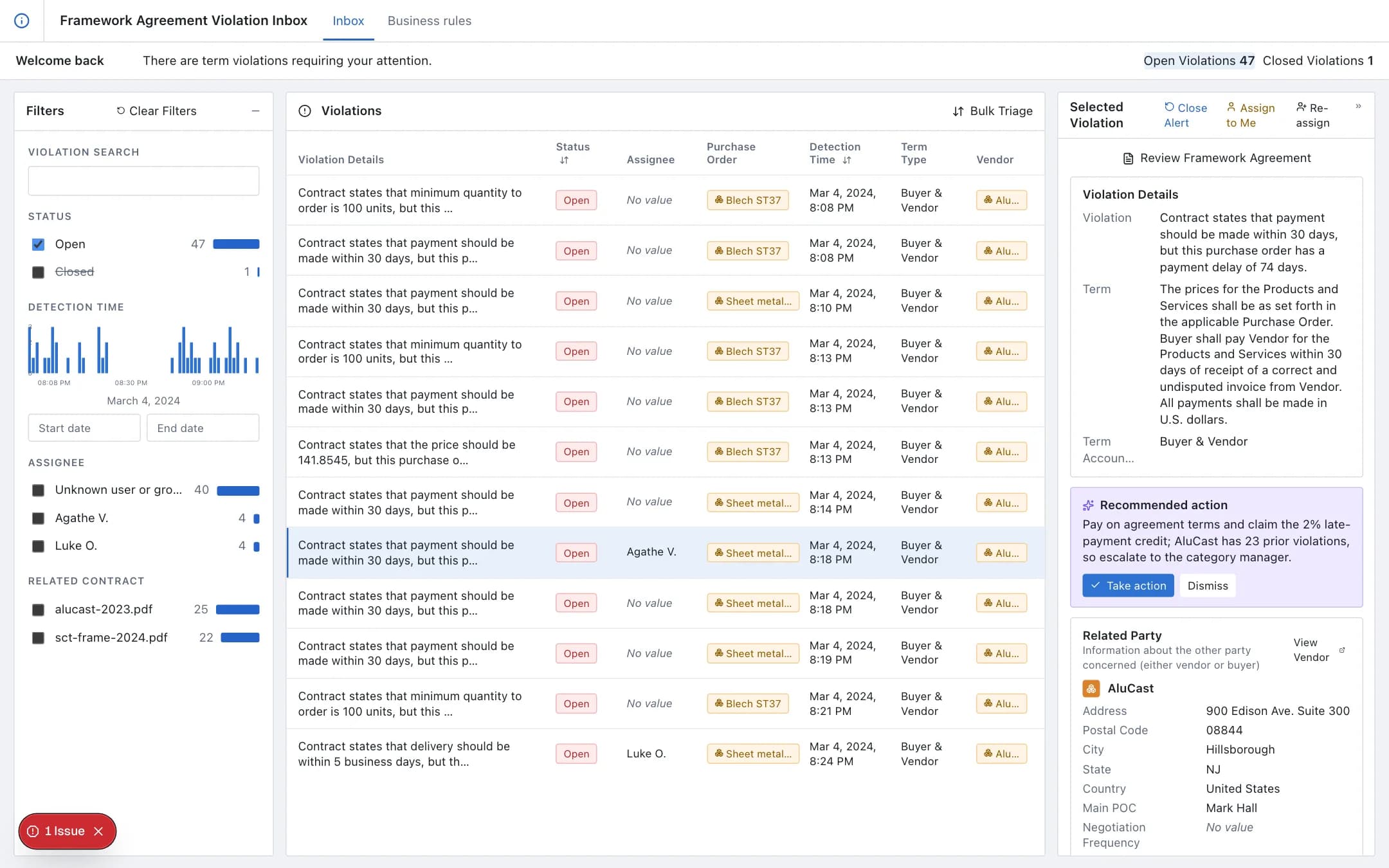
Vendor agreement compliance
Every purchase order, goods receipt and invoice validated against the vendor agreement's terms as it arrives; violations in an inbox with the term, the purchase order and the related party, a recommended action, and business rules captured from the agreement text without code.
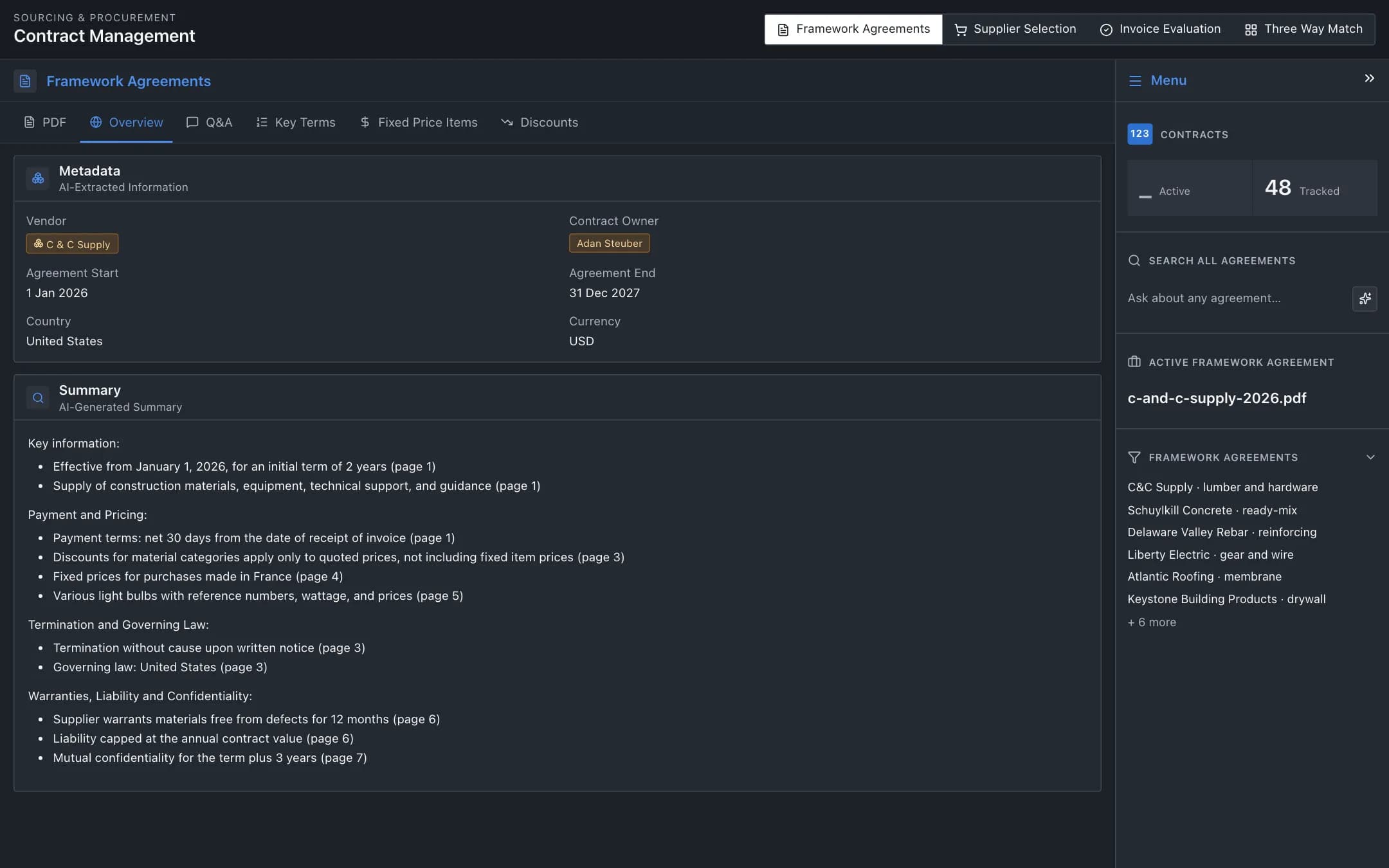
Construction procurement and three-way matching
Framework agreements summarised and queried by AI, suppliers suggested for each parsed purchase request with price and lead-time comparison, invoices monitored, and purchase orders, invoices and goods receipts matched three ways with the discrepancies flagged.
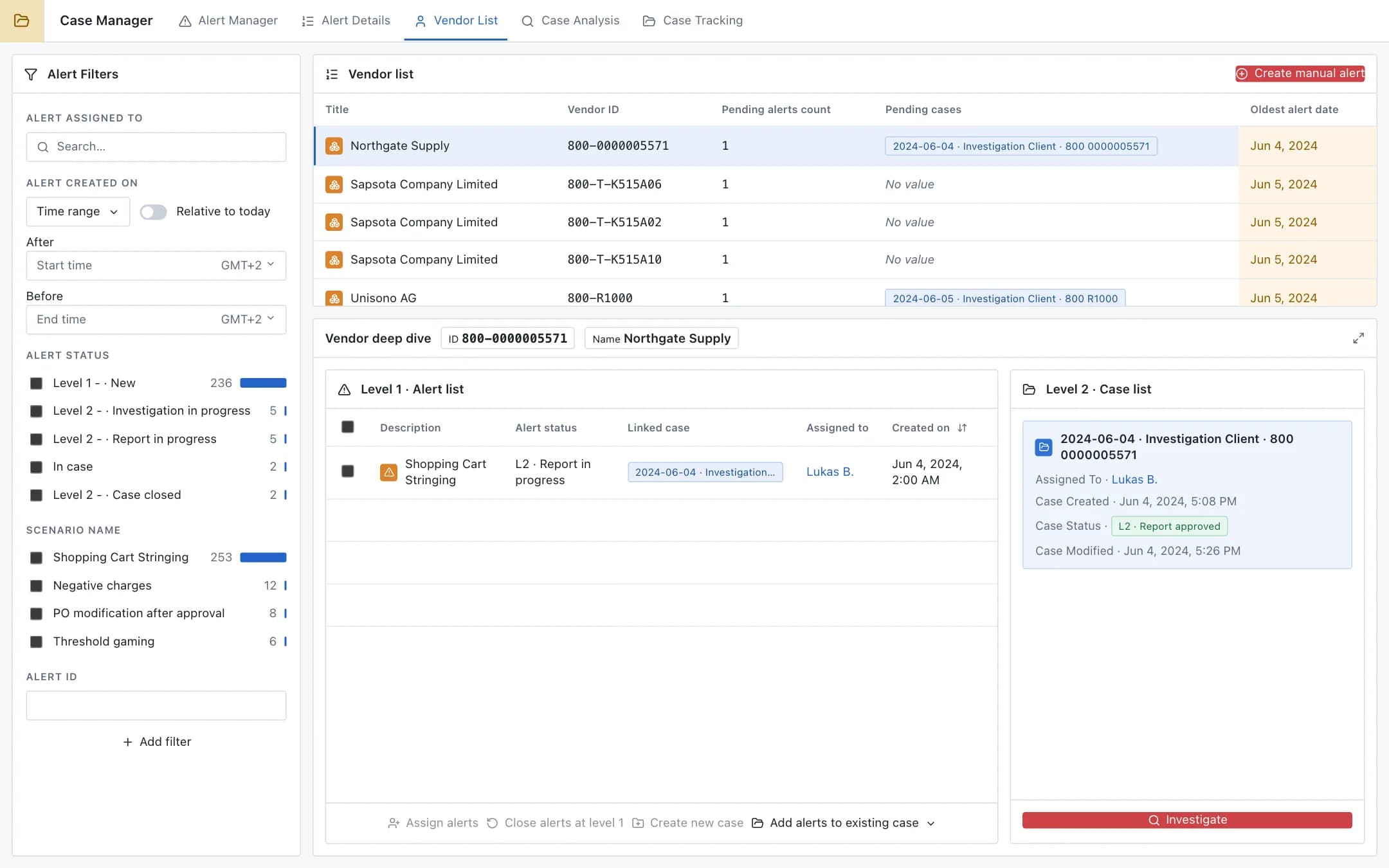
Procurement fraud detection
Purchase orders, invoices, vendors and bids scanned by detection rules for shopping cart stringing, PO modification after approval and threshold gaming; alerts triaged per vendor, escalated into cases, investigated, and fed back into the rules.