Procurement fraud detection
Purchase orders, invoices, vendors and bids scanned by detection rules for shopping cart stringing, PO modification after approval and threshold gaming; alerts triaged per vendor, escalated into cases, investigated, and fed back into the rules.
One working session with the people in the seat: which decisions, which systems, what a good week looks like.
The app you see above, running on your own exports instead of the simulated world. Every screen, every decision, your numbers.
Wired to your systems with your permissions, agents proposing, people approving, the ledger recording who did what.
Overview
Procurement fraud hides in volume: a dozen orders each under the approval limit, a quantity edited after sign-off, a credit memo that never reaches the ledger. The ERP has every record, and nobody reads them together.
The app joins the ERP with the preferred vendor list, process guidelines and employee records into one procurement view, runs detection rules over it nightly, and puts the alerts in a case manager. Analysts triage per vendor, discard low-risk alerts, escalate the rest into level 2 cases with the evidence attached, and edit the rules in a no-code builder when a pattern turns out to be noise.
Key features
- Holistic procurement view: purchase orders, invoices, vendors, bids and employees in one object model.
- Fraud pattern detection: shopping cart stringing, PO modification after approval, threshold gaming and negative charges, extended in a no-code rule engine with preview.
- AI-assisted alert resolution: low-risk alerts closed at level 1 with a recommendation; high-risk alerts escalated with the purchase orders behind them.
- Case investigation and management: a vendor deep dive with the alert list and the case list, assignment, tracking and audit history.
- Feedback loop: closed cases and new patterns refine thresholds and suggest investigation strategies.
Decisions it produces
- Close an alert at level 1 or escalate it to a case
- Assign alerts and cases to an investigator
- Freeze new purchase orders to a vendor under investigation
- Change a detection rule's threshold or logic
Data sources
| ERP purchasing | purchase orders, modifications, approvals, buyers |
|---|---|
| Accounts payable | invoices, credit memos, payments |
| Vendor master and preferred lists | vendor ids, onboarding dates, contacts |
| Employee records | buyer identities and relationships for conflict checks |
Simulated data throughout. Book a call to see it on your own systems.
Related demos
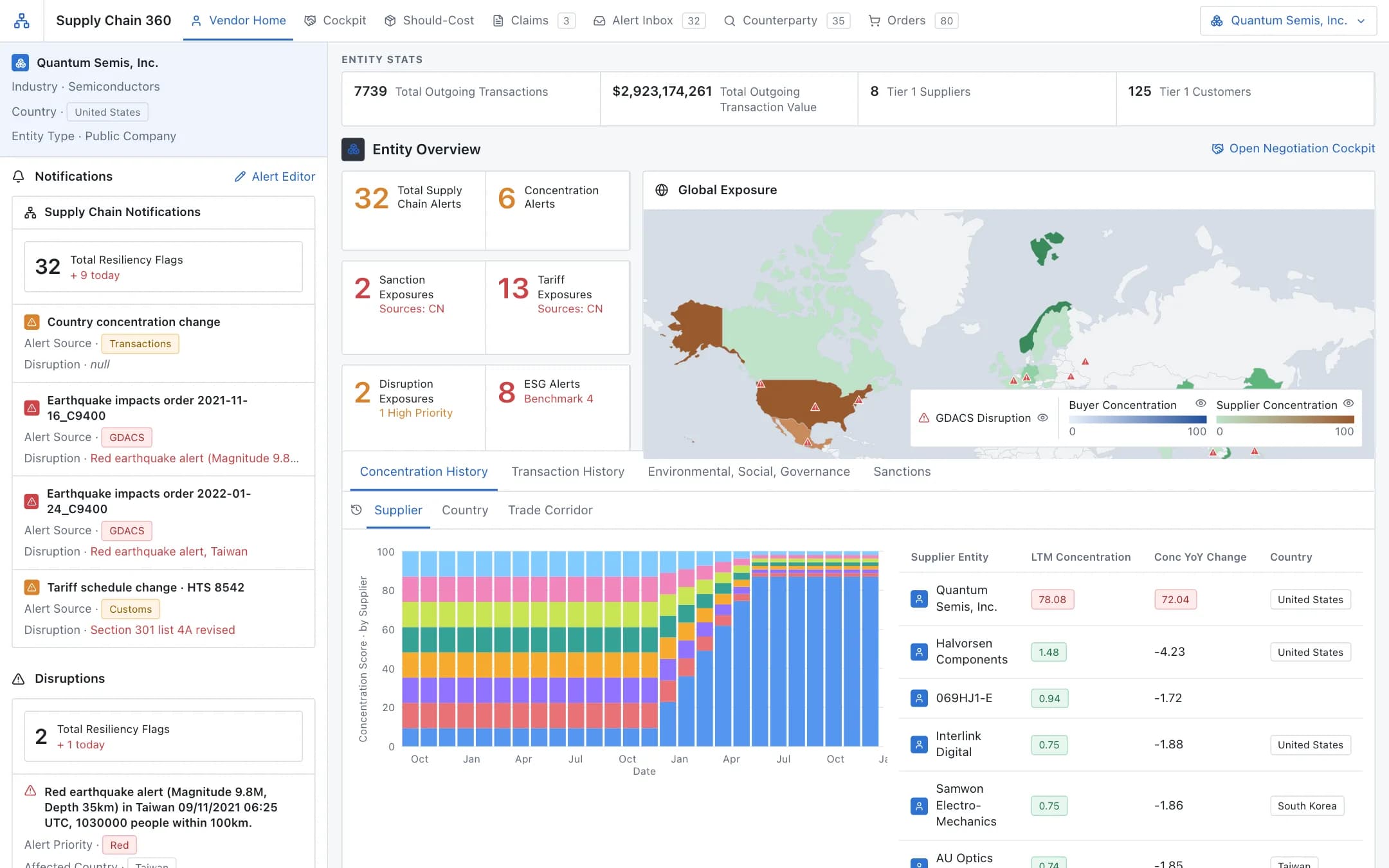
Procurement negotiations assistant
A vendor 360 with exposure on a world map and concentration history, feeding a negotiation cockpit: data-backed arguments, a should-cost bill of materials down to the commodity, and vendor claims extracted as they arrive.
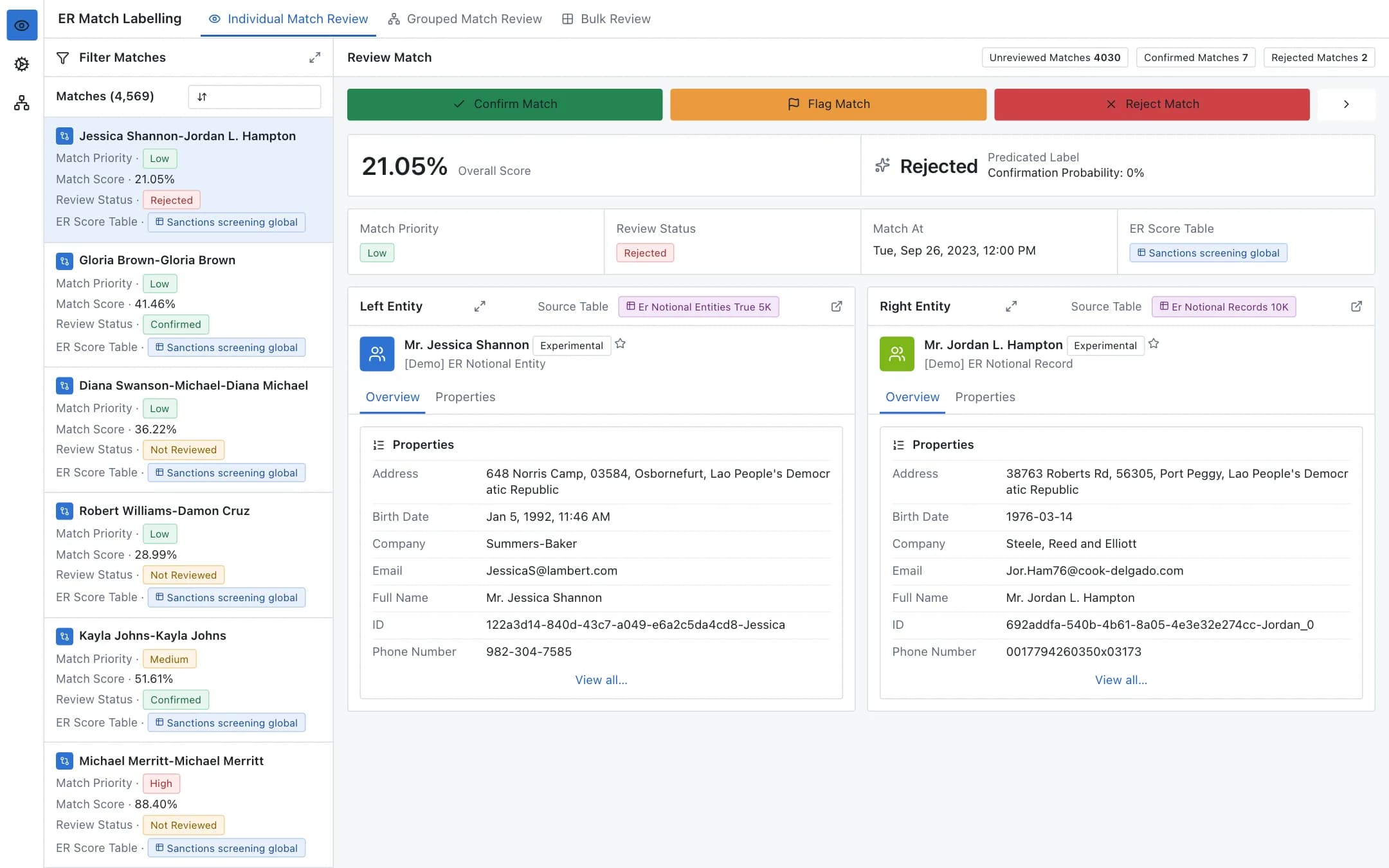
Entity resolution
A configurable pipeline that cleans, pairs and scores records to find the same person, company or product across datasets, with a labelling app where stewards confirm, flag or reject each match and a config manager that defines every step.
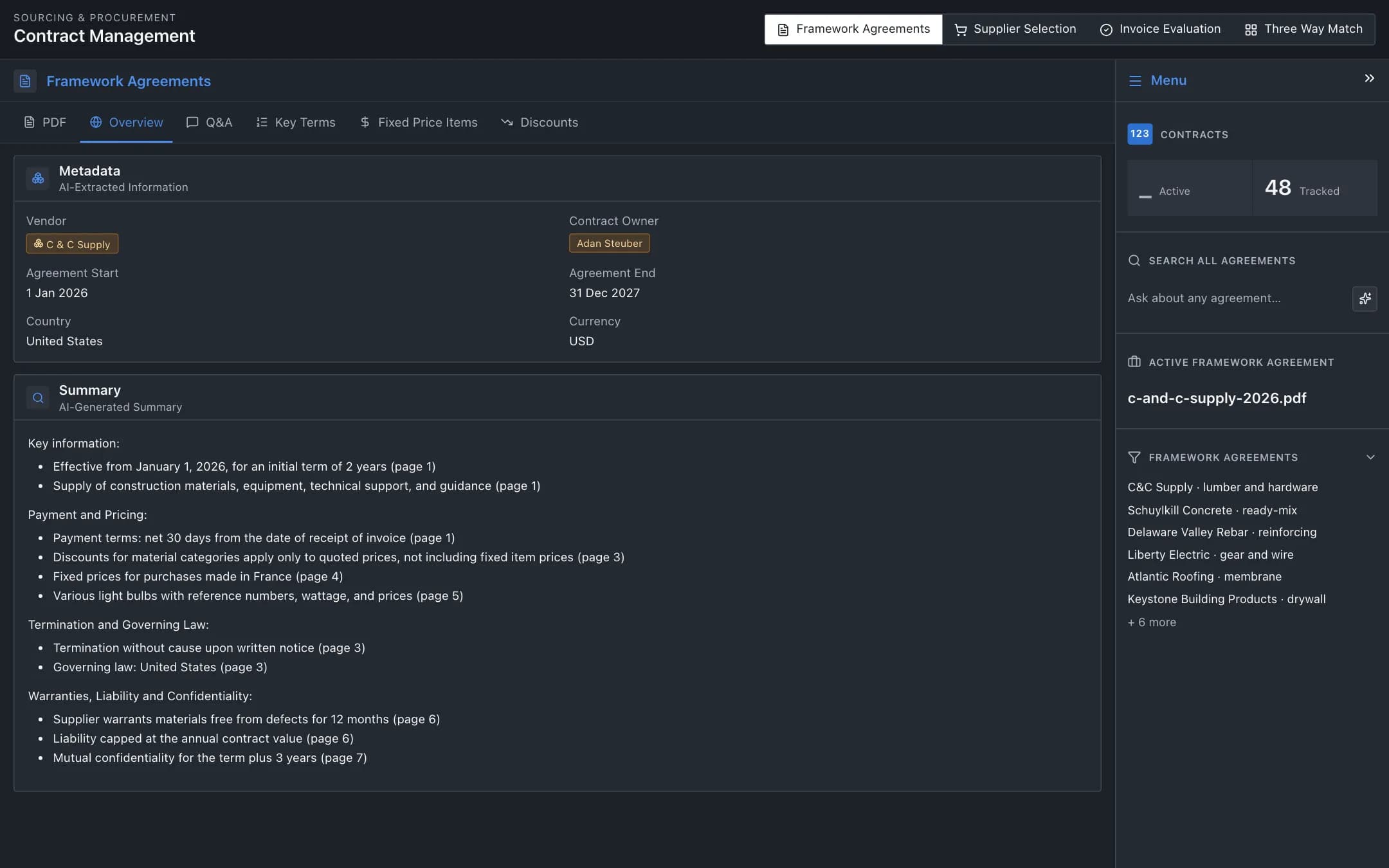
Construction procurement and three-way matching
Framework agreements summarised and queried by AI, suppliers suggested for each parsed purchase request with price and lead-time comparison, invoices monitored, and purchase orders, invoices and goods receipts matched three ways with the discrepancies flagged.