Intelligent purchasing
Historical purchases harmonized onto a canonical product hierarchy: spend by category over time and vendor, materials and vendor price analysis, savings simulations for moving volume to a vendor, AI matching of uncategorized purchase orders, and a log of every program change.
One working session with the people in the seat: which decisions, which systems, what a good week looks like.
The app you see above, running on your own exports instead of the simulated world. Every screen, every decision, your numbers.
Wired to your systems with your permissions, agents proposing, people approving, the ledger recording who did what.
Overview
Spend analysis dies on the category column: a fifth of purchase orders are uncategorized, vendors are spelled four ways, and the product hierarchy is a slide. What-ifs on vendor consolidation are done by hand.
The app keeps a canonical hierarchy and harmonizes every purchase order onto it. A category opens into spend by vendor and year, unit prices, materials and vendor trends; the price analysis simulates choosing one vendor for future deliveries and shows the profit; uncategorized orders arrive with an AI-recommended category to accept or turn into a new node. Every change is logged and reversible.
Key features
- Spend category analysis: the evolution of spend by category, material and vendor exposure, with what-if scenarios on vendor choice and the risks of the others.
- Uncategorized purchase order review: AI recommendations to match orders to existing categories or add new nodes to the hierarchy.
- Price analysis: category vendors by quantity and unit price, the most profitable vendor, scenario profit and preferred-vendor setting.
- Program changes management: every hierarchy edit, PO reassignment and preferred vendor recorded, with revert.
Decisions it produces
- Set a preferred vendor for a category
- Categorize a purchase order or create a category
- Remove a category and reassign its orders
- Revert a program change
Data sources
| Purchase orders | amounts, quantities, unit prices, vendors, descriptions since 2002 |
|---|---|
| Product hierarchy | canonical categories and the material master |
| Vendor master | addresses, countries, relationship start |
| Category manager decisions | accepted matches and preferred vendors that train the matcher |
Simulated data throughout. Book a call to see it on your own systems.
Related demos
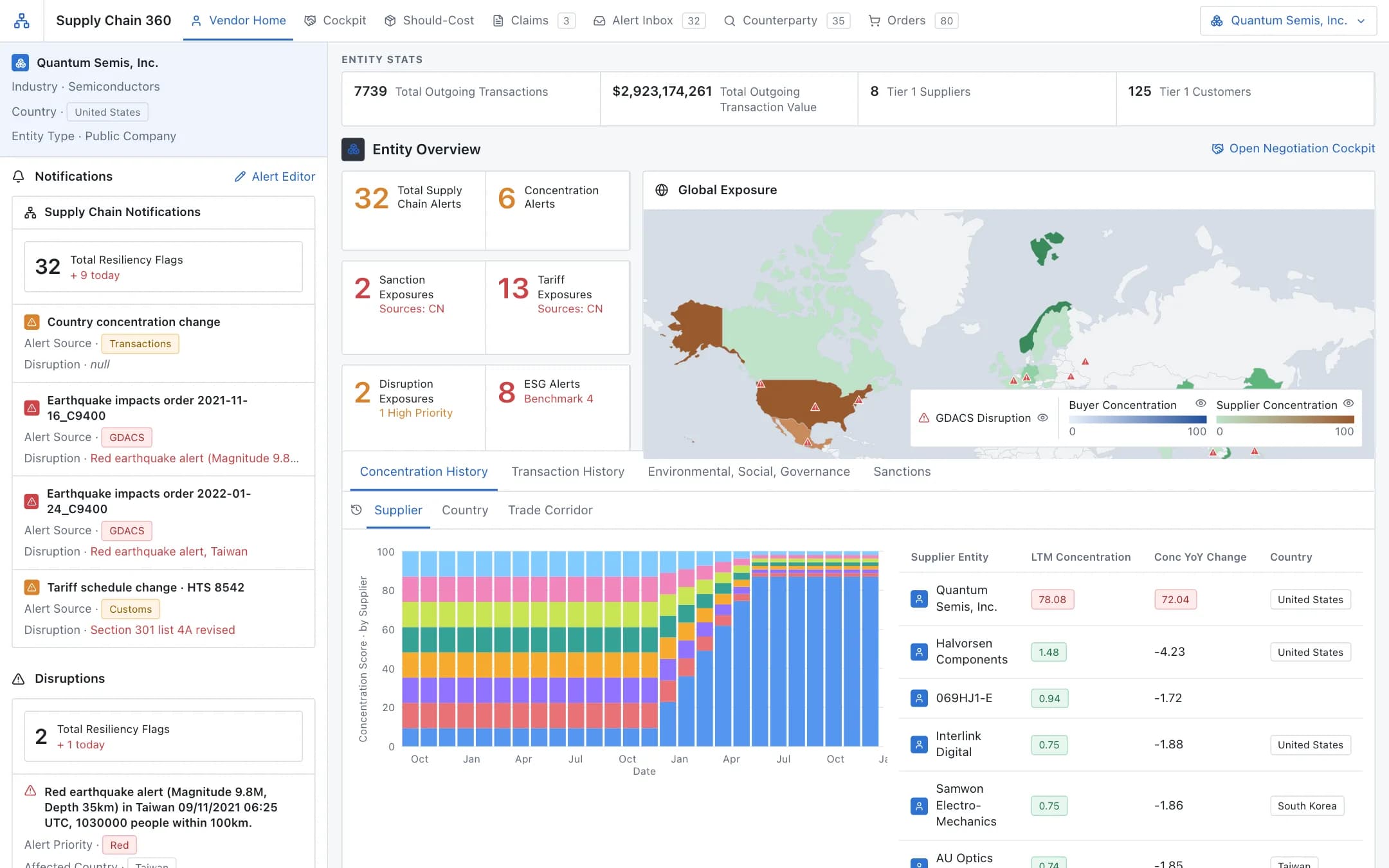
Procurement negotiations assistant
A vendor 360 with exposure on a world map and concentration history, feeding a negotiation cockpit: data-backed arguments, a should-cost bill of materials down to the commodity, and vendor claims extracted as they arrive.
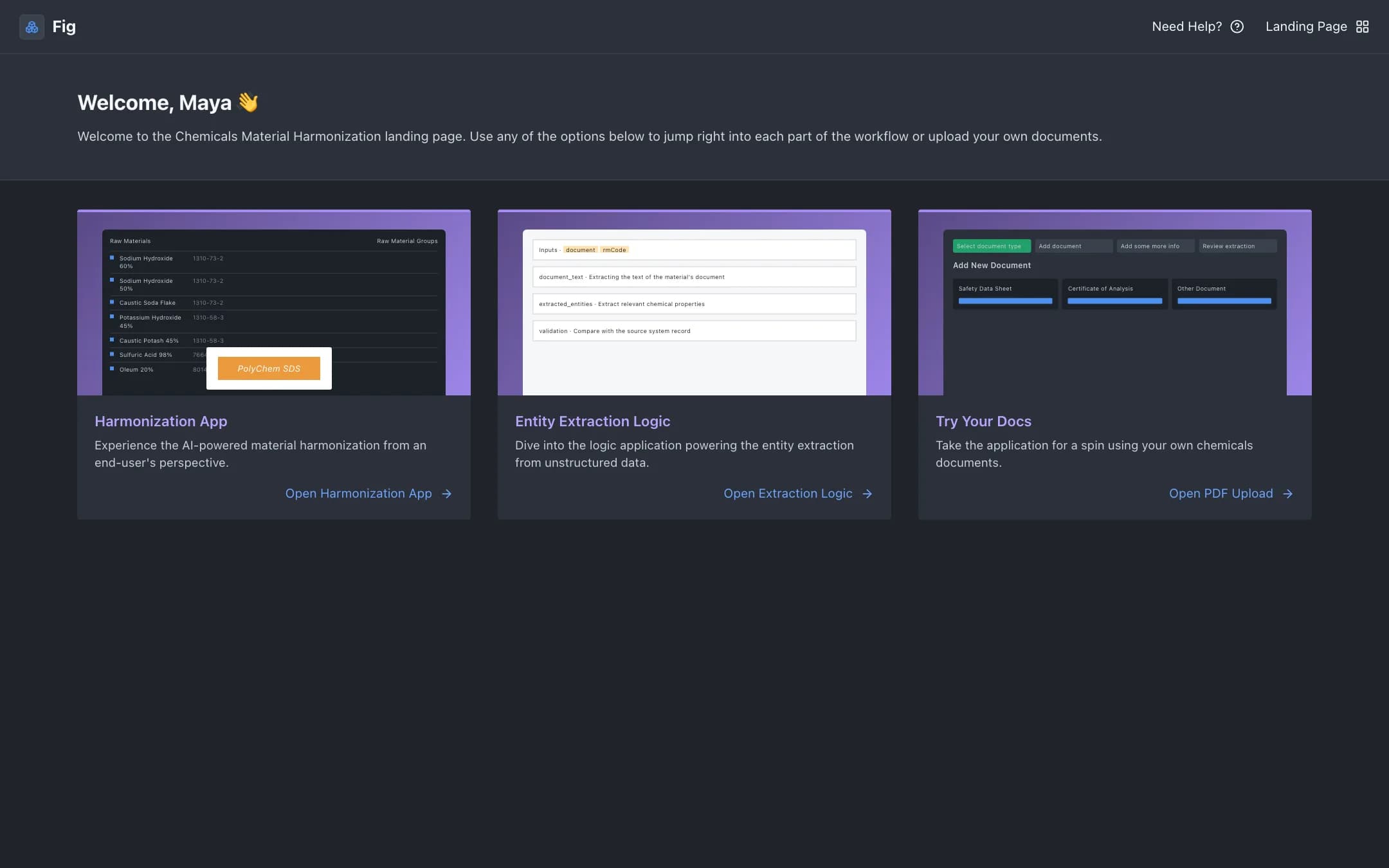
Material harmonization
Raw materials from several ERPs enriched with properties extracted from safety data sheets and certificates of analysis, grouped into harmonized materials with AI suggestions, so a bill of materials can name an alternative supplier.
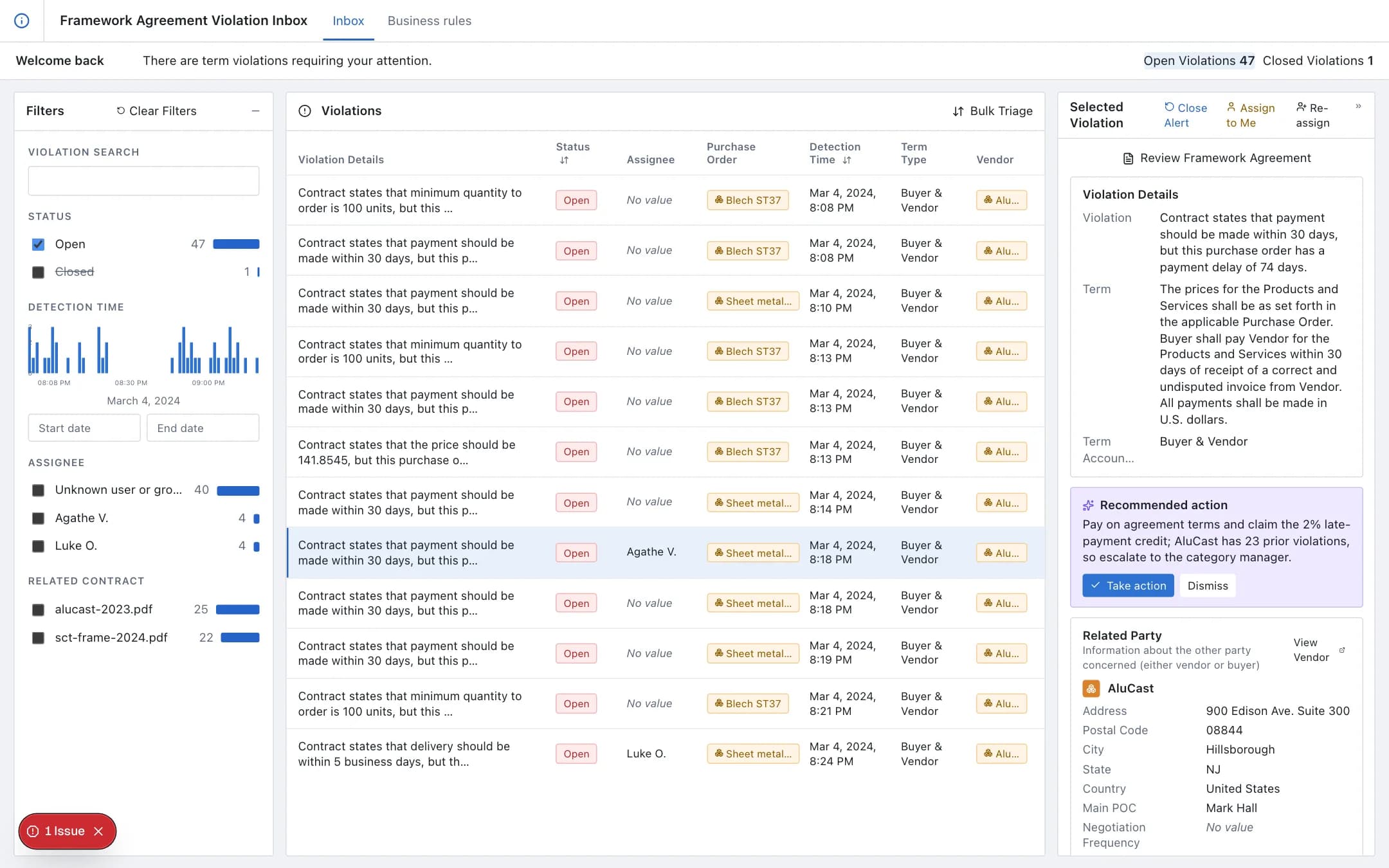
Vendor agreement compliance
Every purchase order, goods receipt and invoice validated against the vendor agreement's terms as it arrives; violations in an inbox with the term, the purchase order and the related party, a recommended action, and business rules captured from the agreement text without code.