Dynamic scheduling
A shift board of employees and task pucks over the day with an unscheduled tray, undo, redo, reset and a review step, and a rules tab where deadline, duration, gap, overlap and sequence constraints are enabled, disabled, debugged or written in plain language and translated into constraints the board enforces.
One working session with the people in the seat: which decisions, which systems, what a good week looks like.
The app you see above, running on your own exports instead of the simulated world. Every screen, every decision, your numbers.
Wired to your systems with your permissions, agents proposing, people approving, the ledger recording who did what.
Overview
Scheduling rules live in a planner's head and a spreadsheet: who can do what, how far apart tasks must be, how many people a counter needs at lunch. Encoding them in software takes a project and the rules change weekly.
The app shows the schedule as a board, one row per employee, with the night shift shaded and the task types colour coded. Unscheduled tasks are placed by clicking, and every placement is checked against the enabled rules with the conflict explained. Rules are grouped by category and can be enabled, disabled or deleted, and a new rule is typed in plain language and translated into a constraint. Reviewing the changes writes them to the workforce system.
Key features
- Schedule board: employees by row, task pucks by type over a two-day window, search and filter, legend.
- Unscheduled tray: tasks placed against the rules, with conflicts explained and a changelog, undo, redo and reset.
- Rules by category: deadline, duration, gap, overlap and sequence constraints, enabled or disabled, with debug details.
- Natural-language rules: raw text translated into a constraint without code.
Decisions it produces
- Place an unscheduled task
- Enable, disable or delete a rule
- Write a new constraint in plain language
- Review and publish the schedule changes
Data sources
| HRIS | employees, availability, preferred hours |
|---|---|
| Existing schedules | PDFs, spreadsheets, project plans |
| Rules | constraints by category, enabled state |
| ERP | orders and tasks to schedule |
Simulated data throughout. Book a call to see it on your own systems.
Related demos
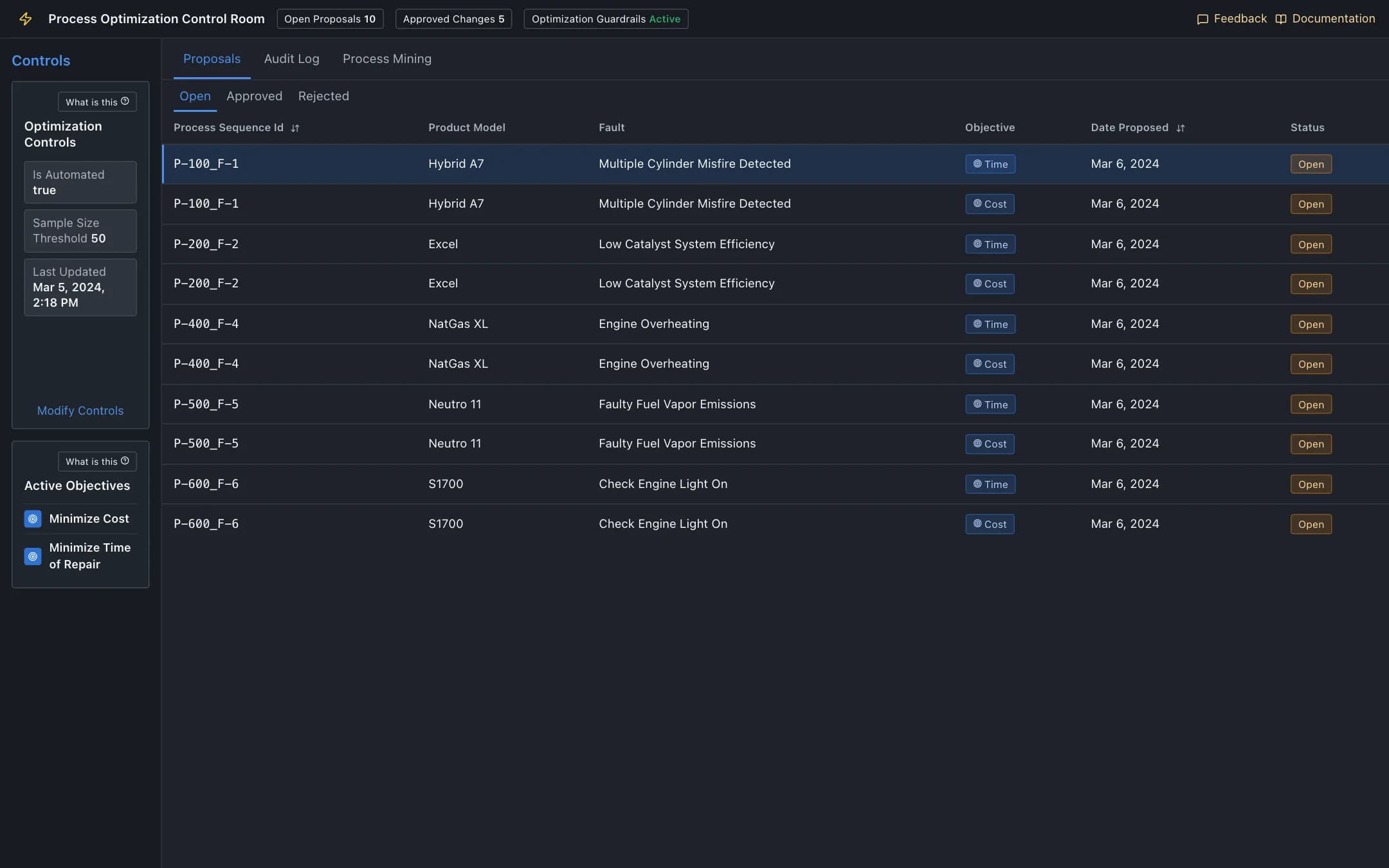
Process optimization
A control room where an optimiser proposes re-sequenced repair steps per product and fault under configurable guardrails, a manager reads the AI explanation and approves or rejects each proposal into an audit log, and process mining shows where the cases, time and bottlenecks are.
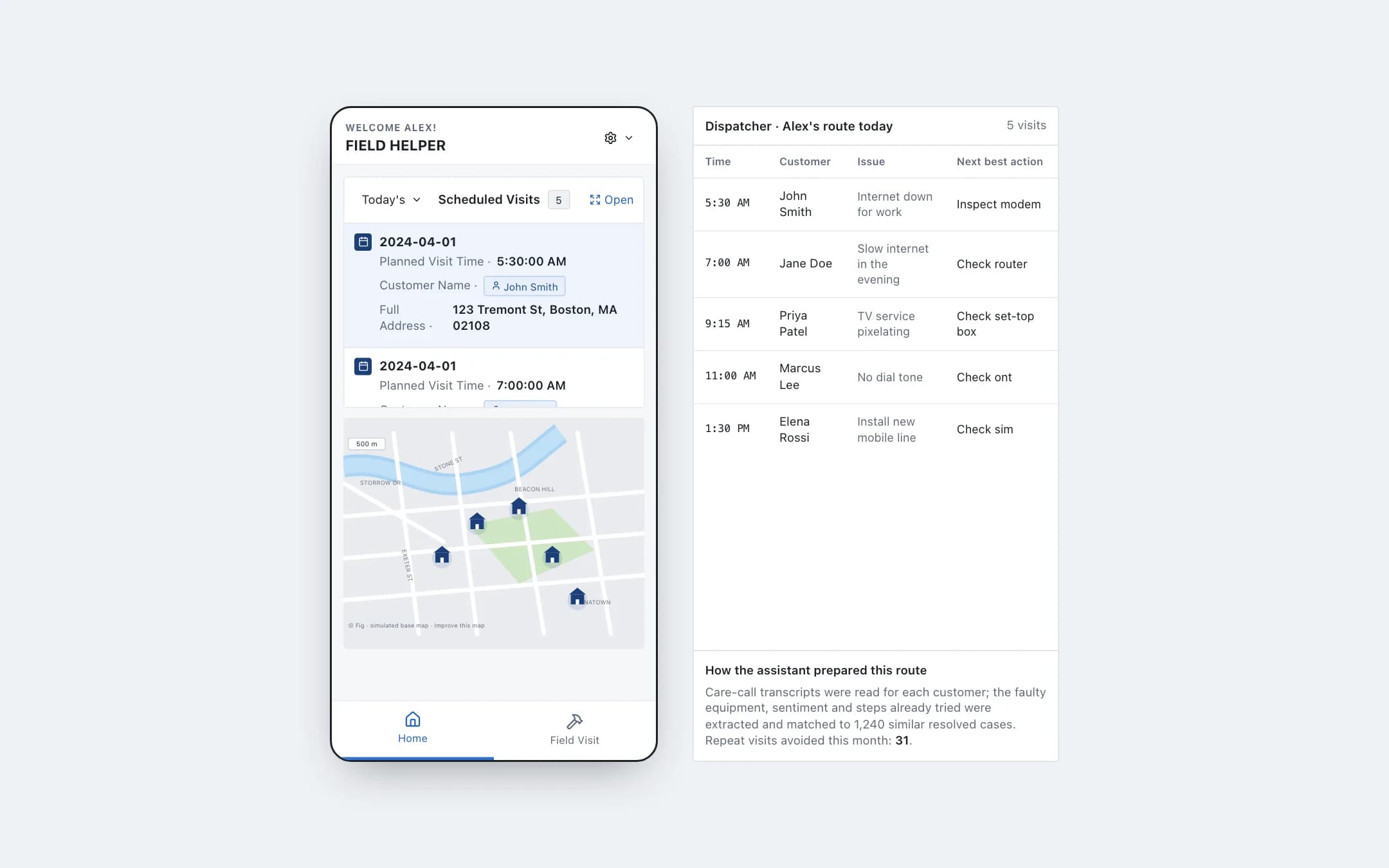
Field workforce assistant
The technician's phone with today's visits on a map and, for each customer, the issue synthesised from the care call, the steps already tried, the recommended next action, the service history and a customer 360.
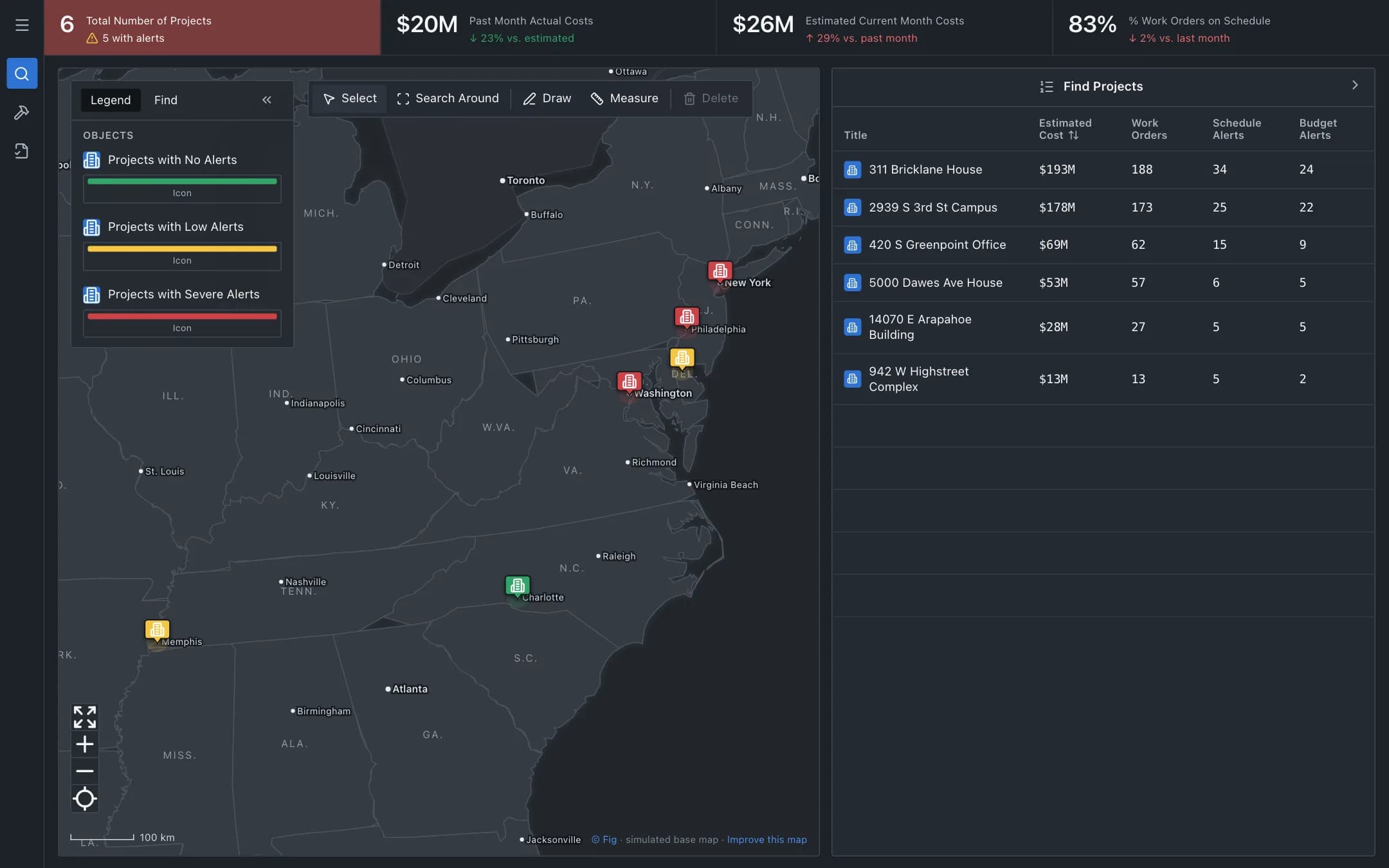
Construction command center
Every active job on one map with schedule, budget and work-order alerts, and one click into a project: its design model, schedule, budget and procurement center. Each alert carries its cause and a proposed move.