Field workforce assistant
The technician's phone with today's visits on a map and, for each customer, the issue synthesised from the care call, the steps already tried, the recommended next action, the service history and a customer 360.
One working session with the people in the seat: which decisions, which systems, what a good week looks like.
The app you see above, running on your own exports instead of the simulated world. Every screen, every decision, your numbers.
Wired to your systems with your permissions, agents proposing, people approving, the ledger recording who did what.
Overview
The technician arrives knowing the address and a two-word ticket. What the customer told the care desk, what the desk already tried and what happened last visit are in the call transcript and the CRM, not on the phone. Repeat visits follow.
The assistant reads the care-call transcripts and the service history, extracts the faulty equipment, the customer's sentiment and the steps taken, and puts a recommended next action on the technician's screen, with the history and the customer's devices one tap away. Feedback on each action refines the next one, and it runs inside the existing workforce management app.
Key features
- Next best action guidance: the most appropriate next steps from the extracted context, cutting troubleshooting time.
- Dynamic troubleshooting log: actions by support agents and their results, so field work builds on previous efforts.
- Continuous improvement: technician feedback refines the extraction and the recommendations.
- Seamless integration: insights delivered inside existing mobile workforce management applications.
Decisions it produces
- Take the recommended action, or skip to the next
- Close the work order with the outcome
- Call or navigate to the customer
- Rate the recommendation
Data sources
| Care-call transcripts | issue, sentiment and steps taken, extracted by the model |
|---|---|
| Workforce management | scheduled visits, addresses, work orders |
| CRM / billing | customer journey, purchases, service calls |
| Network inventory | devices on the account, known equipment issues |
Simulated data throughout. Book a call to see it on your own systems.
Related demos
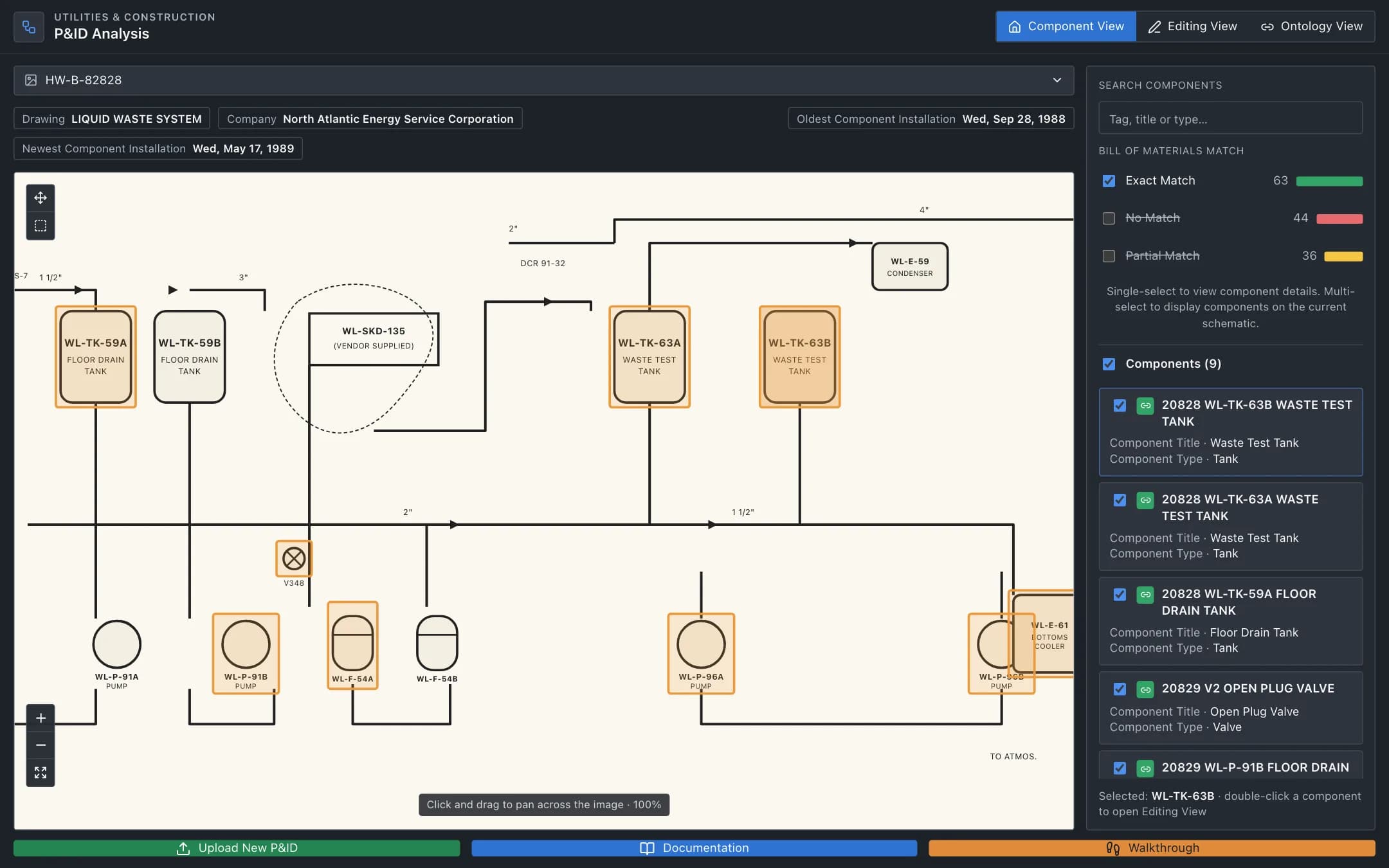
P&ID analysis
Components and their tags extracted from scanned P&ID drawings by a vision model, matched to the bill of materials, validated and relabeled by a maintenance engineer, and published as an ontology of the plant.
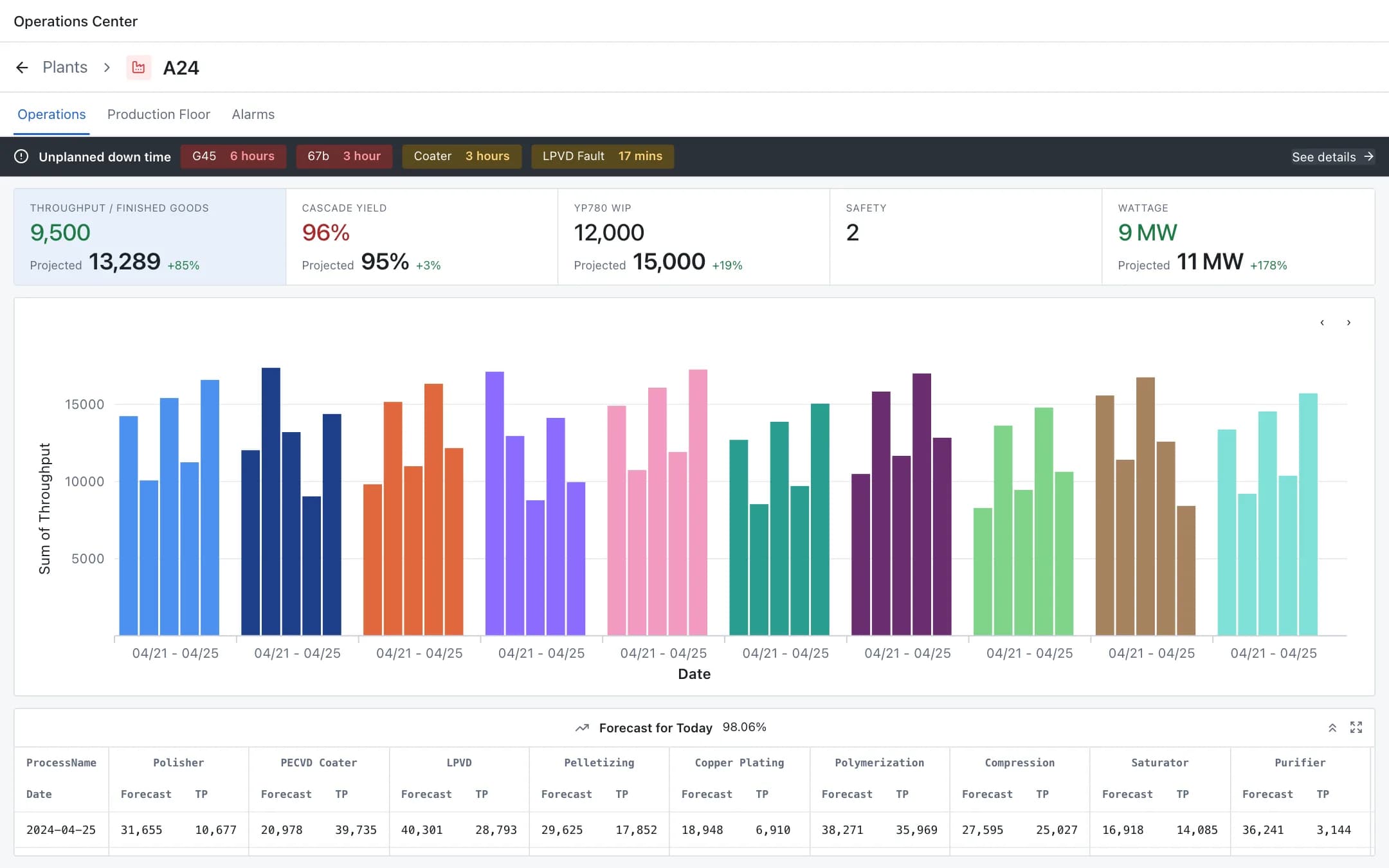
Plant digital twin
A live digital twin of the plant: operations KPIs and throughput by process, the production floor from building to zone to a single pump with its sensors, images and manual, and incident management with approve, reject and take action.
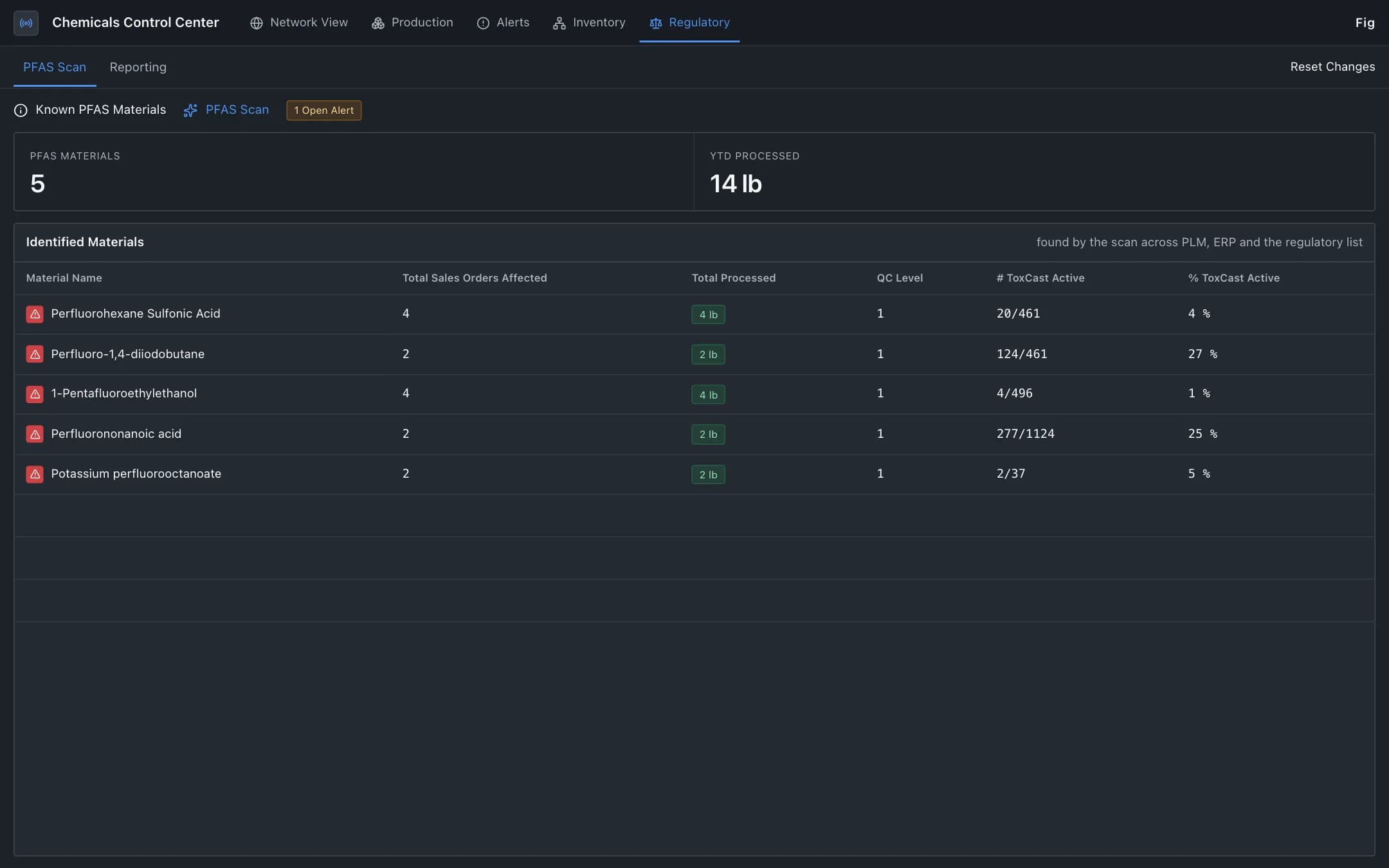
Hazardous material compliance
Regulated materials such as PFAS traced from raw material through the bill of materials, production and sales orders, with each reporting decision validated against the published regulation and compliance status by jurisdiction.