Inventory management, visibility and simulation
Inventory visibility and simulation: a material at a location with days of coverage, transactions and open orders, the inventory timeline with the out-of-stock line, the daily inventory table, available inventory at other locations, and scenarios that simulate movements, transfers and edits against the timeline before the operator commits them.
One working session with the people in the seat: which decisions, which systems, what a good week looks like.
The app you see above, running on your own exports instead of the simulated world. Every screen, every decision, your numbers.
Wired to your systems with your permissions, agents proposing, people approving, the ledger recording who did what.
Overview
Inventory questions arrive as a number in the ERP with no history and no forecast: is 3,000 pieces enough, and for how long? Deciding to move stock means guessing the knock-on effect at the other site.
The workbench shows the material at the location with its coverage and health, the timeline of projected inventory with every inbound and outbound order, and what is available elsewhere in the network. Scenarios add movements, transfers and edits and redraw the timeline with the financial and operational effect; the operator compares them to the current plan and commits the one that keeps production or sales delivery going without over-stocking.
Key features
- Inventory workbench: the current position and its health at network, item and every level in between, for operational and financial users.
- Inventory simulation: complex decisions across the network under global and local constraints, in near real time.
- Automated inventory alert resolution: alerts on key metrics and events with organisation-specific configuration, resolved by traversing the value chain.
- Knock-on effects of a change, such as shifting production between locations, shown before the decision.
Decisions it produces
- Open a material at a location
- Simulate a transfer or movement in a scenario
- Compare scenarios against the current plan
- Commit the chosen scenario
Data sources
| ERP | stock, orders, transactions per material and location |
|---|---|
| WMS | on-hand and in-transit stock |
| Demand planning | projected consumption |
| Finance | carrying cost per unit |
Simulated data throughout. Book a call to see it on your own systems.
Related demos
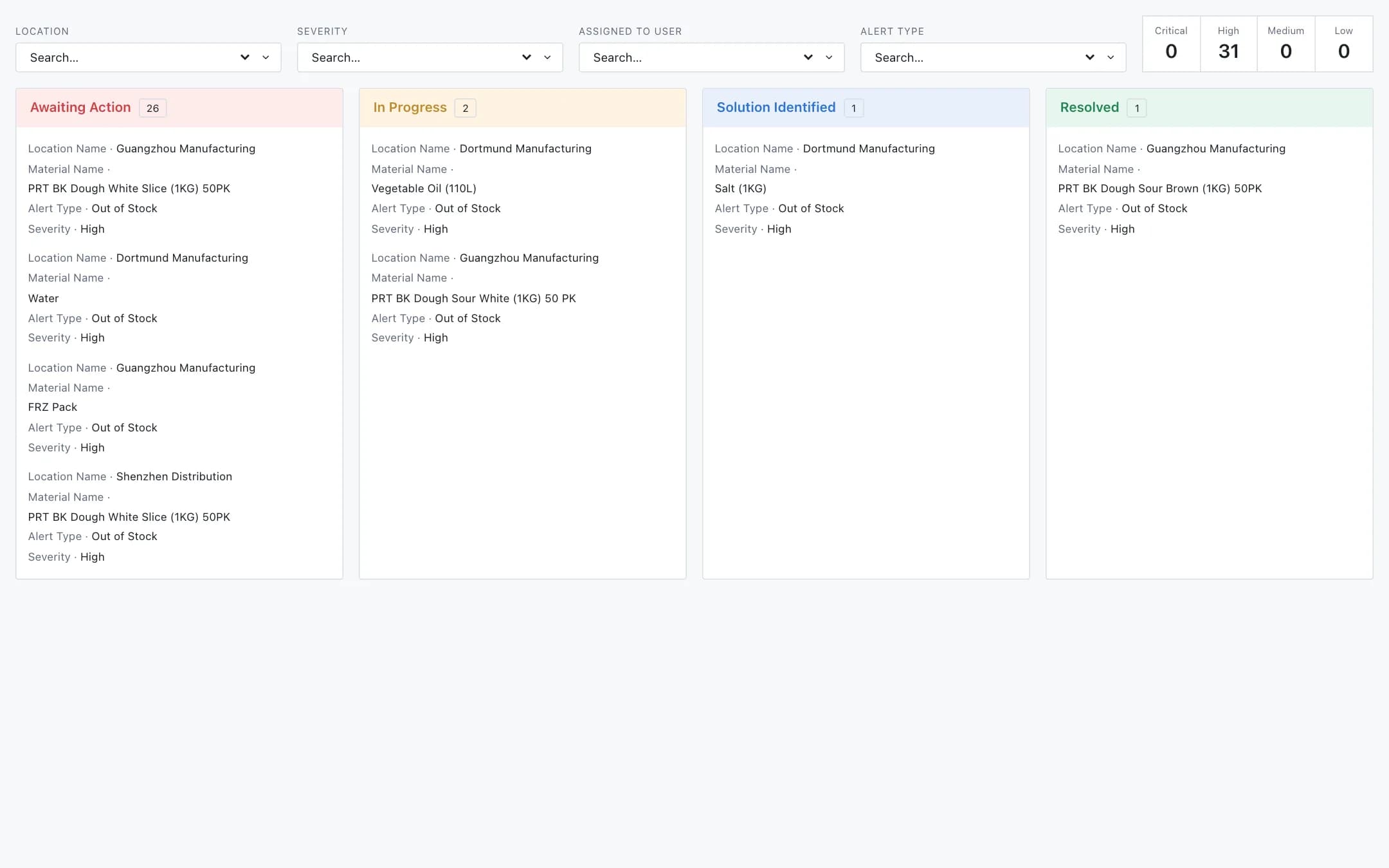
Material shortage management
Material shortage management across a network: out-of-stock alerts on a board from awaiting action to resolved, filtered by location, severity, owner and type, the impact of each shortage on production and customer orders, simulated resolutions the operator validates or replaces with their own, and a collaboration thread stored with the decision.
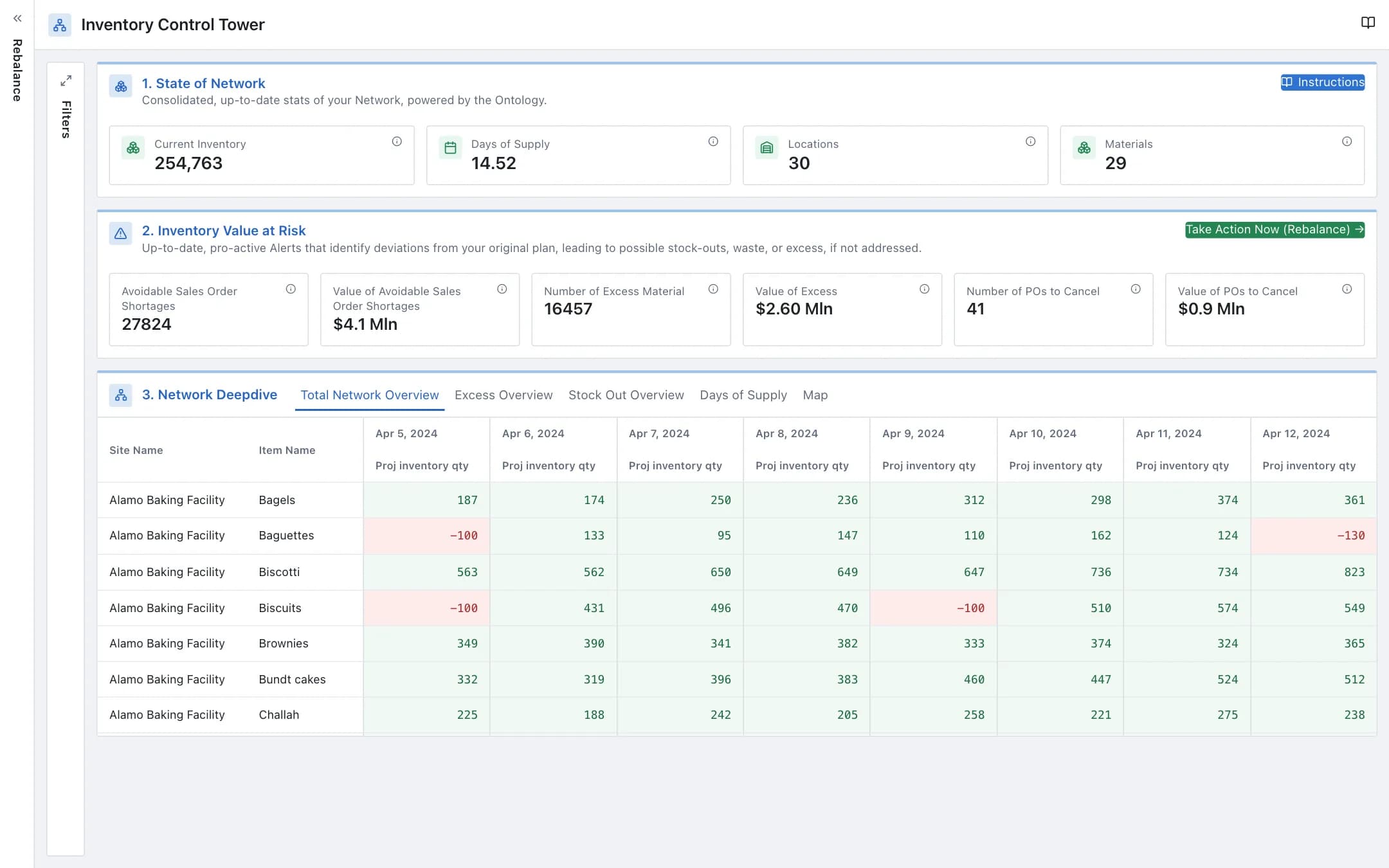
Inventory rebalancing
A control tower over the network's inventory, days of supply and value at risk, with a site-by-site, day-by-day projection and a map, and a rebalance page that lists excess alerts, shows the projected inventory with and without the move, and executes the transfer to the target site.
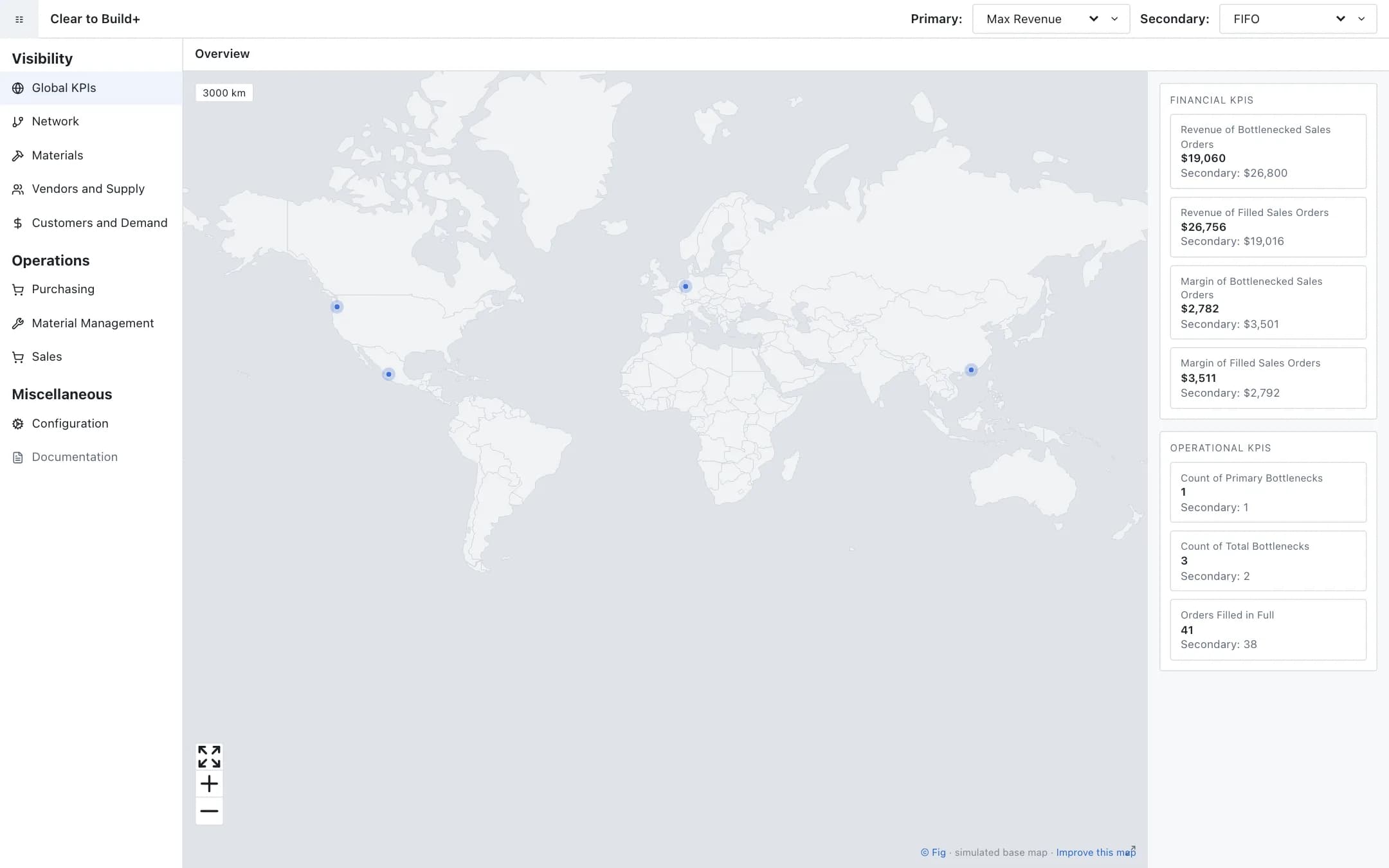
Clear to build
Clear to build across a supply chain: global KPIs of bottlenecked and filled sales orders under a primary and a secondary allocation strategy, the plant network on a world map, pages for materials, vendors, customers and operations, and the allocation of scarce material simulated against revenue, margin and customer satisfaction before bottlenecks are mitigated.