Supply chain logistics
A control tower for the distribution network: sites on a map coloured by constraint with day-by-day inventory and inbound capacity, a linear optimiser's stock-transfer recommendations to accept with ERP write-back or reject with a reason, and a spend and acceptance tracker.
One working session with the people in the seat: which decisions, which systems, what a good week looks like.
The app you see above, running on your own exports instead of the simulated world. Every screen, every decision, your numbers.
Wired to your systems with your permissions, agents proposing, people approving, the ledger recording who did what.
Overview
A site fills up, a lane loses capacity, a priority customer's order lands; the planner re-plans transfers in a spreadsheet with yesterday's inventory and no cost figure. Decisions are slow and the reasons are lost.
The app integrates the ERP, TMS and WMS into one picture of the network and runs a linear optimiser over stock transfer orders with freight, storage and handling costs against service targets. Each recommendation shows the move, the cost, the saving and the service impact with the reasoning; accepting writes it back to the ERP, rejecting records a reason the model learns from. The overview tracks spend, the review rate against target and why recommendations are rejected.
Key features
- Supply chain control tower: inventory health across the network, site by site and day by day, with constraint levels on a map.
- Logistics recommendation interface: optimal stock transfer order changes for review, with direct write-back to the ERP.
- Valuation tracker: global spend and service metrics, review and acceptance rate, rejection reasons.
- Cost-aware trade-offs: freight, storage and handling costs against live service levels and targets.
Decisions it produces
- Accept a stock transfer recommendation and write it to the ERP
- Reject a recommendation with a reason code
- Prioritise a constrained site for relief
- Adjust service targets and cost parameters
Data sources
| ERP | inventory, stock transfer orders, sales order items |
|---|---|
| TMS | lane rates, transport capacity, shipments |
| WMS | receiving capacity, pallet capacity, inbound schedule |
| Service and cost data | targets per site, freight, storage and handling costs |
Simulated data throughout. Book a call to see it on your own systems.
Related demos
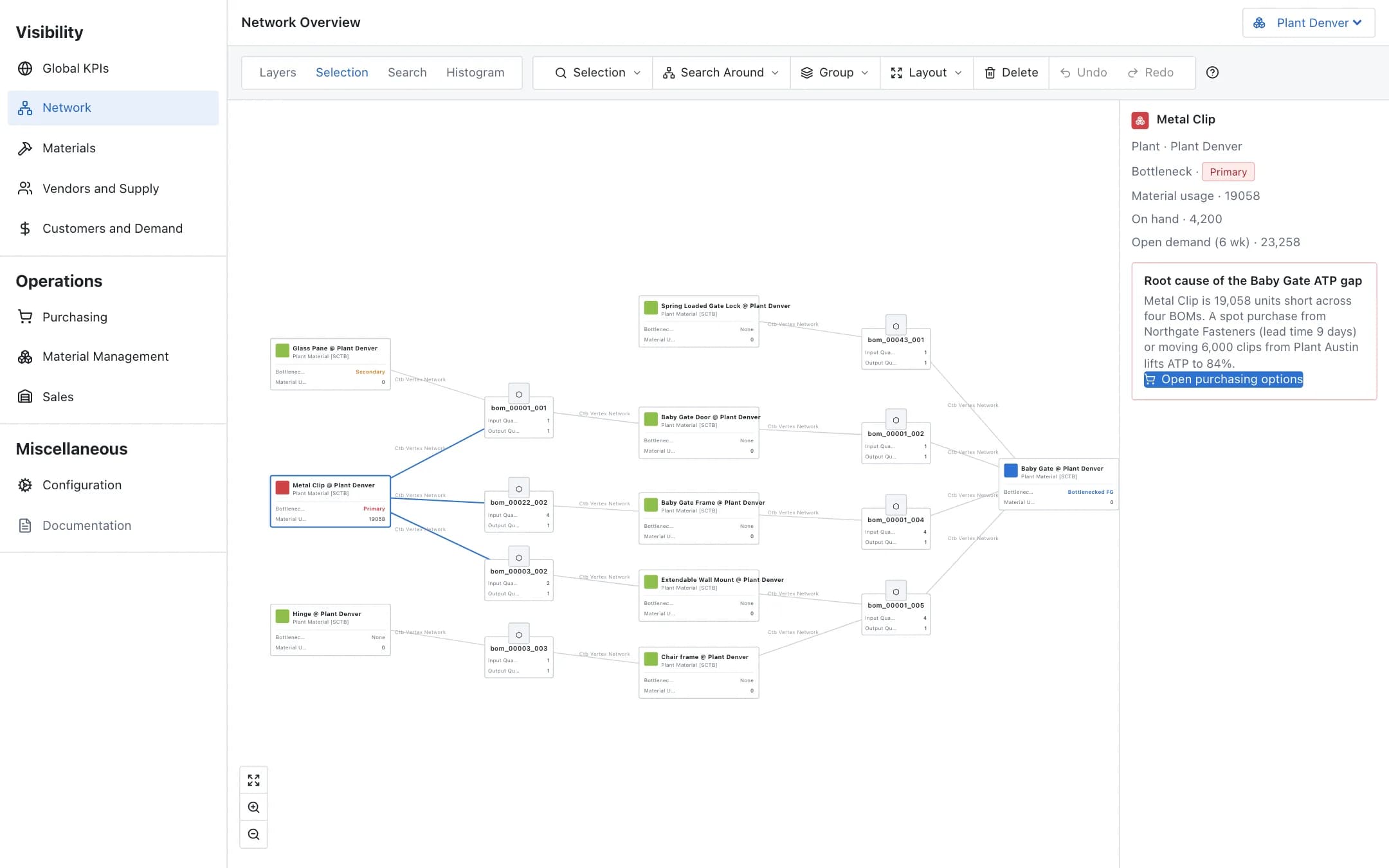
Available-to-promise
Real-time available-to-promise across the plant network, the bill-of-material graph that shows which component is the bottleneck, and simulated mitigations in purchasing, material management and sales that are committed with write-back.
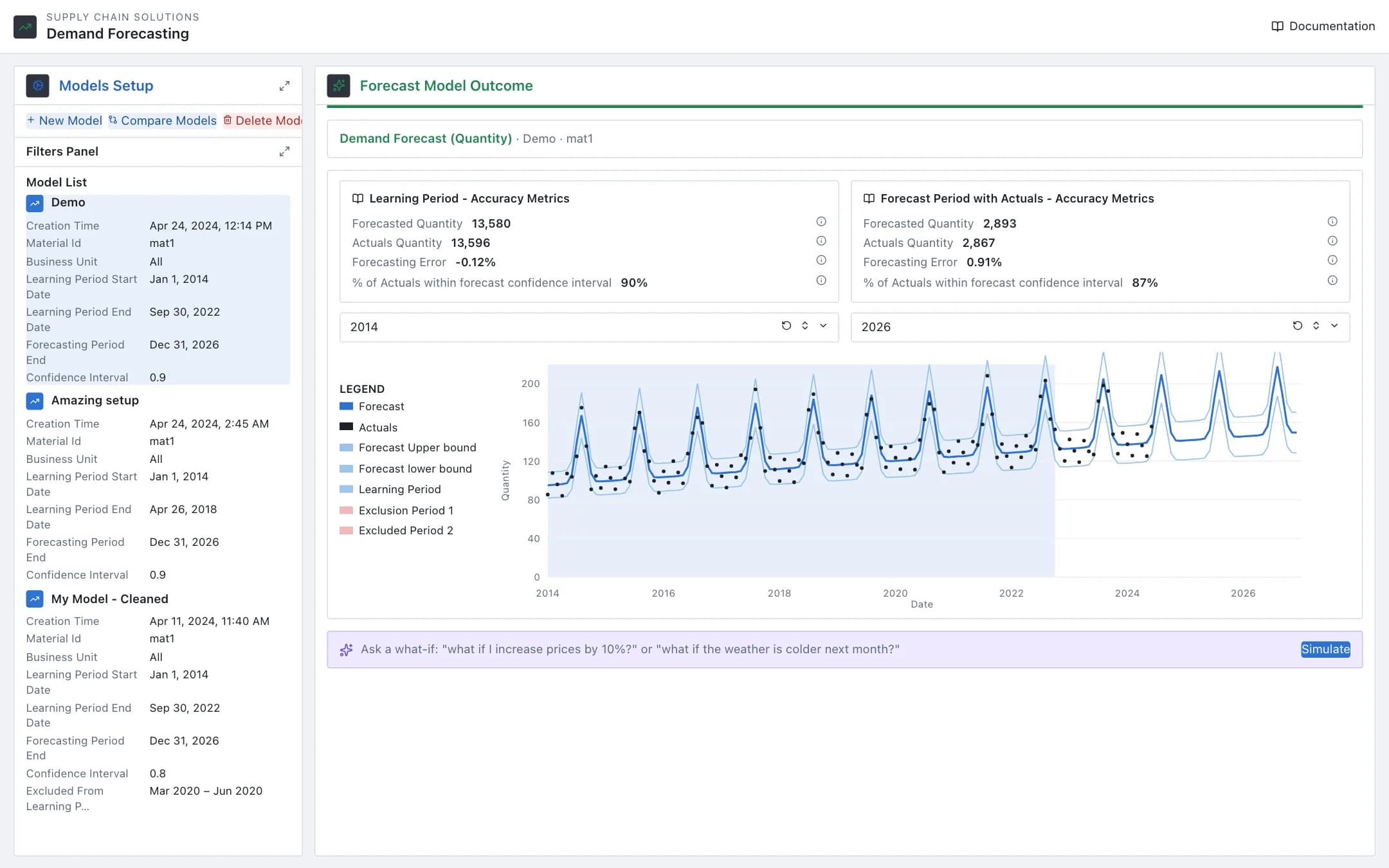
Demand forecasting
Forecast models per material and business unit with a learning period, exclusions and price assumptions; the outcome shows the seasonal forecast against actuals with accuracy metrics, models compare side by side, and a plain-language what-if re-runs the forecast.
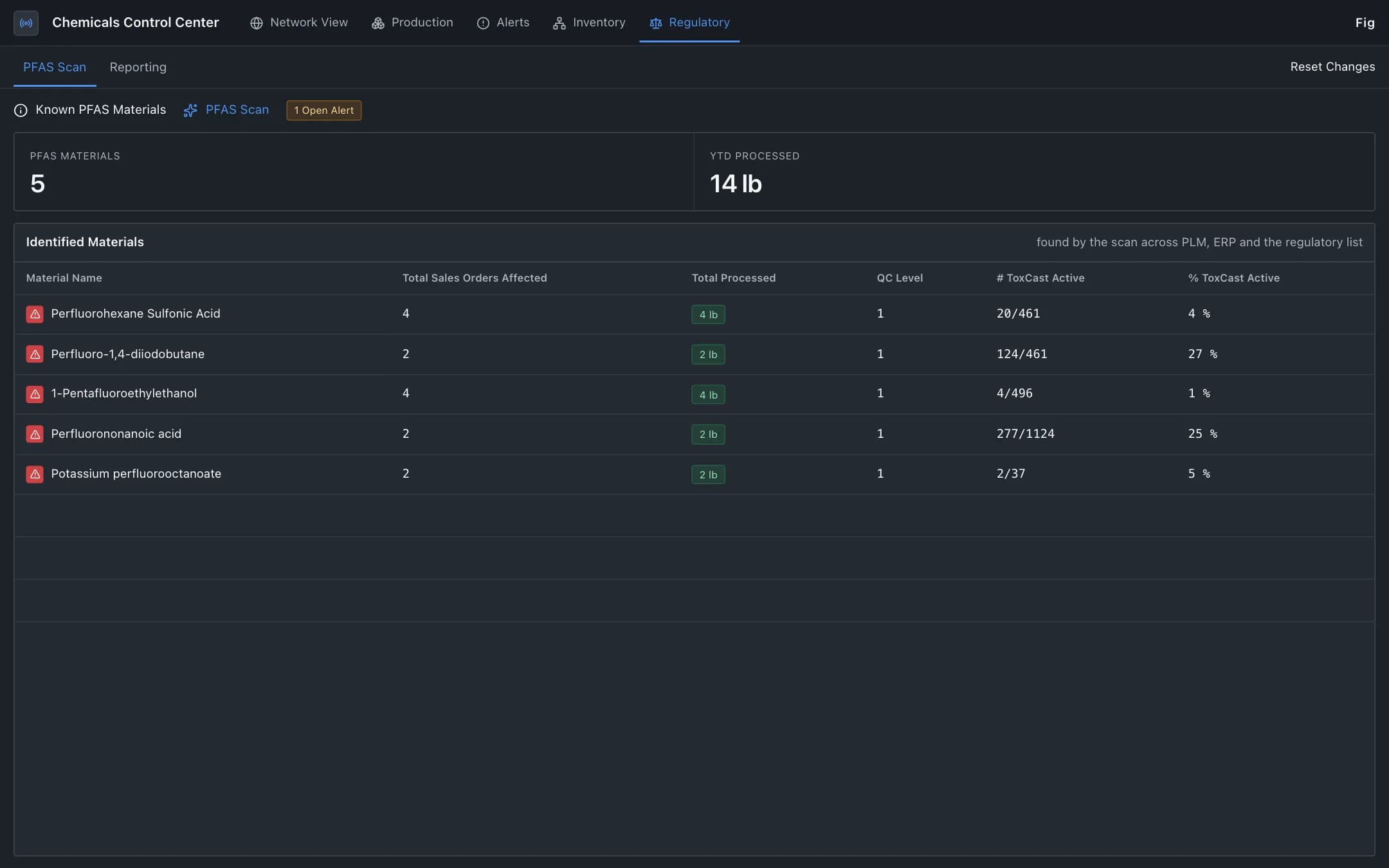
Hazardous material compliance
Regulated materials such as PFAS traced from raw material through the bill of materials, production and sales orders, with each reporting decision validated against the published regulation and compliance status by jurisdiction.